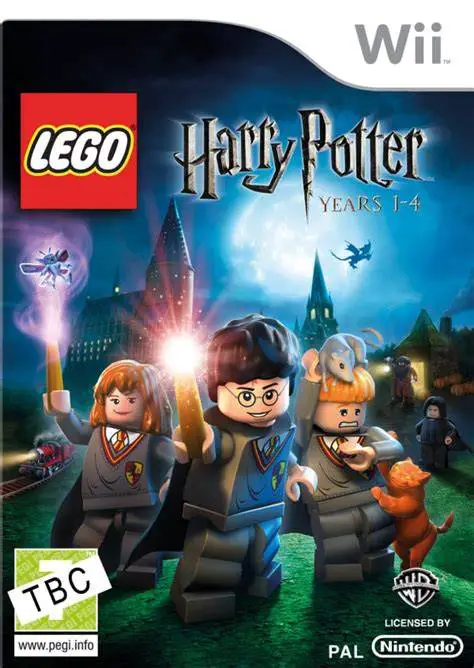
LEGO Harry Potter: Years 1-4
LEGO Harry Potter: Years 1-4 is a 2010 action-adventure g...

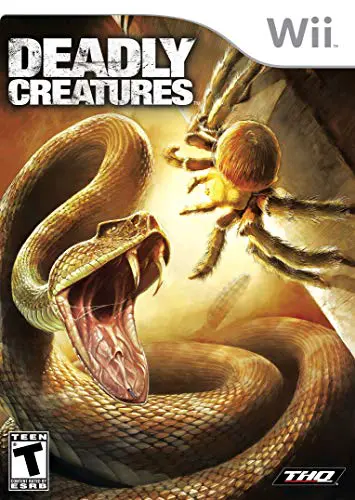
Deadly Creatures is a third-person action game that puts players in control of two deadly arachnids: a venomous scorpion and a stealthy tarantula. Developed by Rainbow Studios and released on February 9, 2009, in North America (February 13, 2009, in Europe), the game is set in the Sonoran Desert and follows the creatures as they fight for survival while a larger human story of greed and betrayal unfolds around them.
Gameplay alternates between the two protagonists. The scorpion focuses on direct, aggressive combat with powerful pinches and stings, while the tarantula emphasizes stealth, speed, jumping, and web-based attacks. Players use the Wii Remote and Nunchuk for movement, basic attacks, and motion-based special moves and finishing sequences. Environments can be climbed and explored in all directions, including walls and ceilings, offering a strong sense of scale as the tiny protagonists face larger threats such as lizards, rats, snakes, and other insects.
The campaign is structured in chapters that switch between the two creatures, featuring combat encounters, environmental puzzles, boss battles, and collectible grubs that unlock concept art. The game is single-player only and delivers a cinematic, atmospheric experience with strong production values for a Wii exclusive.
Platform: Nintendo Wii (exclusive)
Developer: Rainbow Studios
Publisher: THQ
Release Date: February 9, 2009 (North America); February 13, 2009 (Europe)
Genre: Action-Adventure
Modes: Single-player
ESRB Rating: T (Teen) – Alcohol Reference, Blood, Mild Language, Violence
Players: 1
Controls: Wii Remote + Nunchuk
Also Available On: None (Wii exclusive)
Play as both a scorpion (aggressive combat) and a tarantula (stealth and mobility).
Motion-controlled attacks, combos, and cinematic finishing moves using the Wii Remote and Nunchuk.
Full 360-degree exploration including walls and ceilings from an insect perspective.
Detailed desert environments with a sense of scale against larger predators.
Alternating chapters with different playstyles for each creature.
Boss battles against larger creatures such as Gila monsters, rattlesnakes, and more.
Collectible grubs that unlock concept art and bonuses.
Dark narrative involving human characters, with voice work by Billy Bob Thornton and Dennis Hopper.
Single-player focused cinematic action experience.
Yes. The game was developed and released exclusively for the Nintendo Wii.
Yes. The campaign alternates between controlling a male scorpion and a female tarantula, each with distinct playstyles and abilities.
No. Deadly Creatures is a single-player only experience.
The Wii Remote and Nunchuk are used for movement, basic attacks, blocking, and motion gestures for special attacks and finishing moves. The tarantula also uses the pointer for web-based actions.
Yes. A parallel human story involving greed and betrayal unfolds in the background, featuring voice acting by Billy Bob Thornton and Dennis Hopper.
The main campaign consists of a series of chapters and can typically be completed in around 8–10 hours, with additional time for collecting unlockables and replaying chapters.
Click the links below to go to the cloud drive download page
⚠️ Download Tips:
LEGO Harry Potter: Years 1-4 is a 2010 action-adventure g...
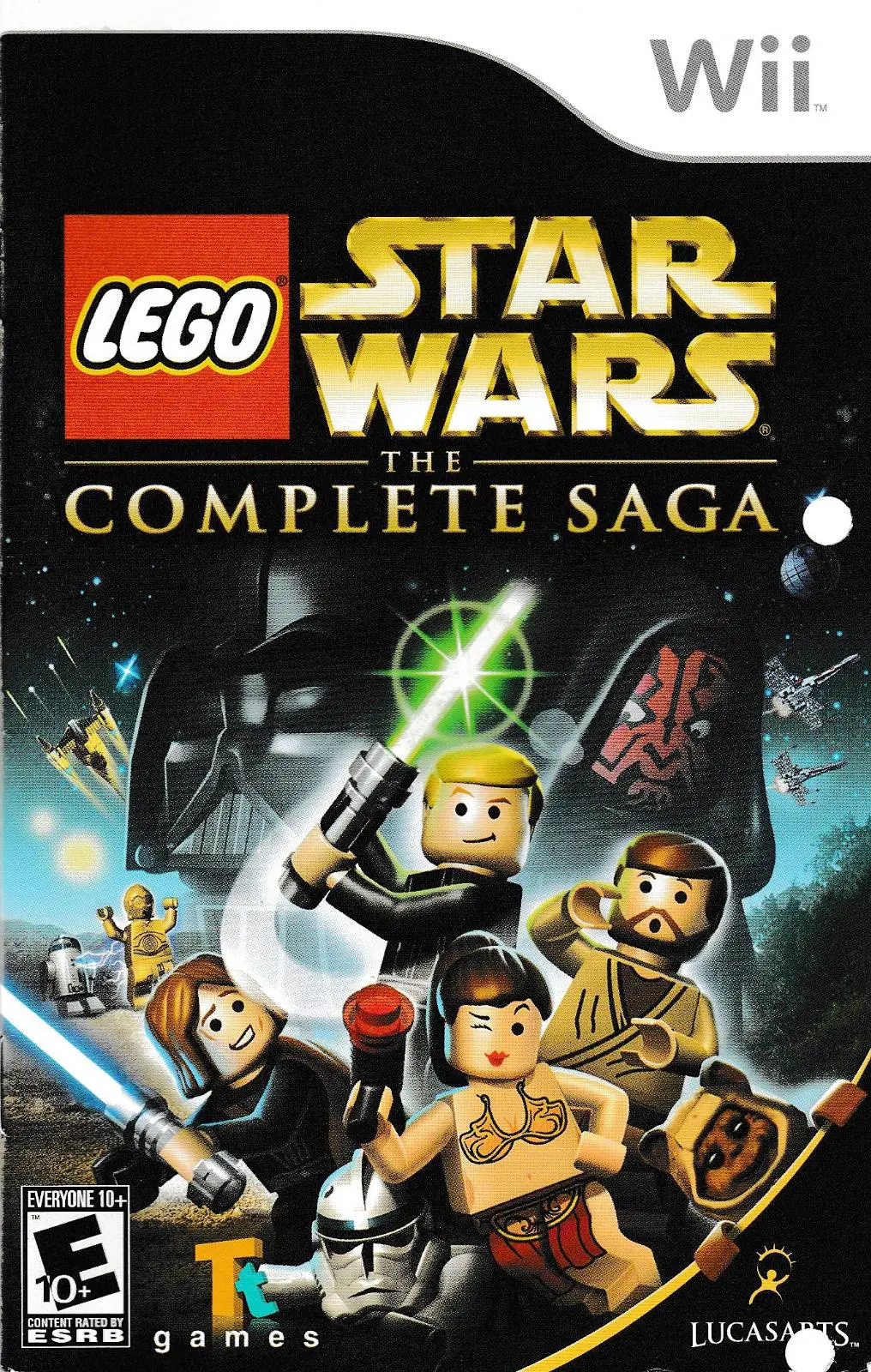
LEGO Star Wars: The Complete Saga is a 2007 action-advent...

Dead Rising: Chop Till You Drop is an action-adventure su...
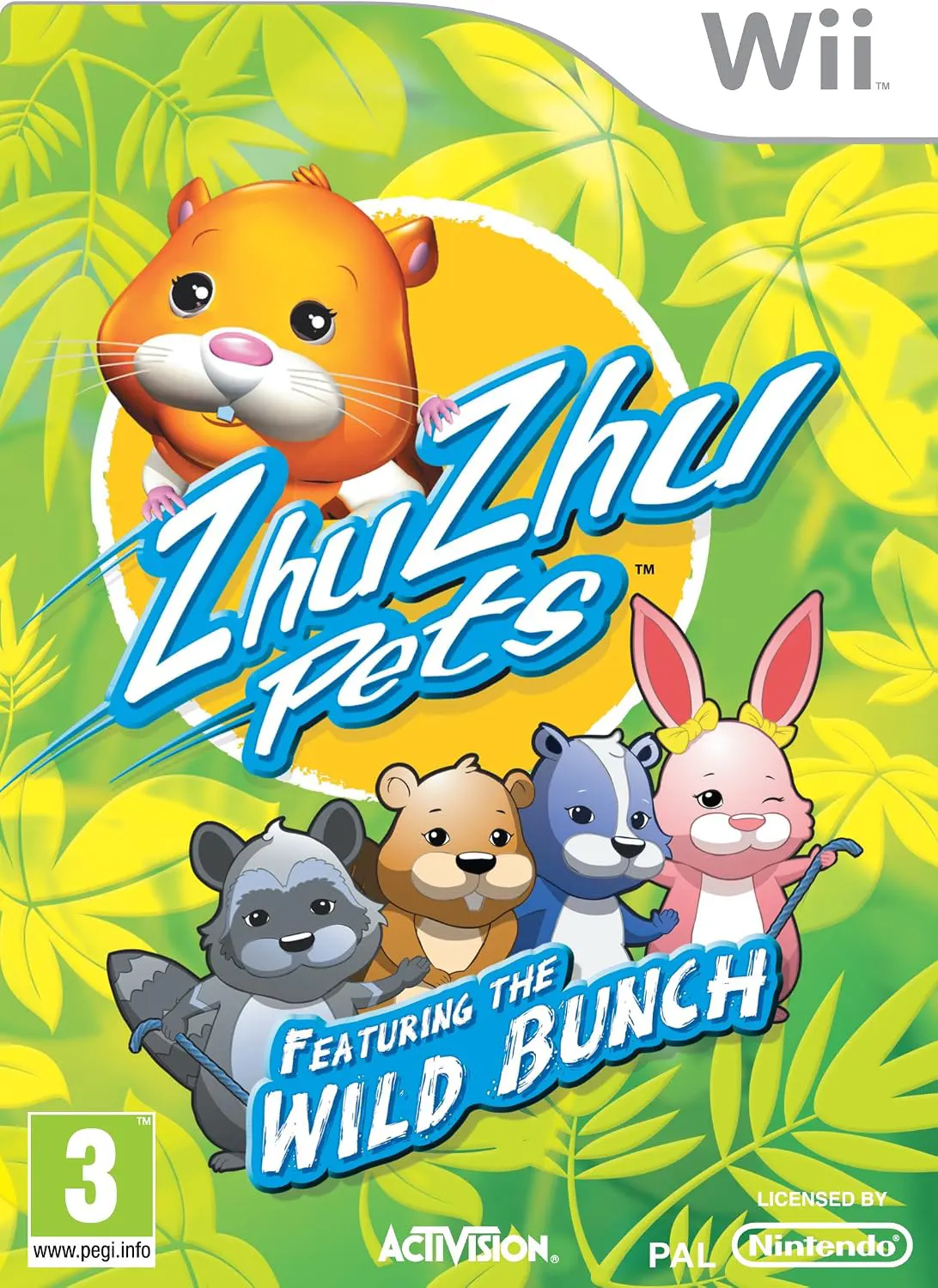
ZhuZhu Pets: Featuring the Wild Bunch for the Nintendo Wi...

X-Men Origins: Wolverine for the Nintendo Wii delivers an...