
Punch-Out!!
Punch-Out!! is an exhilarating arcade-style boxing sports...

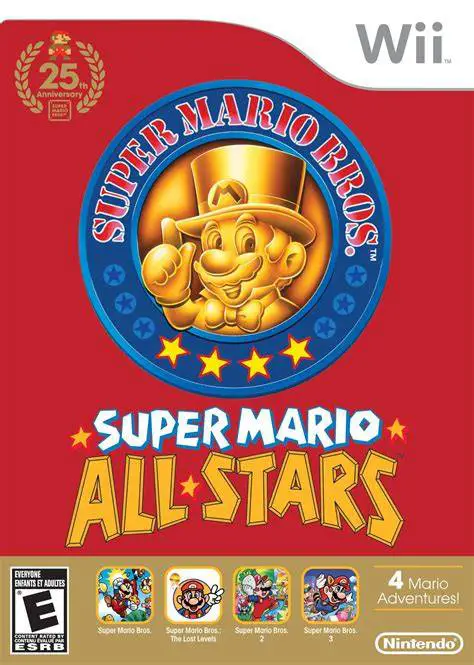
Super Mario All-Stars Limited Edition offers players a complete journey through the foundational titles that shaped the platforming genre. Originally developed for the Super Nintendo Entertainment System (SNES) in 1993, this collection faithfully recreates four seminal Mario adventures with vibrant 16-bit graphic style and upgraded audio arrangements. The package includes the original Super Mario Bros., the North American Super Mario Bros. 2, the highly popular Super Mario Bros. 3, and the challenging Japanese sequel known as Super Mario Bros.: The Lost Levels.
The Wii release allows players to experience these timeless platformers using multiple controller options, including the sideways Wii Remote, Classic Controller, or GameCube controller. Unlike the original NES releases, every game inside the collection features an integrated battery-backed save file system, allowing players to save their progress at any level. Bundled with a special 32-page historical booklet chronicling the franchise's evolution and an official soundtrack CD featuring tracks from Super Mario Bros. to Super Mario Galaxy 2, this limited edition serves as a definitive tribute to Nintendo's iconic plumber.
Specification | Details |
Title | Super Mario All-Stars Limited Edition |
Platform | Nintendo Wii |
Developer | Nintendo EAD |
Publisher | Nintendo |
Release Date | December 12, 2010 (North America) / October 21, 2010 (Japan) |
Genre | 2D Platformer / Compilation |
Mode | Single-player, 2-Player Local Alternating / Co-op |
Media Format | Wii Optical Disc + Audio CD |
Video Output | 480p, 4:3 / 16:9 Support |
Four Classic Super Mario Games: Play enhanced 16-bit remakes of Super Mario Bros., Super Mario Bros. 2, Super Mario Bros. 3, and Super Mario Bros.: The Lost Levels.
Built-in Save State Support: Save your level progress seamlessly across all four games, eliminating the need for long password codes or single-session runs.
25th Anniversary Soundtrack CD: Includes a bonus audio disc featuring 10 classic game tracks and 10 iconic sound effects from across 25 years of Super Mario titles.
Collector’s History Booklet: Features a 32-page retrospective booklet containing unreleased development concept art, behind-the-scenes interviews, and design notes.
Multiple Controller Choices: Play comfortably using a horizontal Wii Remote, a Wii Classic Controller, or a original GameCube controller.
Yes, Super Mario All-Stars Limited Edition runs smoothly on the Dolphin emulator. You can map button inputs to any standard USB controller, keyboard, or arcade stick.
The disc includes 16-bit remastered versions of Super Mario Bros., Super Mario Bros. 2, Super Mario Bros. 3, and Super Mario Bros.: The Lost Levels.
Yes, the collection includes Super Mario Bros.: The Lost Levels, which was originally released in Japan as the true Super Mario Bros. 2 for the Famicom Disk System.
No, a Nunchuk is not required. You can play all four games holding a single Wii Remote horizontally, or by using a Classic Controller or GameCube controller.
Click the links below to go to the cloud drive download page
⚠️ Download Tips:
Punch-Out!! is an exhilarating arcade-style boxing sports...
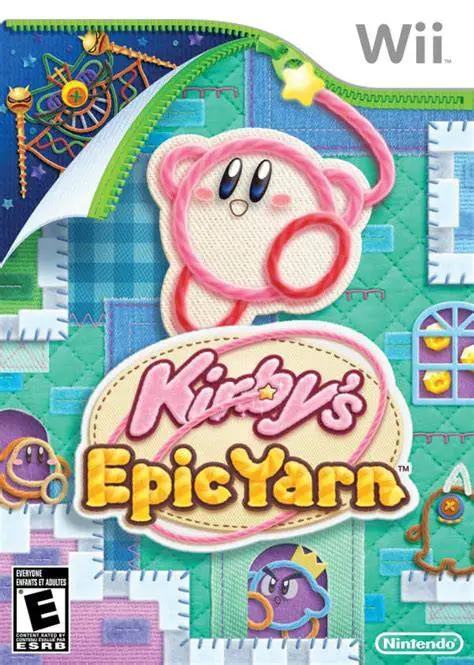
Kirby's Epic Yarn is a charming and visually inventive 2....
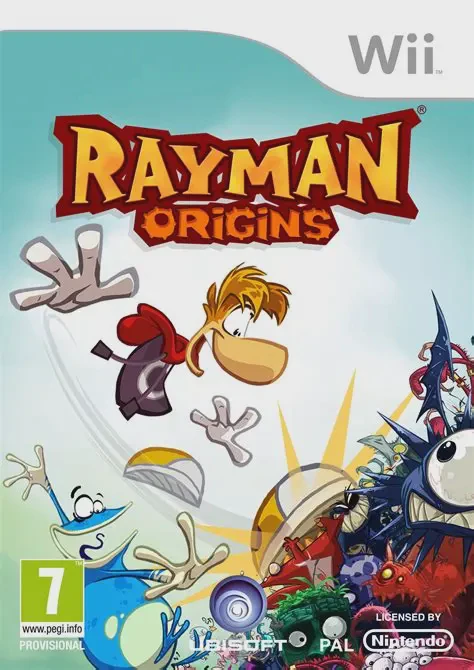
Rayman Origins is a critically acclaimed 2D side-scrollin...
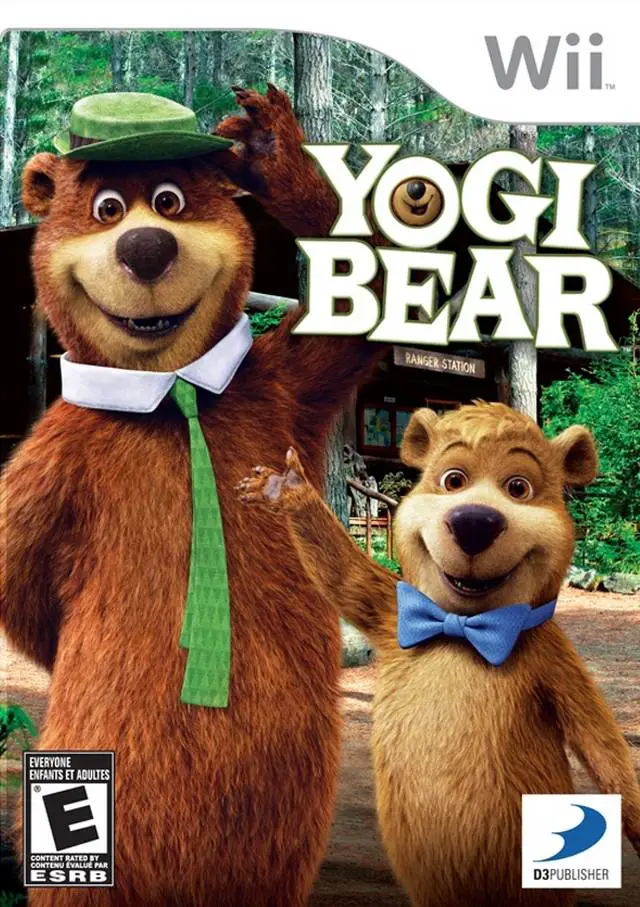
Yogi Bear: The Video Game brings the iconic Hanna-Barbera...

Wicked Monsters Blast! is a colorful arcade-style light g...