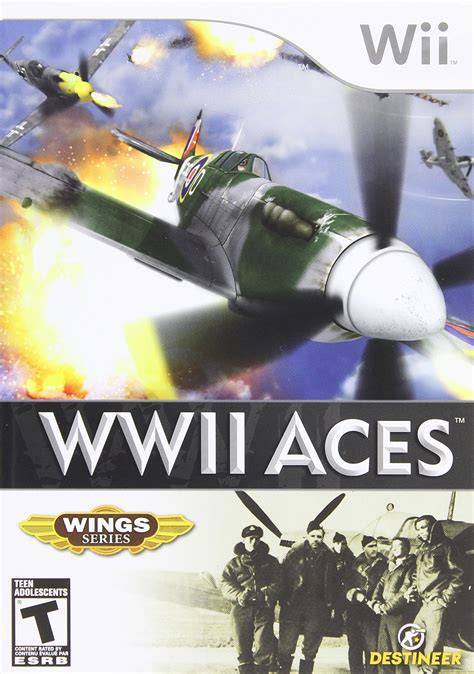
WWII Aces
WWII Aces delivers an action-packed arcade flight combat ...

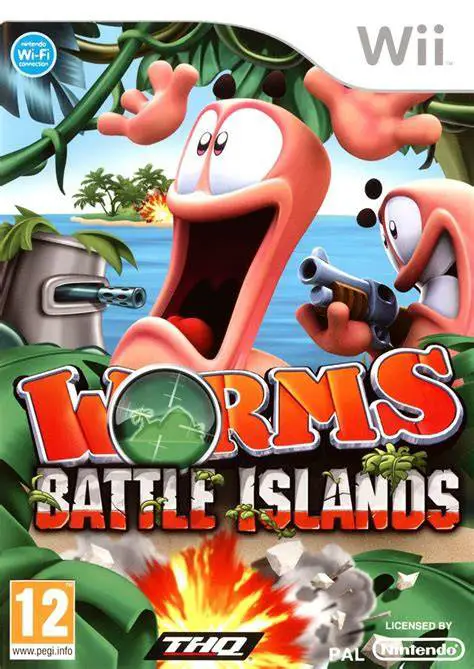
Worms: Battle Islands expands the series' classic turn-based strategy formula on the Nintendo Wii by introducing a risk-style strategic meta-game. The core single-player campaign tasks players with conquering six distinct tactical islands, each offering unique strategic bonuses—such as sniper support, air drops, or secret item unlocks—to assist in subsequent land battles.
Matches take place on randomly generated or pre-built 2D landscapes made of fully destructible terrain. Teams take turns aiming projectile trajectories, accounting for wind speed, and firing iconic weaponry including Bazookas, Homing Missiles, Holy Hand Grenades, and Exploding Sheep. The Wii version allows players to adjust trajectories dynamically using motion controls or classic directional pads.
Beyond combat, the game places heavy focus on customization. Players can create custom worm squads, personalize gravestones, craft victory dances, design original battle maps using an in-game editor, and build custom weapons via the Weapon Factory. Featuring 4-player local multiplayer and diverse game modes (such as Tactics, Deathmatch, and Fort mode), Worms: Battle Islands offers extensive replayability for strategy fans.
Specification | Detail |
Title | Worms: Battle Islands |
Platform | Nintendo Wii |
Genre | Turn-Based Strategy / Artillery |
Developer | Team17 |
Publisher | THQ |
Release Date | November 23, 2010 |
Game Modes | Single-player, Local Multiplayer (Up to 4 Players) |
Control Options | Wii Remote, Wii Remote + Nunchuk, Classic Controller |
Tactical Island Campaign: Conquer six distinct island territories in single-player, unlocking operational perks and items to use in future missions.
Destructible 2D Environments: Engage in classic trajectory-based combat on fully destructible terrain featuring varied island themes.
Weapon Factory & Customization: Build custom super-weapons and personalize worm names, hats, speech banks, victory dances, and gravestones.
Versatile Multiplayer Modes: Battle friends in local 4-player matches across iconic game types, including Deathmatch, Fort Mode, and Tactics Mode.
Built-In Landscape Editor: Draw and design custom battle maps directly on screen to create endless new tactical scenarios.
A: Motion controls are used for gesture-assisted aiming, sweeping the camera across the landscape, and triggering specific weapon releases, though traditional button controls are also fully supported.
A: Yes, the game features a dedicated Weapon Factory mode where players can combine payload attributes, blast radii, and visual effects to forge custom super-weapons.
A: Yes, up to 4 players can compete in local multiplayer matches, either by using four separate controllers or by passing a single Wii Remote back and forth between turns.
A: In campaign mode, defeating enemy garrisons on different islands grants tactical perks (such as artillery strikes or tactical drops) that can be activated before starting subsequent missions.
Click the links below to go to the cloud drive download page
⚠️ Download Tips:
WWII Aces delivers an action-packed arcade flight combat ...
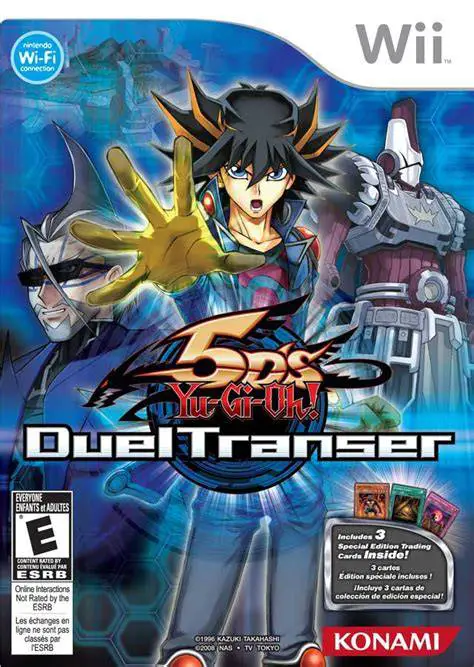
Yu-Gi-Oh! 5D's Duel Transer (released in Europe as Yu-Gi-...
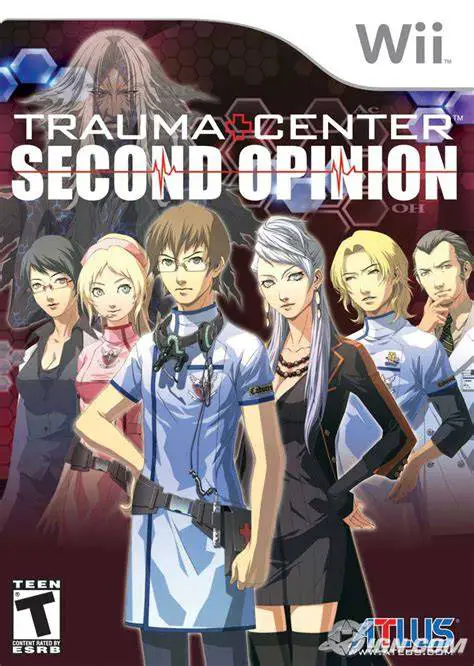
Trauma Center: Second Opinion brings intense medical simu...
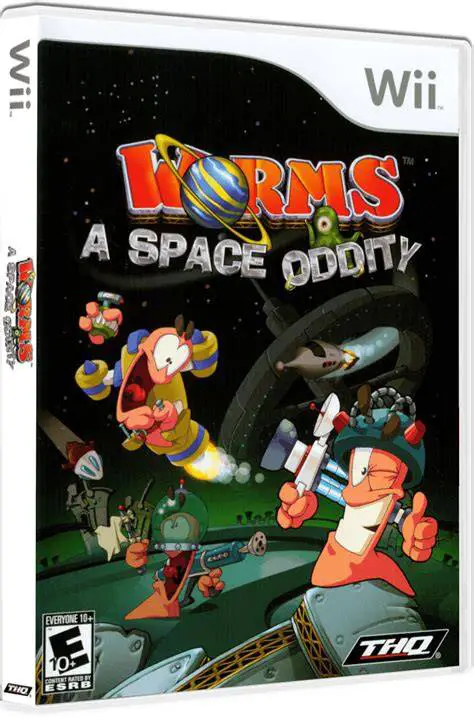
Worms: A Space Oddity brings classic 2D turn-based artill...
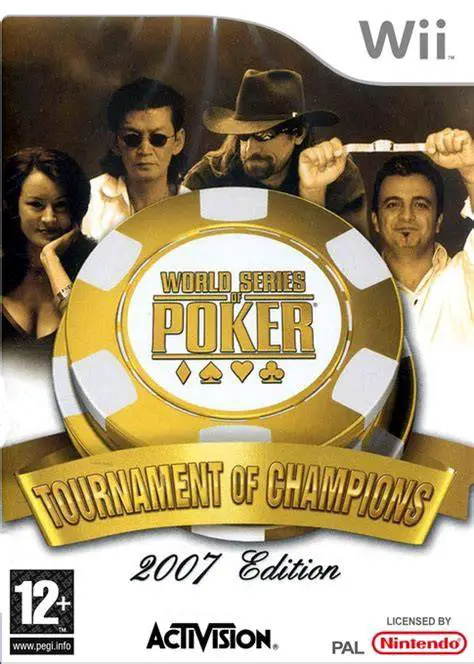
World Series of Poker: Tournament of Champions – 2007 Edi...