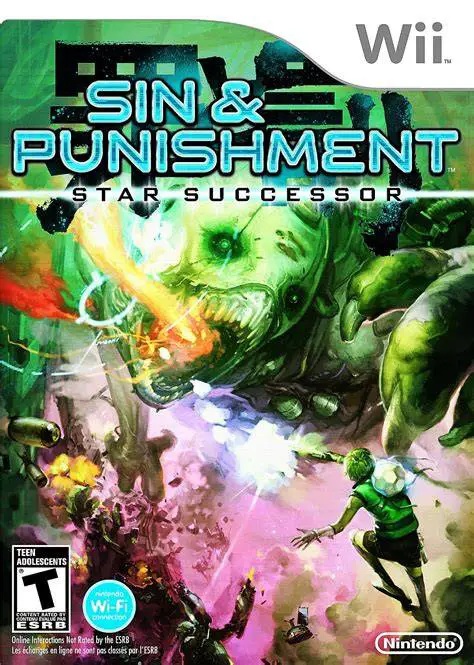
Sin & Punishment: Star Su...
Sin & Punishment: Star Successor is a fast-paced on-rails...

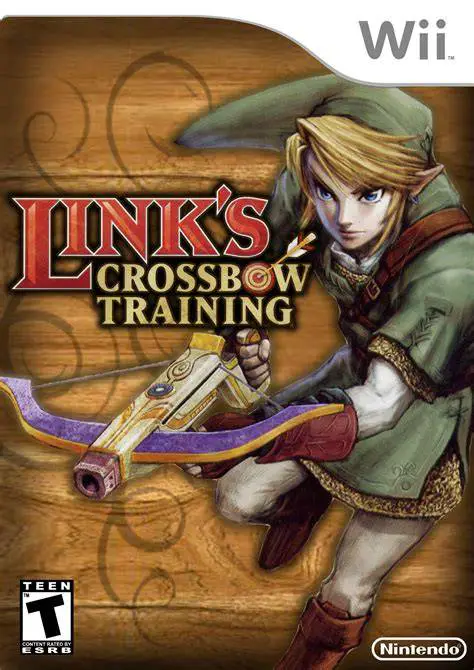
Link's Crossbow Training delivers an accessible, high-score driven shooting gallery experience built on the graphics and asset engine of The Legend of Zelda: Twilight Princess. Designed primarily as a showcase title for the Wii Zapper peripheral, the game combines classic light gun shooter mechanics with iconic action-adventure elements from the Zelda universe.
The game is structured across 9 main levels, each divided into three distinct gameplay modes designed to test different marksmanship abilities. Target Shoot modes function like traditional shooting galleries, where players aim at stationary and moving targets to build high combo multipliers. Defender modes keep the player stationary in the center of the arena while wave upon wave of incoming enemies attack from all directions. Ranger modes allow full movement control using the Nunchuk control stick while using the pointer to target foes in third-person exploration setups.
Throughout each level, players accumulate points by landing consecutive hits, targeting hidden green rupees, and hitting high-value bullseyes. Performing continuous precise shots increases the score multiplier, encouraging players to aim for platinum bronze medal achievements and master each stage. With offline multi-player options and quick replay loops, Link's Crossbow Training offers a lighthearted yet competitive arcade challenge for Zelda fans.
Feature | Details |
Title | Link's Crossbow Training |
Platform | Nintendo Wii |
Genre | Rail Shooter / Target Shooting |
Developer | Nintendo EAD |
Publisher | Nintendo |
Release Date | November 19, 2007 (North America) / December 7, 2007 (Europe) |
Game Modes | Single-player, Local Multiplayer (1–4 Players Pass-and-Play) |
Peripherals | Wii Remote, Nunchuk, Wii Zapper Compatible |
ESRB Rating | T (Teen) for Animated Blood and Violence |
Wii Zapper Integration: Designed specifically to take full advantage of the Wii Zapper casing for immersive light gun controls.
Three Gameplay Modes: Features Target Shoot, Defender, and Ranger stages that mix stationary shooting with free movement.
Twilight Princess Setting: Revisit famous locations and fight classic monsters including Bokoblins, Stalfos, and Keese.
Combo Multiplier System: Maintain continuous accuracy to build high score multipliers and earn high-tier medals.
Multiplayer Competition: Supports up to 4 players in alternating pass-and-play high-score competition modes.
A: No, Link's Crossbow Training is a spin-off arcade target shooter title that uses characters, assets, and environments from The Legend of Zelda: Twilight Princess.
A: No, while the game was originally bundled with the Wii Zapper accessory, you can play the game using a standard Wii Remote and Nunchuk setup.
A: The game features 9 total levels, with each level consisting of 3 distinct stage challenges, resulting in 27 individual shooting stages.
A: Local multiplayer supports up to 4 players taking turns (pass-and-play) to compete for the highest overall score on selected stages.
Click the links below to go to the cloud drive download page
⚠️ Download Tips:
Sin & Punishment: Star Successor is a fast-paced on-rails...
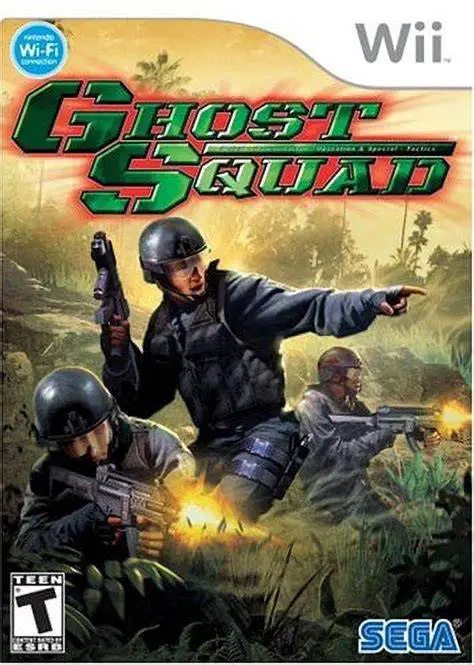
Ghost Squad is a high-octane light gun arcade shooter bro...
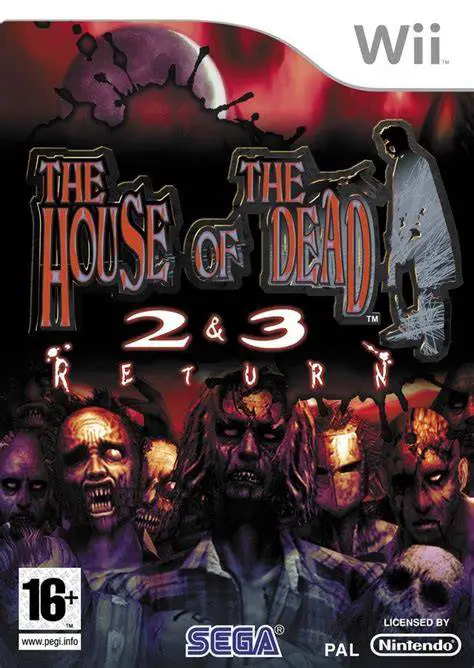
The House of the Dead 2 & 3 Return brings two iconic arca...
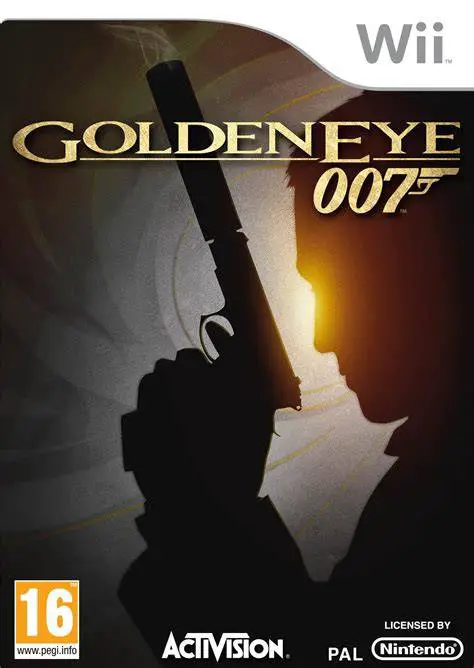
GoldenEye 007 is a 2010 first-person shooter developed by...
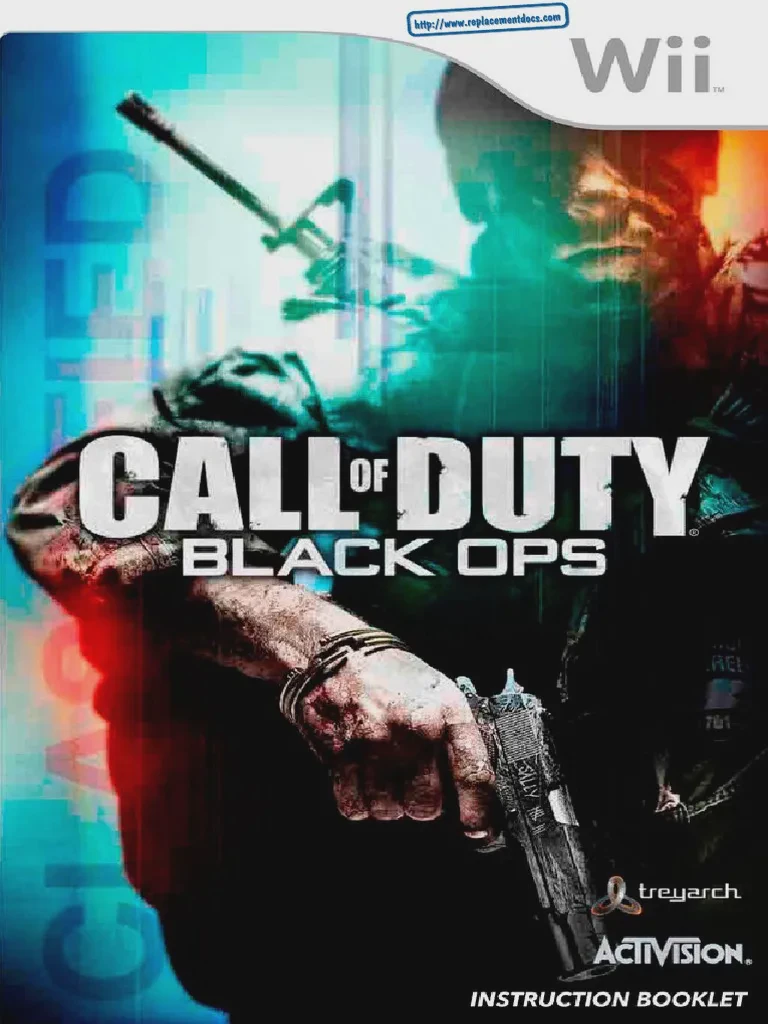
Call of Duty: Black Ops is a 2010 first-person shooter de...