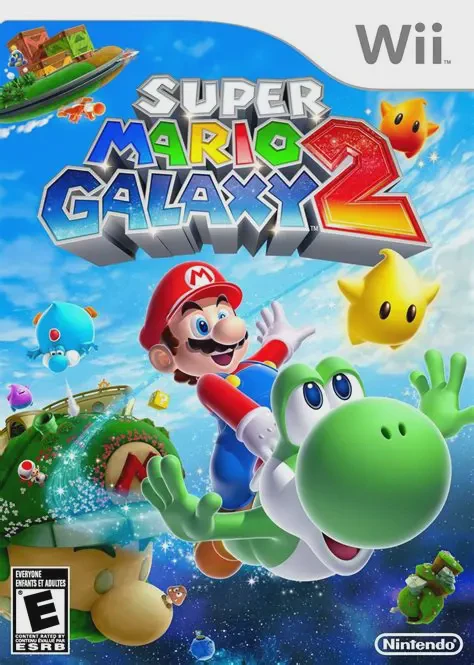
Super Mario Galaxy 2
Super Mario Galaxy 2 is an extraordinary 3D platforming a...

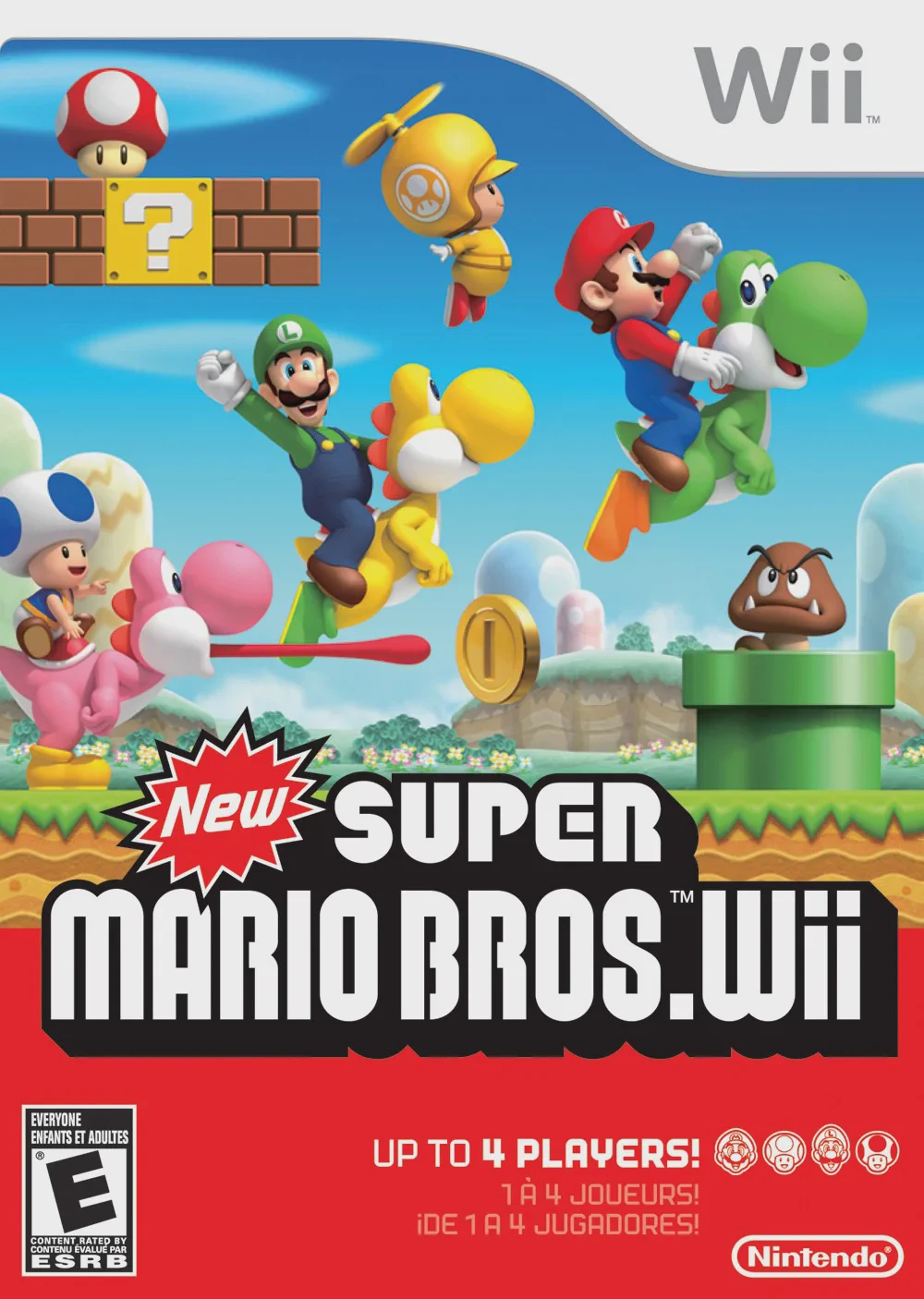
New Super Mario Bros. Wii brings back the classic side-scrolling action of the original 2D Super Mario games while incorporating full 3D character models and dynamic camera movements. The story unfolds during Princess Peach's birthday celebration at her castle, where Bowser Jr. and the Koopalings hide inside a giant cake to capture Peach and make their escape on an airship. Mario, Luigi, Yellow Toad, and Blue Toad embark on a journey across eight unique worlds to defeat the Koopalings and save the kingdom.
A defining feature of the game is its seamless local four-player multiplayer mode, allowing players to cooperate or compete through every level. Players can bounce off one another, throw teammates over obstacles, or bubble up when in danger to prevent lives from being lost. The gameplay blends classic platforming with Wii motion controls—tilting the Wii Remote controls floating platforms or lights, while shaking the remote triggers a Spin Jump or Propeller flight. With the debut of power-ups like the Propeller Suit, Ice Flower, and Penguin Suit, along with the introduction of the Super Guide assistance system, New Super Mario Bros. Wii remains a cornerstone of the multiplayer Mario series.
Specification | Details |
Title | New Super Mario Bros. Wii |
Platform | Nintendo Wii |
Developer | Nintendo EAD |
Publisher | Nintendo |
Release Date | November 15, 2009 (North America) / December 3, 2009 (Japan) |
Genre | 2.5D Side-Scrolling Platformer |
Mode | Single-player, 2-4 Player Local Co-op / Competitive |
Media Format | Wii Optical Disc |
Video Output | 480p, 16:9 Widescreen Support |
Four-Player Simultaneous Multiplayer: Play together locally as Mario, Luigi, Yellow Toad, or Blue Toad to navigate challenging levels cooperatively or competitively.
Exciting New Power-Ups: Soar through the air with the Propeller Suit, slide on ice and freeze enemies with the Penguin Suit, or throw freezing ice balls with the Ice Flower.
Intuitive Wii Motion Controls: Tilt the Wii Remote sideways to manipulate balancing platforms and tilt lamps, or shake the remote to perform a Spin Jump or lift teammates.
Yoshi Riding Mechanics: Mount rideable Yoshis in select levels to flutter jump, swallow enemies, and spit out projectiles or fireballs at obstacles.
Super Guide Feature: Unlocks a automated Luigi demo to help players navigate difficult areas if they get stuck repeatedly on a single level.
Yes, New Super Mario Bros. Wii runs exceptionally well on the Dolphin emulator. Motion controls and shaking inputs can easily be mapped to standard gamepad buttons, analog sticks, or keyboard keys.
No, the game is played by holding a single Wii Remote sideways like a traditional NES controller. An attached Nunchuk is optional and not required for gameplay.
The game supports up to 4 players simultaneously in local multiplayer mode for both the main story campaign and special mini-game modes.
If a player loses eight lives in a single main-story level, a green Super Guide block appears. Hitting it allows an AI-controlled Luigi to demonstrate how to safely clear the level.
Click the links below to go to the cloud drive download page
⚠️ Download Tips:
Super Mario Galaxy 2 is an extraordinary 3D platforming a...
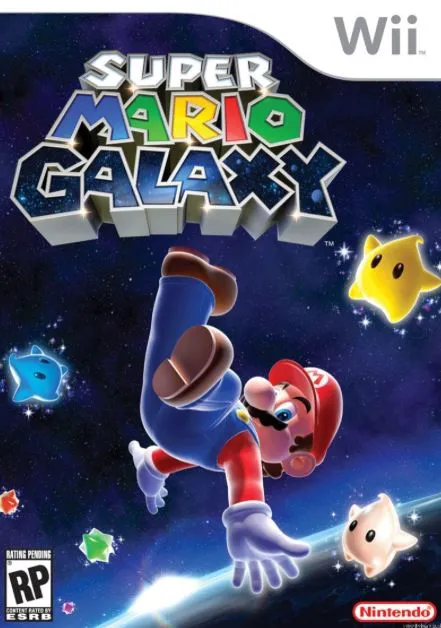
Super Mario Galaxy is a critically acclaimed 3D platformi...
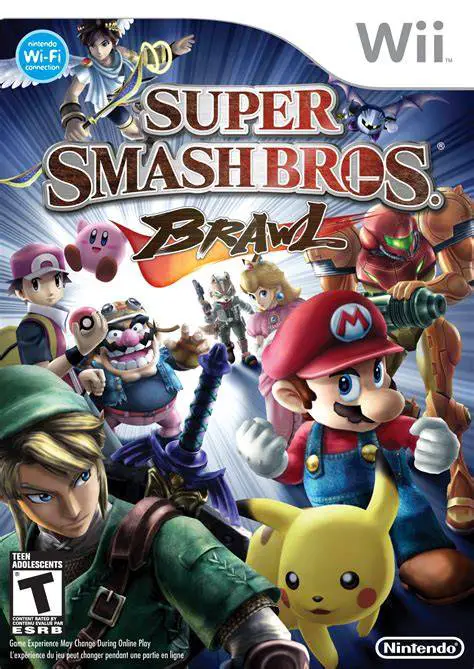
Super Smash Bros. Brawl is a legendary crossover fighting...
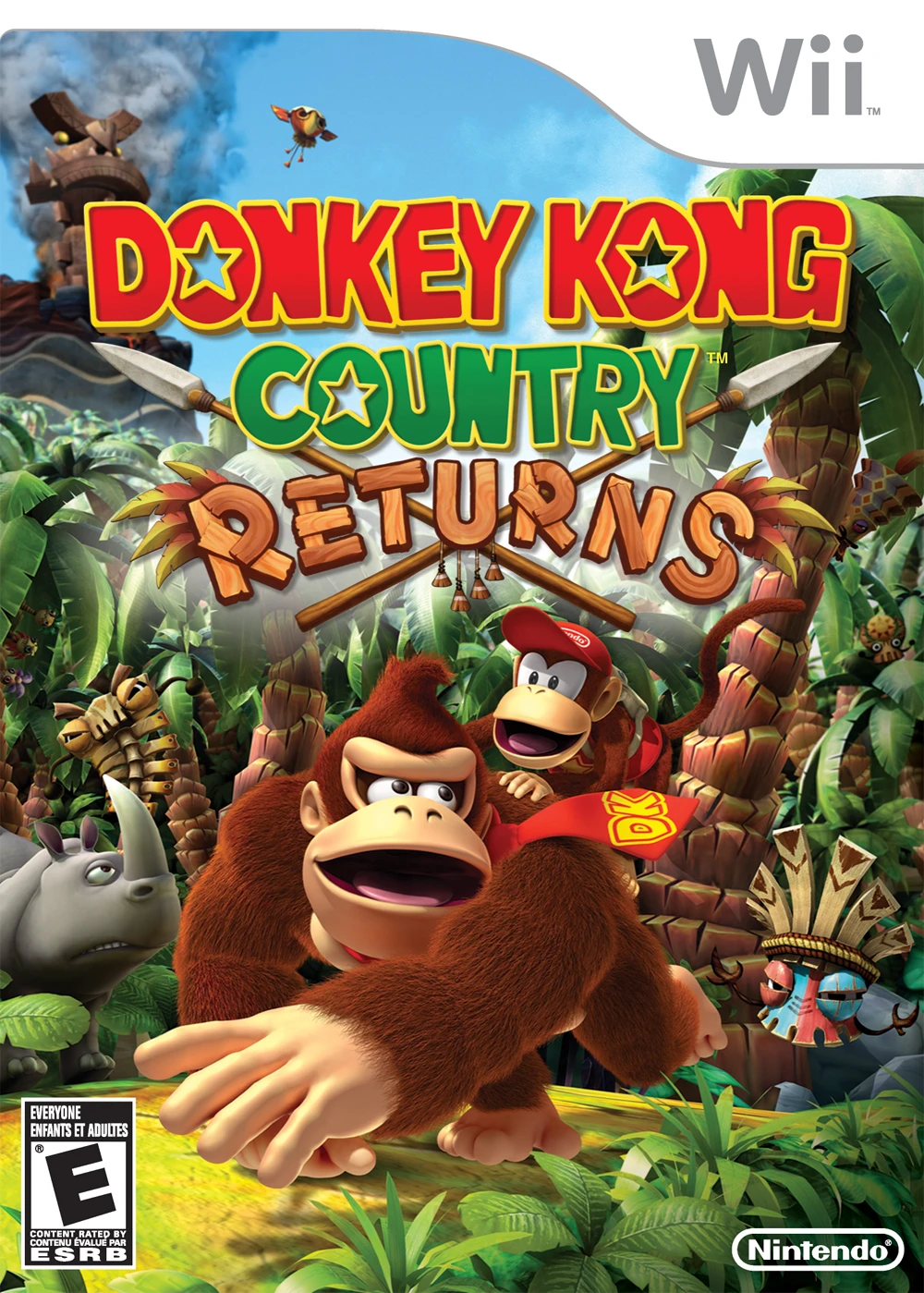
Donkey Kong Country Returns is a critically acclaimed 2.5...
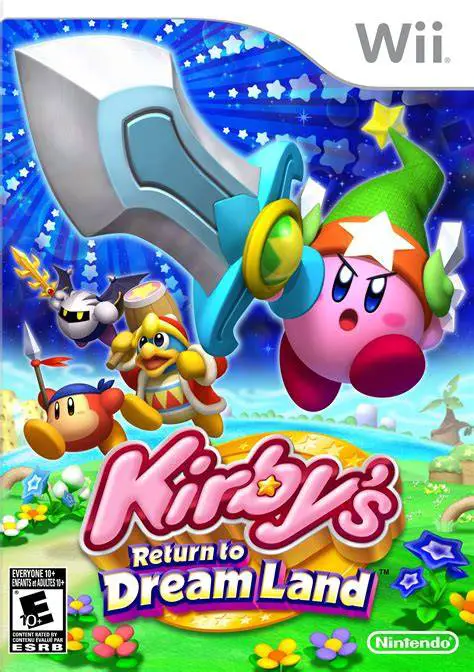
Kirby's Return to Dream Land is a delightful 2.5D side-sc...