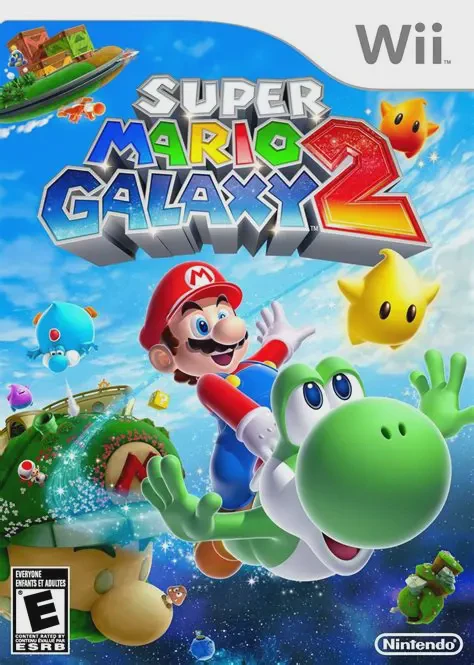
Super Mario Galaxy 2
Super Mario Galaxy 2 is an extraordinary 3D platforming a...

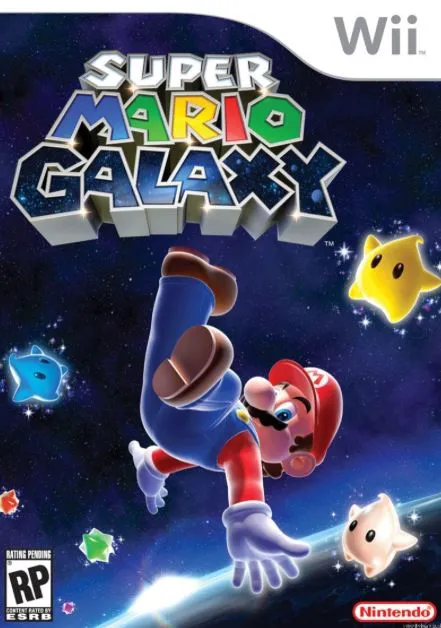
Super Mario Galaxy reinvents traditional 3D platforming by taking the iconic plumber into the reaches of outer space. Set during the Star Festival, Bowser attacks the Mushroom Kingdom, kidnapping Princess Peach and launching her castle into deep space. Mario meets Rosalina, the guardian of the Comet Observatory, and learns that Bowser has stolen the Power Stars that fuel her vessel.
To save Peach and restore power to the Comet Observatory, Mario travels across dozens of creative planetoids and galaxies. Each level features unique spherical environments with localized gravitational fields, allowing Mario to run upside-down, walk along planet curves, and jump across orbiting celestial bodies. The game seamlessly integrates motion controls—shaking the Wii Remote triggers Mario's signature Spin attack, while pointing the Wii Remote at the screen collects ambient Star Bits. Super Mario Galaxy remains one of the highest-rated video games of all time, celebrated for its imaginative stage design, responsive controls, and grand symphonic musical score.
Specification | Details |
Title | Super Mario Galaxy |
Platform | Nintendo Wii |
Developer | Nintendo EAD Tokyo |
Publisher | Nintendo |
Release Date | November 12, 2007 (North America) / November 1, 2007 (Japan) |
Genre | 3D Platformer / Action-Adventure |
Mode | Single-player, Co-op Co-Star Mode |
Media Format | Wii Optical Disc |
Video Output | 480p, 16:9 Widescreen Support |
Gravity-Defying Gameplay: Explore spherical planetoids with local gravity fields, allowing you to walk on ceilings, scale walls, and jump between small planets seamlessly.
Intuitive Wii Motion Controls: Flick the Wii Remote to perform Mario’s Spin attack or launch out of Launch Stars, and point the Remote to gather or shoot Star Bits at enemies.
Creative Power-Ups: Transform Mario with fun new power-ups, including the Bee Suit for short flights, the Boo Suit to pass through solid walls, and classic favorites like the Fire Flower.
Orchestral Score: Enjoy an immersive soundtrack performed by a full live orchestra, perfectly capturing the majestic atmosphere of space exploration.
Co-Star Co-op Mode: A second player can assist using a second Wii Remote to gather Star Bits, immobilize enemies, and make jumping easier for player one.
Yes, Super Mario Galaxy runs smoothly on the Dolphin Wii emulator. To ensure the best experience, you can map the Wii Remote pointer and motion controls to a controller analog stick or mouse.
You need both a Wii Remote and a Nunchuk attachment. The Nunchuk analog stick controls Mario's movement, while shaking the Wii Remote triggers his Spin move.
You need to collect 60 Power Stars to access the final boss battle and complete the main story. However, there are 120 Power Stars in total to fully complete Mario's quest, plus additional stars unlocked afterward.
Yes, the game is designed to be accessible to players of all skill levels. The early galaxies introduce controls gradually, and the 2-player Co-Star Mode allows an experienced player to assist beginners during gameplay.
Click the links below to go to the cloud drive download page
⚠️ Download Tips:
Super Mario Galaxy 2 is an extraordinary 3D platforming a...
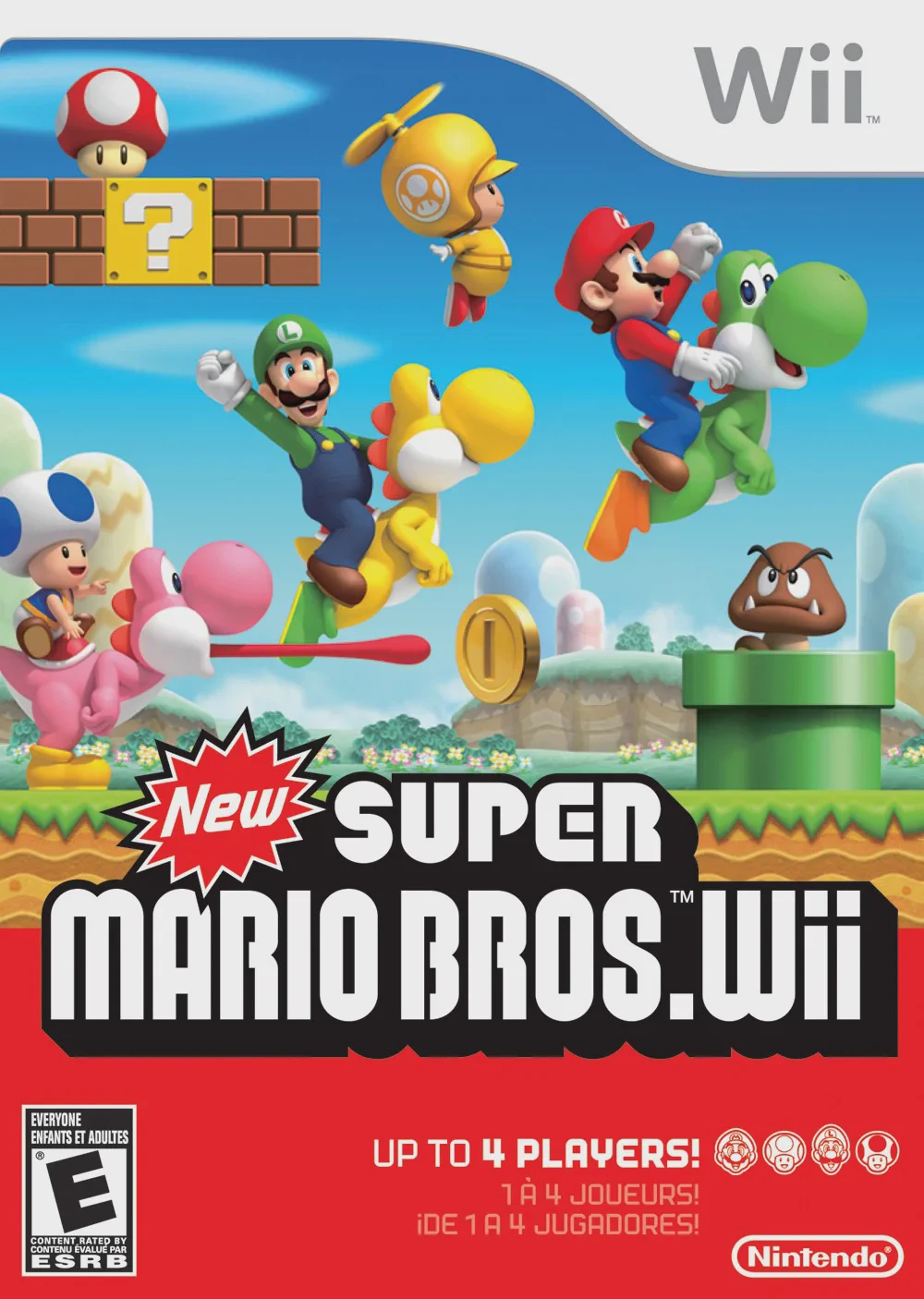
New Super Mario Bros. Wii is a beloved 2.5D side-scrollin...
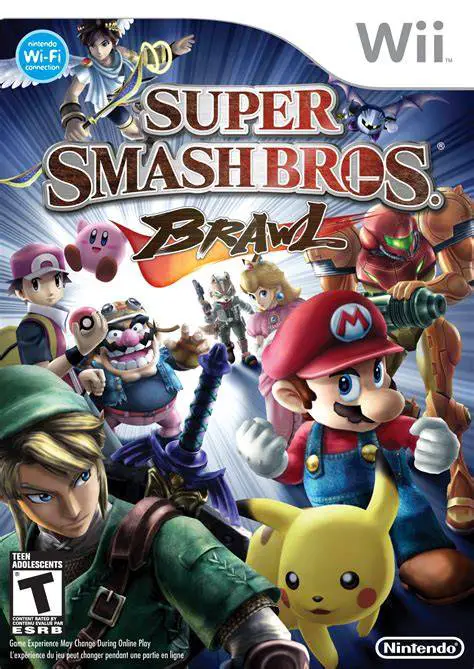
Super Smash Bros. Brawl is a legendary crossover fighting...
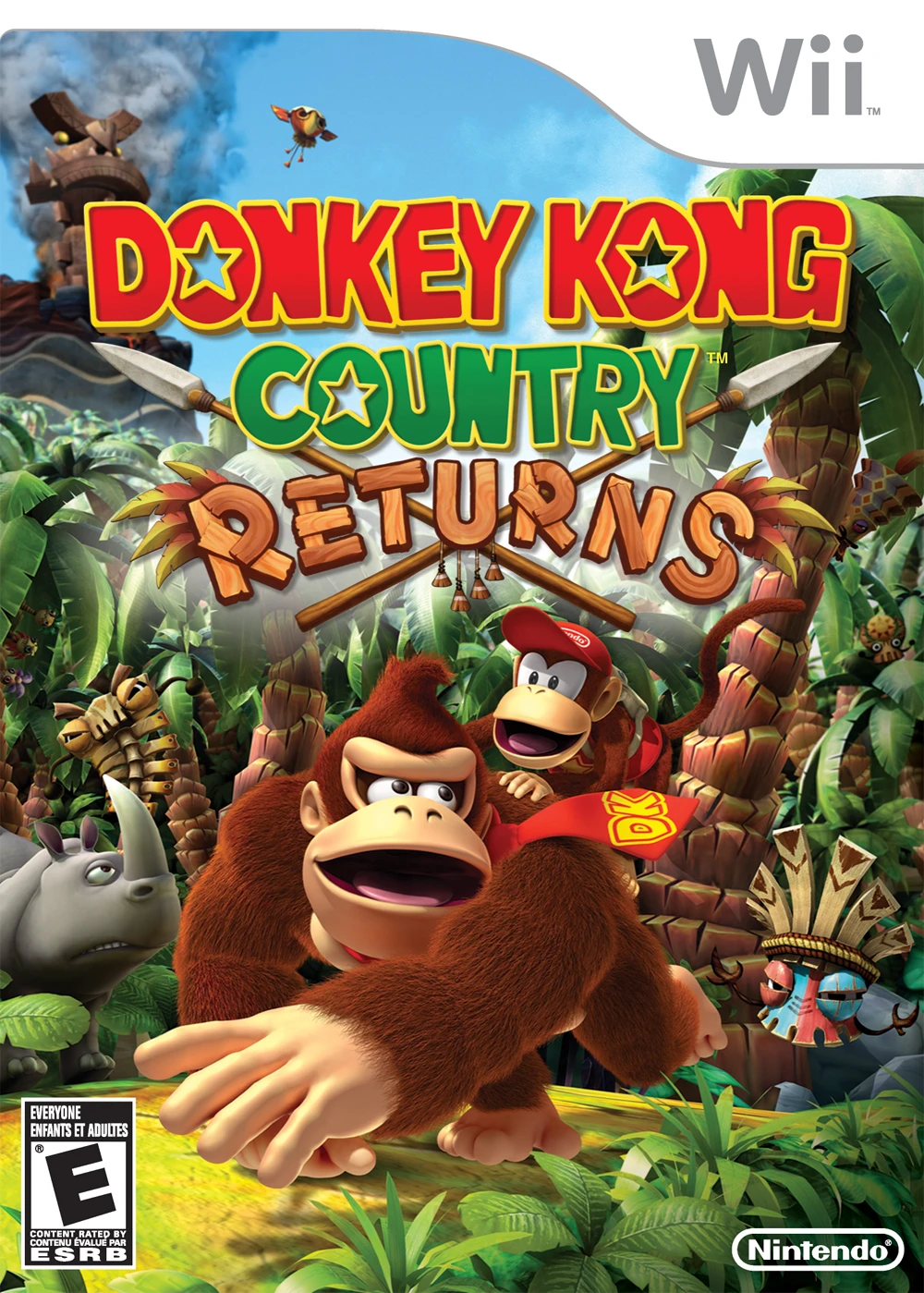
Donkey Kong Country Returns is a critically acclaimed 2.5...
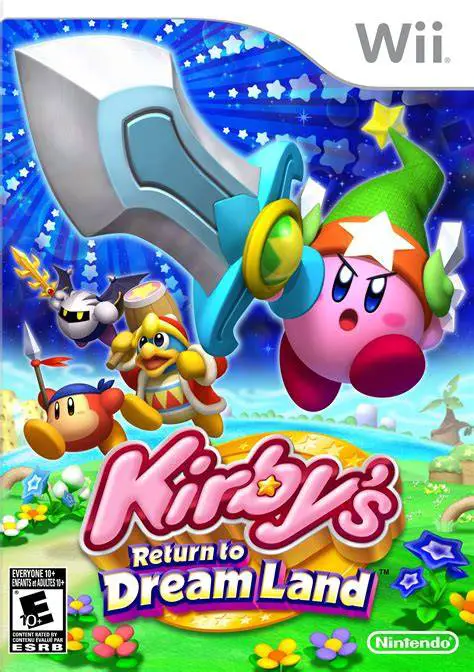
Kirby's Return to Dream Land is a delightful 2.5D side-sc...