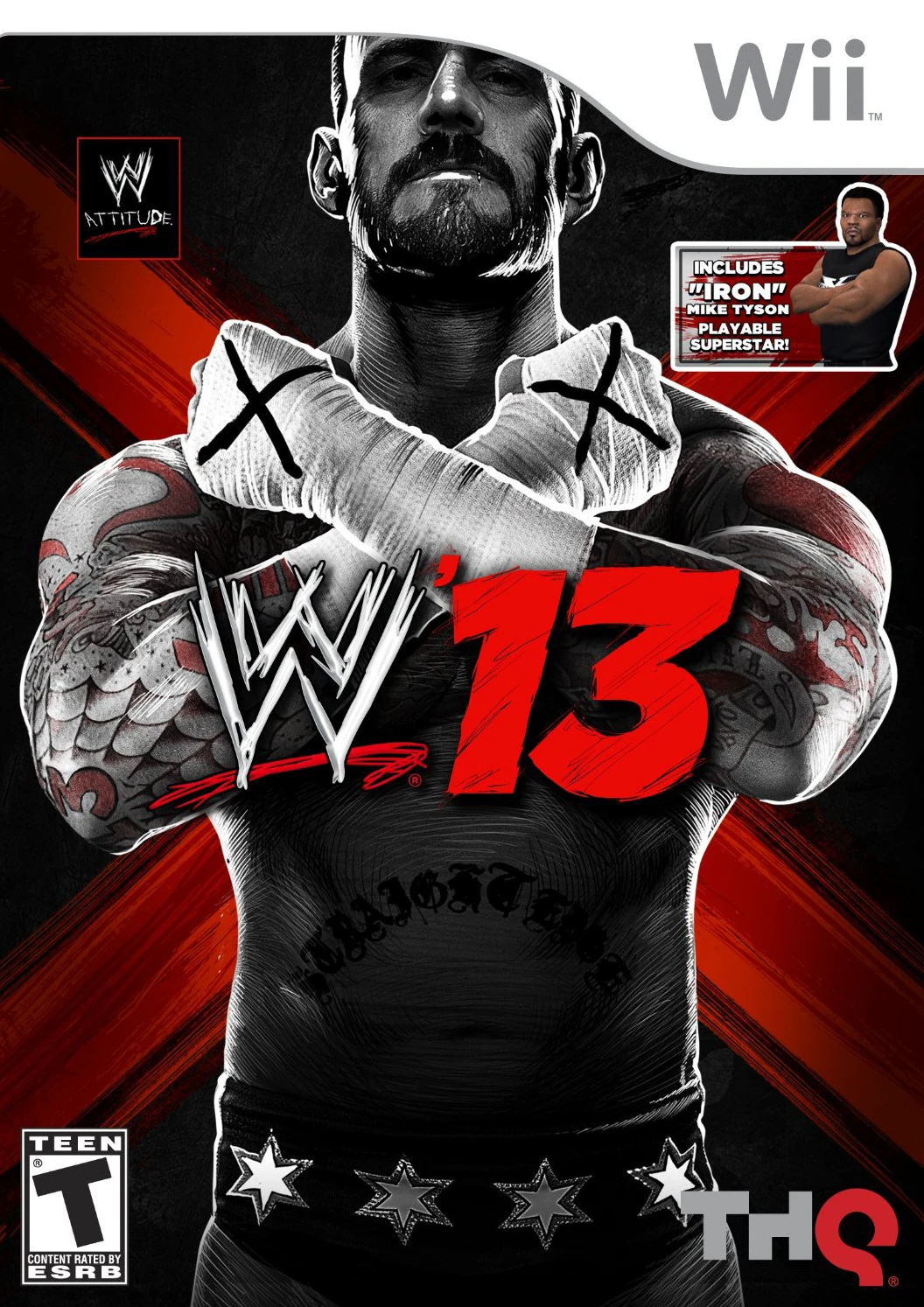
WWE '13
WWE '13 delivers a feature-packed wrestling experience on...

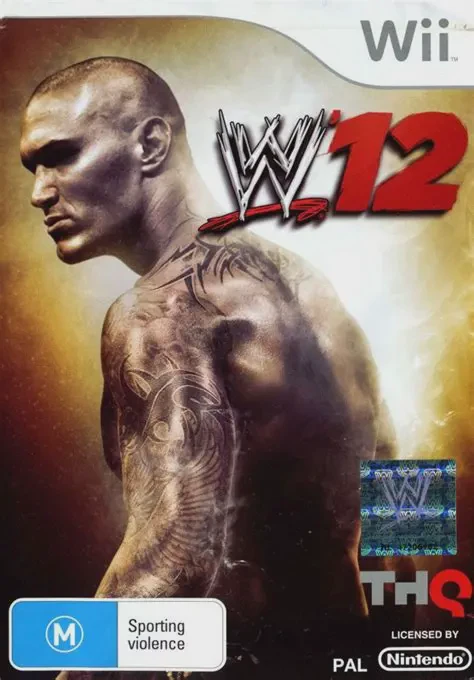
WWE '12 represents a major mechanical overhaul for the series on the Nintendo Wii, replacing traditional grappling mechanics with a smoother, fluid control scheme. Powered by Predator Technology, players no longer experience rigid animation locks; attacks and grapples can be interrupted at any second, creating unpredictable and fast-paced ring action.
The single-player Road to WrestleMania campaign is completely redesigned into an immersive, three-act story structure. Players navigate distinct chapters following Villain (Villainous Sheamus), Hero (Triple H), and an Outsider storyline starring an original created Superstar named Jacob Cass. Meanwhile, WWE Universe 2.0 expands the sandbox season mode with dynamic match bookings, momentum meters, sudden injuries, and player-triggered interferences that dynamically shape ongoing rivalries.
Combat depth is further enhanced by the new Targeted Limb Attack system and the "Breaking Point" submission minigame, allowing players to strategically weaken specific body parts before locking in submission holds. Combined with flexible Wii controller options and extensive character and arena creation tools, WWE '12 provides a complete wrestling package.
Specification | Detail |
Title | WWE '12 |
Platform | Nintendo Wii |
Genre | Sports / Professional Wrestling / Fighting |
Developer | Yuke's |
Publisher | THQ |
Release Date | November 22, 2011 |
Game Modes | Single-player, Local Multiplayer (Up to 4 Players) |
Control Options | Wii Remote, Wii Remote + Nunchuk, Classic Controller, Nintendo GameCube Controller |
Predator Technology Engine: Experience fluid animations, seamless move interruptions, strategic dynamic comebacks, and realistic ring collisions.
Targeted Limb Attack & Breaking Point: Specifically target an opponent's arms, legs, or torso to weaken them for submission attempts via the Breaking Point minigame.
Three-Act Road to WrestleMania: Play through an original cinematic story arc following Sheamus, Triple H, and custom Superstar Jacob Cass.
WWE Universe 2.0: Manage an evolving wrestling calendar featuring dynamic match cards, injury mechanics, draft events, and automatic rivalry cutscenes.
Creation & Customization Suite: Craft custom Superstars, entrances, finishing moves, custom storylines, and custom ring arenas.
A: WWE '12 removes the old weak/strong grapple system. Instead, grapple moves execute dynamically based on your opponent's physical condition and fatigue state, allowing for faster and more natural combat transitions.
A: The Wii version offers versatile controller compatibility, supporting motion control options with the Wii Remote + Nunchuk, sideways Wii Remote layouts, the Classic Controller / Classic Controller Pro, and Nintendo GameCube Controllers.
A: No, the Nintendo Wii version of WWE '12 omits online multiplayer and online Community Creations features, focusing exclusively on local offline single-player and 4-player multiplayer exhibition modes.
A: Wake-Up Taunts allow your Superstar to signal a downed opponent to stand up in a groggy state, immediately priming them to receive your signature finisher maneuver (such as Randy Orton coiling for an RKO).
Click the links below to go to the cloud drive download page
⚠️ Download Tips:
WWE '13 delivers a feature-packed wrestling experience on...
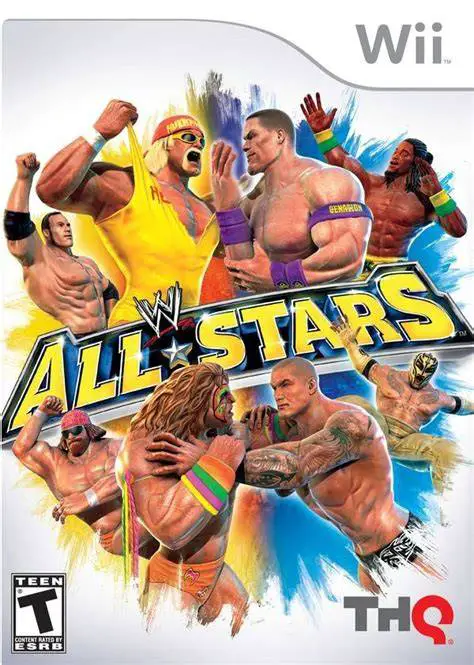
WWE All Stars delivers a fast-paced, larger-than-life arc...
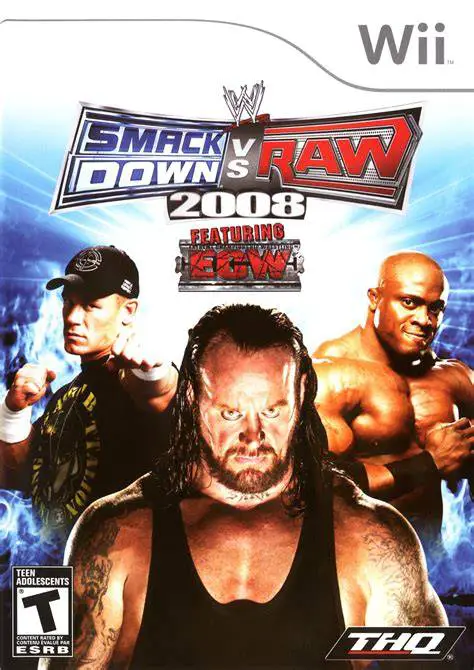
WWE SmackDown vs. Raw 2008 makes its debut on the Nintend...

World Championship Athletics delivers a competitive track...
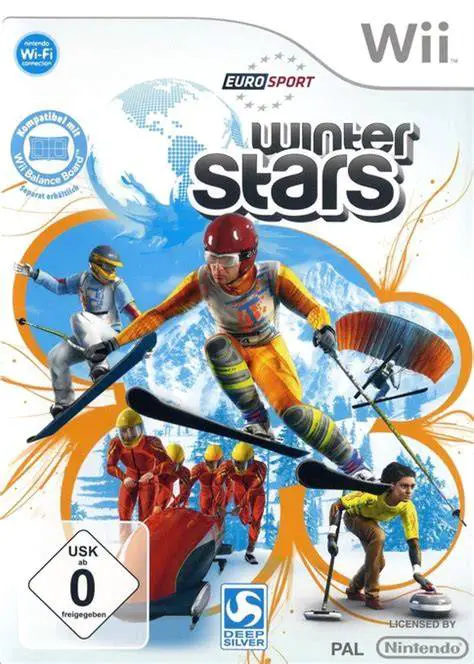
Winter Stars delivers an exhilarating winter sports exper...