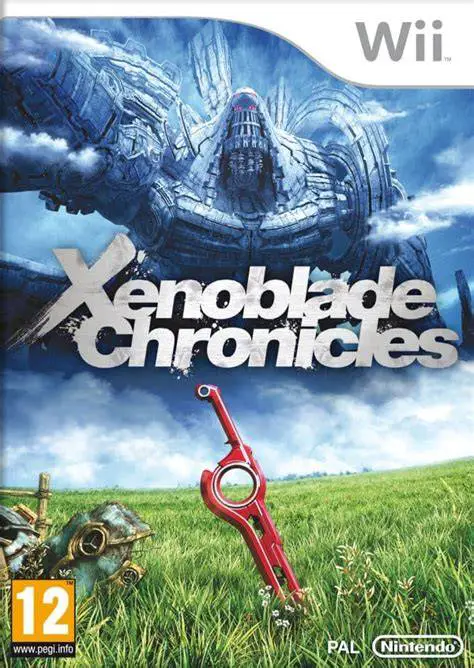
Xenoblade Chronicles
Xenoblade Chronicles is a vast, critically acclaimed open...

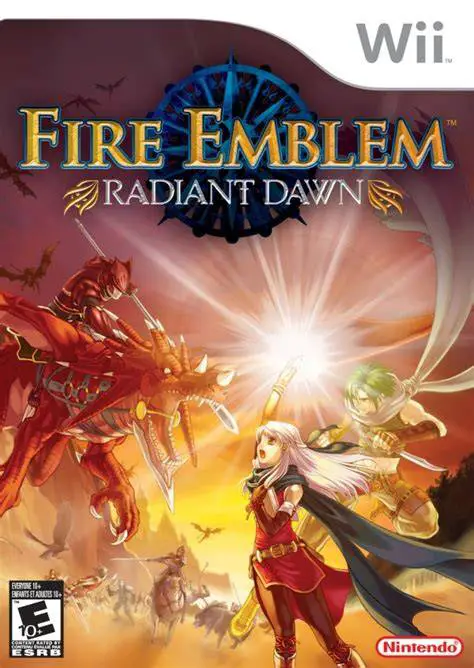
Fire Emblem: Radiant Dawn delivers a rich, multi-layered tactical narrative that expands significantly upon its predecessor. The story is divided into four distinct parts, shifting focus between different factions fighting for control of the continent of Tellius. Beginning with Micaiah and the Dawn Brigade as they fight to liberate the kingdom of Daein, the perspective later transitions to Elincia in Crimea, and eventually to Ike and the Greil Mercenaries as a continent-wide war threatens to awaken the ancient goddess Ashera.
The core gameplay centers on turn-based tactical combat across large grid-based battlefields. Players must carefully position their units, considering weapon triangles, terrain height advantages, and line-of-sight range. A hallmark feature of the game is its challenging permanent death mechanic (Permadeath), where units fallen in battle are lost for the rest of the campaign. Introducing Tier 3 Master Class promotions, expanded Laguz transformations, and seamless data transfer from Fire Emblem: Path of Radiance, Fire Emblem: Radiant Dawn offers an unrivaled level of strategic depth for tactical RPG enthusiasts.
Specification | Details |
Title | Fire Emblem: Radiant Dawn |
Platform | Nintendo Wii |
Developer | Intelligent Systems / Nintendo |
Publisher | Nintendo |
Release Date | November 11, 2007 (North America) / February 22, 2008 (Europe) / February 22, 2007 (Japan) |
Genre | Tactical Role-Playing Game (TRPG) |
Mode | Single-player |
Media Format | Dual-Layer Wii Optical Disc |
Video Output | 480p, 16:9 Widescreen Support |
Four-Part Epic Narrative: Experience a multi-perspective storyline following different factions, including Micaiah's Dawn Brigade and Ike's Greil Mercenaries, as their paths intersect.
Elevation & Terrain Mechanics: Take advantage of terrain height advantages, where holding higher ground grants accuracy bonuses and reduces incoming damage.
Third-Tier Master Classes: Promote your units beyond traditional class caps into powerful Tier 3 Master Classes with ultimate skill activations like Aether and Eclipse.
Save Data Transfer: Transfer clear data from Fire Emblem: Path of Radiance on the GameCube to carry over character stat boosts and weapon weapon ranks.
Expanded Laguz Transformation: Command shape-shifting beast, bird, and dragon tribes with enhanced gauge mechanics and unique battle skills.
Yes, Fire Emblem: Radiant Dawn runs exceptionally well on the Dolphin emulator. You can easily map standard GameCube controllers, Classic Controllers, or keyboard inputs.
While Radiant Dawn is a direct sequel and includes many returning characters, it provides sufficient story context for new players. However, playing Path of Radiance allows you to transfer save data for extra stat bonuses.
Yes, if a unit loses all HP in battle, they are permanently removed from the game (unless playing on select casual difficulty modes in modern re-releases).
The game supports multiple controller schemes, including a GameCube controller, a Wii Classic Controller, or a Wii Remote held horizontally or combined with a Nunchuk.
Click the links below to go to the cloud drive download page
⚠️ Download Tips:
Xenoblade Chronicles is a vast, critically acclaimed open...
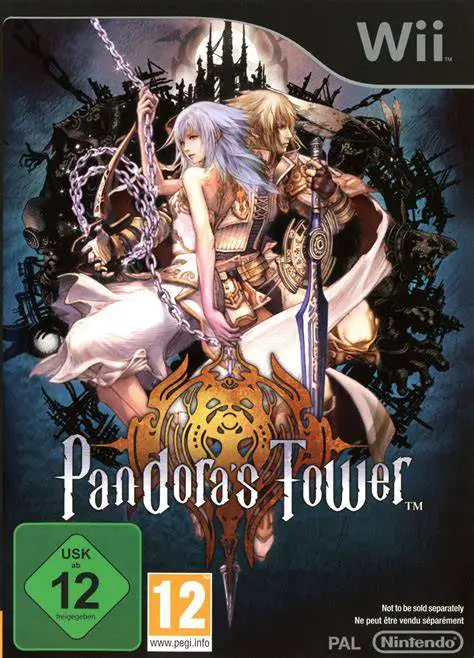
Pandora's Tower is a dark, gothic action role-playing gam...
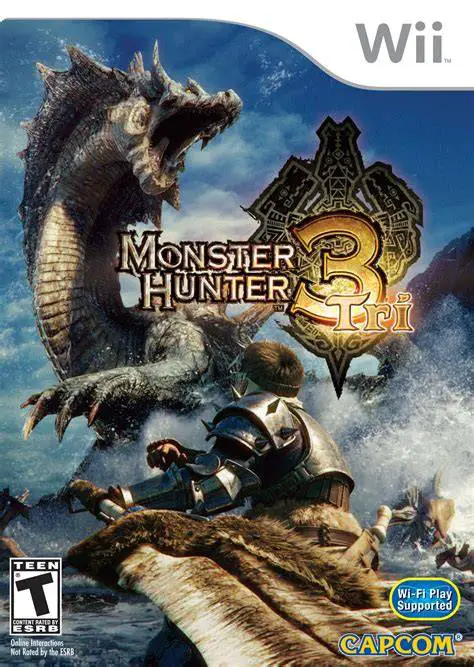
Monster Hunter Tri is an epic action role-playing game de...
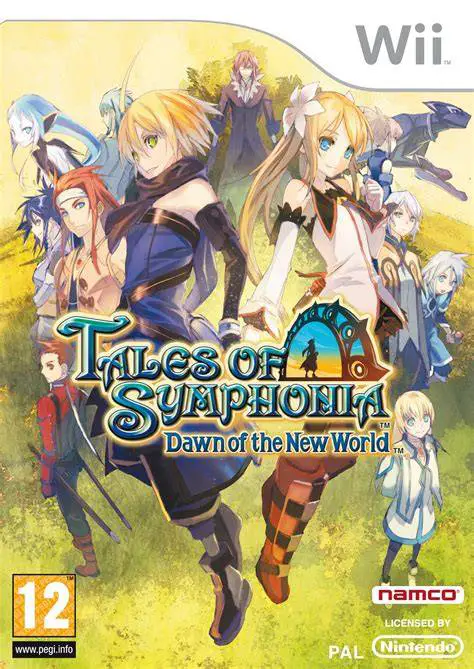
Tales of Symphonia: Dawn of the New World is an engaging ...
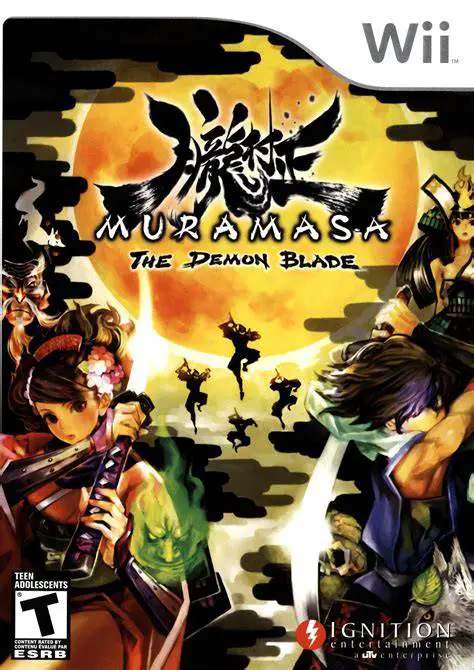
Muramasa: The Demon Blade is a visually breathtaking 2D s...