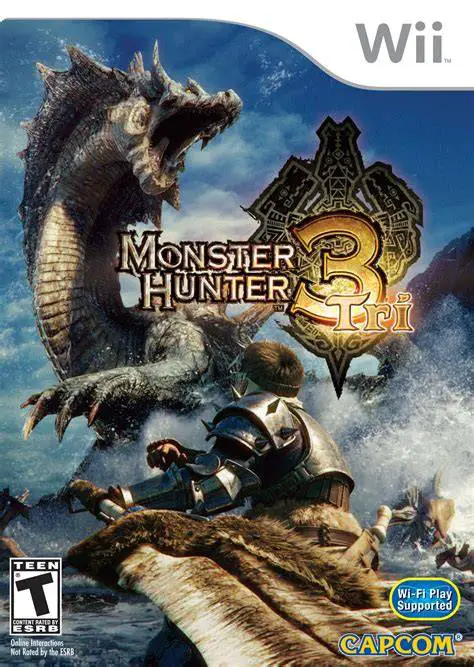
Monster Hunter Tri
Monster Hunter Tri is an epic action role-playing game de...

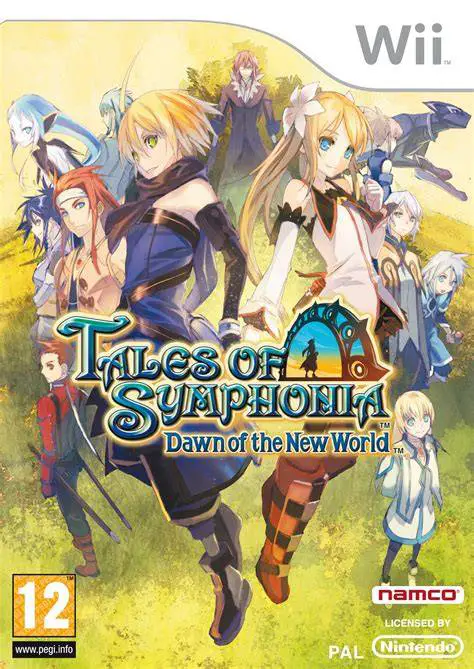
Tales of Symphonia: Dawn of the New World expands the lore of its predecessor by exploring the consequences of merging two parallel worlds into one. Following the unification, environmental disasters erupt, leading to intense political friction between the Church of Martel and the Vanguard rebel group. Emil, a timid young orphan whose family was killed during a tragic military attack, encounters Marta, the guardian of a mysterious Centurion's Core. Together, they pledge loyalty to Lord Ratatosk, God of Monsters, gaining powers to gather the remaining Centurion Cores across the world.
The game features the Flex Range Linear Motion Battle System (FR-LMBS), which grants players full 3D real-time freedom on the battlefield to execute fast-paced physical combos, element-infused artes, and dramatic Mystic Artes. A major gameplay innovation is the monster-capture mechanic: players can contract, level up, evolve, and customize over 200 distinct monsters to fight alongside their party in dynamic battles. Blending emotional storytelling, voice-acted animated cutscenes, and cooperative battle support, Dawn of the New World brings the Tales franchise to life on the Wii.
Specification | Details |
Title | Tales of Symphonia: Dawn of the New World |
Platform | Nintendo Wii |
Developer | Bandai Namco Games |
Publisher | Bandai Namco Games |
Release Date | November 11, 2008 (North America) / December 25, 2008 (Europe) / June 26, 2008 (Japan) |
Genre | Action Role-Playing Game (Action RPG) |
Mode | Single-player (Field), Up to 4-Player Local Co-op (Battles) |
Media Format | Dual-Layer Wii Optical Disc |
Video Output | 480p, 16:9 Widescreen Support |
Monster Recruiting & Evolution System: Capture, raise, feed, and evolve more than 200 unique monster species to fight directly as active party members in combat.
Flex Range Battle System: Move freely in 3D battle space, chaining physical attacks, special skills, and elementally aligned Artes into high-hit combo streaks.
Returning Original Cast: Reencounter classic party members including Lloyd Irving, Colette Brunel, Genis, and Sheena as temporary guest combatants.
Elemental Grid Advantage: Manipulate battlefield element alignments during combat to amplify magic power and unlock special unison attacks.
Local Multiplayer Battles: Team up with up to four players locally during real-time combat encounters, with friends controlling extra party members or recruited monsters.
Yes, Tales of Symphonia: Dawn of the New World runs smoothly on the Dolphin emulator. Movement, menu navigation, and combat inputs can easily be mapped to standard modern gamepads or keyboards.
No, the game supports both the standard Wii Remote and Nunchuk combination as well as the Wii Classic Controller and Classic Controller Pro setups.
Yes, characters like Lloyd, Colette, Presea, and Zelos join your party at various points in the story as guest characters, though their levels and equipment progression are locked relative to Emil and Marta.
Yes, up to four players can participate in local cooperative combat during battles, while world exploration and menu management remain controlled by Player 1.
Click the links below to go to the cloud drive download page
⚠️ Download Tips:
Monster Hunter Tri is an epic action role-playing game de...
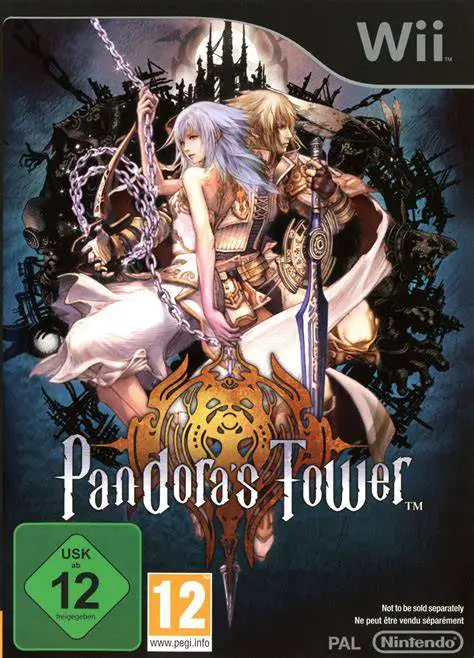
Pandora's Tower is a dark, gothic action role-playing gam...
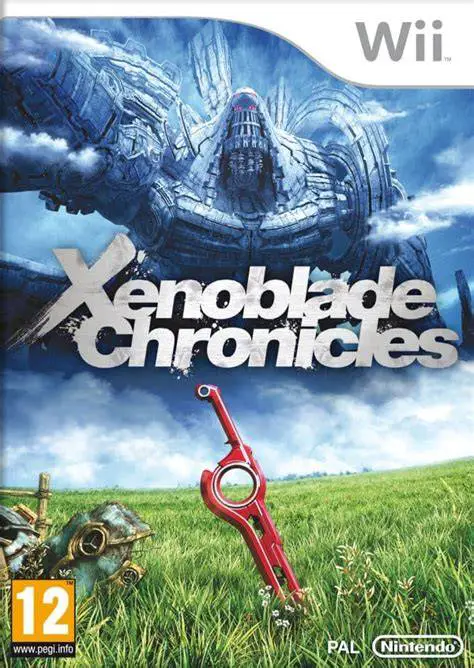
Xenoblade Chronicles is a vast, critically acclaimed open...
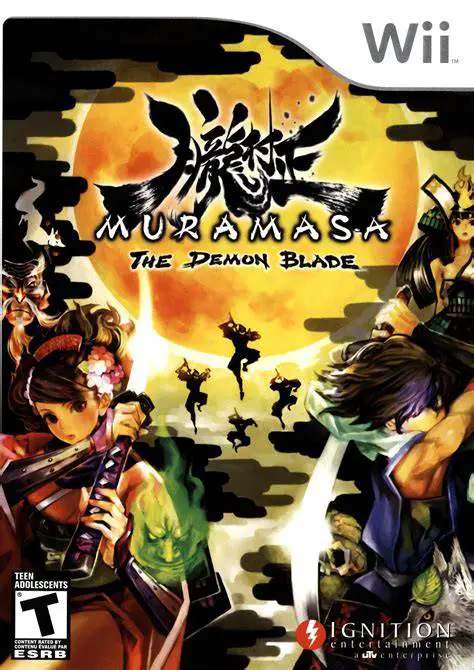
Muramasa: The Demon Blade is a visually breathtaking 2D s...
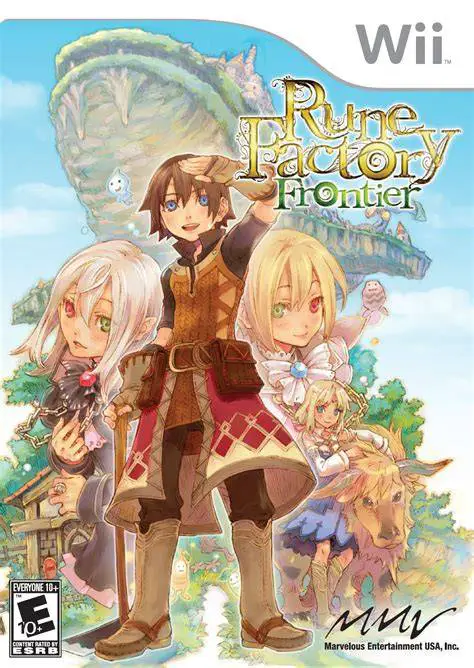
Rune Factory Frontier is a charming fantasy life simulati...