
Xenoblade Chronicles
Xenoblade Chronicles is a vast, critically acclaimed open...

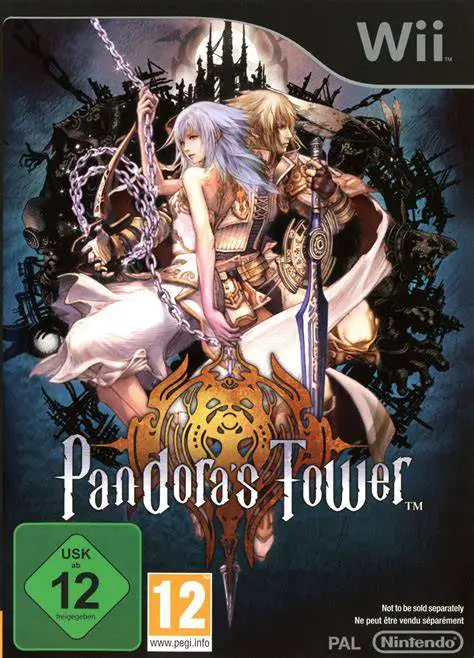
Pandora's Tower blends traditional dungeon-crawling action with a tense, psychological time-management system. The narrative focuses on Ende and Elena, a young singer participating in a harvest festival who is afflicted by a demonic curse bestowed by the Thirteenth Beast. To reverse her metamorphosis and save her life, Ende travels to the Observatory—a towering gothic fortress suspended over a bottomless chasm—where thirteen chains bind floating islands known as the Thirteen Towers.
The core gameplay centers around the Oraclos Chain, a versatile weapon that Ende wields in combat and puzzle-solving. Players use the chain to bind fast-moving enemies, rip armor away, swing across chasms, and manipulate heavy environmental objects. Every moment spent inside the towers matters: a visual timer continuously counts down Elena's curse level. If Ende takes too long to harvest master flesh from tower bosses and return to the surface to feed her, her transformation becomes irreversible. Featuring multiple story endings determined by your bond level with Elena, Pandora's Tower offers a deeply atmospheric and unconventional experience.
Specification | Details |
Title | Pandora's Tower |
Platform | Nintendo Wii |
Developer | Ganbarion / Nintendo |
Publisher | Nintendo |
Release Date | April 16, 2012 (North America) / April 13, 2012 (Europe) / May 26, 2011 (Japan) |
Genre | Action Role-Playing Game / Hack and Slash |
Mode | Single-player |
Media Format | Wii Optical Disc |
Video Output | 480p, 16:9 Widescreen Support |
The Oraclos Chain: Use a magical multi-purpose chain to bind enemies, execute devastating whip attacks, swing across platforms, and solve intricate dungeon puzzles.
Tense Time Management: Monitor Elena's curse timer closely while exploring towers, forcing you to balance deep exploration with urgent return trips.
Boss Flesh Harvesting: Slay towering boss creatures to extract precious master flesh, which you must feed to Elena regularly to slow and reverse her transformation.
Dynamic Affinity System: Interact with Elena between dungeon runs, give her gifts, and talk with her to strengthen your emotional bond, altering the game's final outcome.
Flexible Controller Schemes: Play using either the Wii Remote and Nunchuk combo for pointer-based chain targeting or a Classic Controller for traditional input.
Yes, Pandora's Tower runs exceptionally well on the Dolphin emulator. You can map chain-aiming mechanics and button inputs easily to a modern gamepad or a mouse and keyboard.
No, the game supports multiple control schemes. While you can use the Wii Remote and Nunchuk combination, it also fully supports the Wii Classic Controller or Classic Controller Pro.
If Ende fails to return from the towers with beast flesh in time and the timer reaches zero, Elena's transformation into a monster becomes complete, resulting in a game over and forcing you to reload your save.
The game features multiple different endings. The specific ending you receive depends heavily on your affinity level with Elena and how consistently you tended to her curse throughout the campaign.
Click the links below to go to the cloud drive download page
⚠️ Download Tips:
Xenoblade Chronicles is a vast, critically acclaimed open...
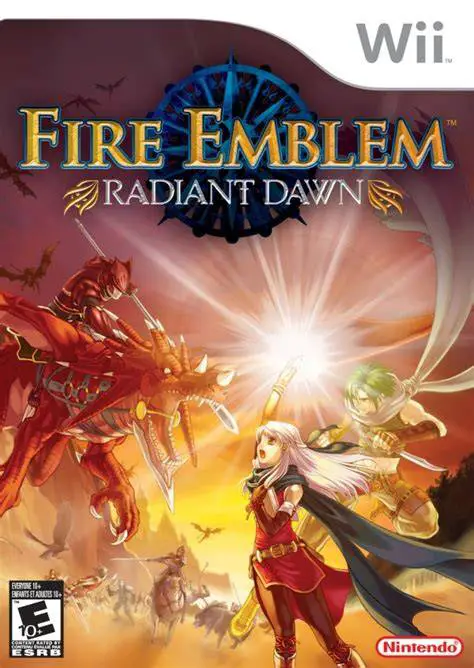
Fire Emblem: Radiant Dawn is a critically acclaimed tacti...
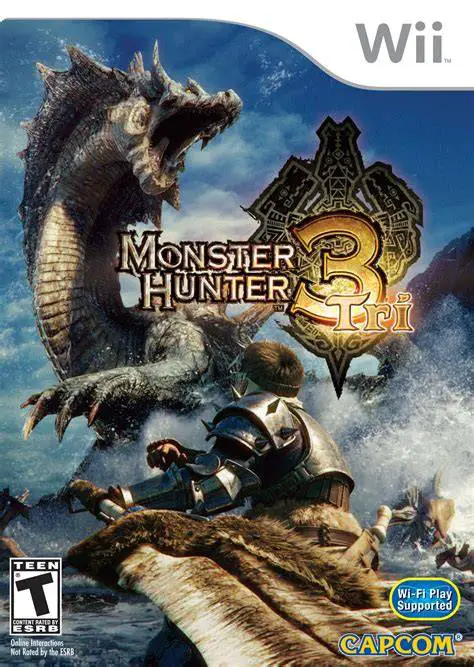
Monster Hunter Tri is an epic action role-playing game de...
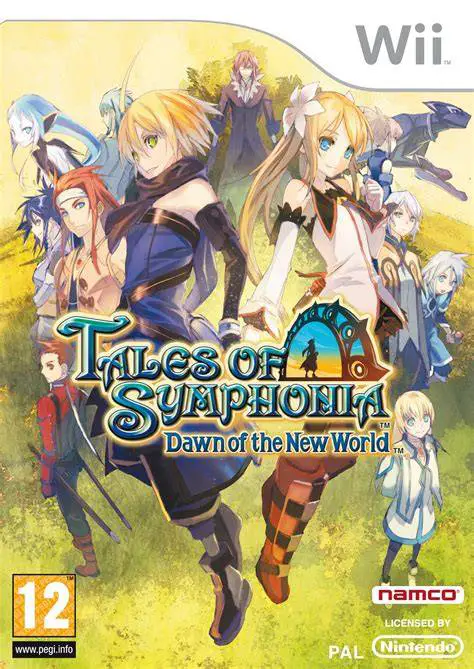
Tales of Symphonia: Dawn of the New World is an engaging ...
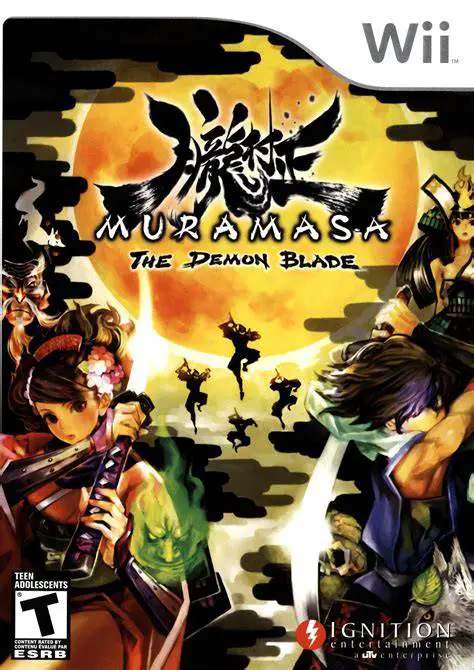
Muramasa: The Demon Blade is a visually breathtaking 2D s...