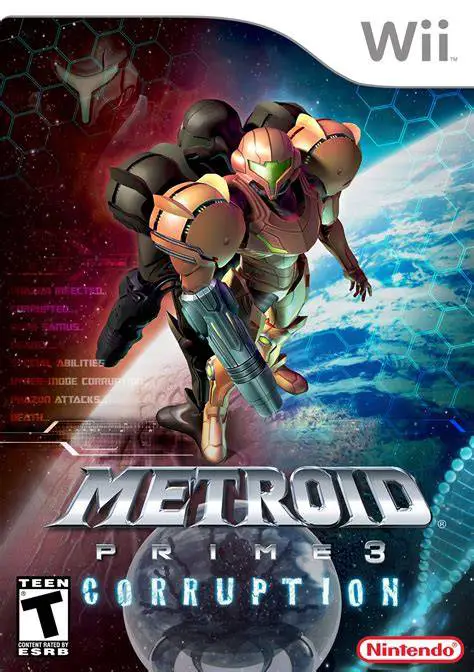
Metroid Prime 3: Corruption
Metroid Prime 3: Corruption is a thrilling first-person a...

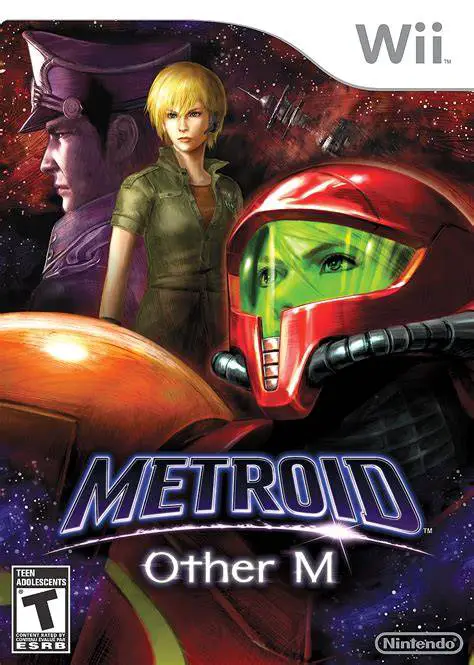
Metroid: Other M Bridges the narrative gap between Super Metroid and Metroid Fusion, focusing heavily on Samus Aran's past, character relationships, and inner thoughts. Upon receiving a distress call designated "Baby Cry," Samus arrives at the massive Bottle Ship research facility, where she encounters her former Galactic Federation Platoon, led by Commander Adam Malkovich. To maintain military order during the joint investigation, Samus agrees to follow Adam's orders, restricting the use of her heavy weapons and suit upgrades until authorized.
The gameplay combines fast-paced 3D side-scrolling and arena combat with instant first-person switching. Controlled primarily holding a single Wii Remote horizontally, players guide Samus through acrobatic dodges, melee counter-attacks, and auto-aimed beam blasts. Pointing the Wii Remote directly at the screen transitions the view into a stationary first-person mode, allowing precise missile targeting and environmental scanning. With its cinematic presentation, intense boss battles, and fluid combat transitions, Metroid: Other M delivers a unique cinematic spin on traditional Metroid exploration.
Specification | Details |
Title | Metroid: Other M |
Platform | Nintendo Wii |
Developer | Team Ninja / Nintendo EAD |
Publisher | Nintendo |
Release Date | August 31, 2010 (North America) / September 2, 2010 (Japan) |
Genre | Action-Adventure / Hack and Slash |
Mode | Single-player |
Media Format | Dual-Layer Wii Optical Disc |
Video Output | 480p, 16:9 Widescreen Support |
Hybrid Combat Perspective: Transition seamlessly between dynamic 3D third-person action and precision first-person missile targeting by shifting how you hold the controller.
Acrobatic Sense Move Mechanics: Perform precise dodges at the instant an enemy strikes to recharge your beam weapon instantly and perform powerful counter-attacks.
Cinematic Storytelling: Experience fully voice-acted CGI cutscenes detailing Samus Aran's origins, military career, and psychological struggles.
Classic Ability Upgrades: Unlock iconic upgrades including the Morph Ball, Screw Attack, Plasma Beam, and Gravity Suit as you gain military authorization.
Streamlined Controls: Play the entire game using only a single Wii Remote held sideways without requiring a Nunchuk attachment.
Yes, Metroid: Other M runs smoothly on the Dolphin emulator. You can map the horizontal Wii Remote controls and the pointer-switching mechanic to standard gamepad analog sticks or a mouse.
No, the game is played entirely using a single Wii Remote held horizontally like an NES controller. The D-pad handles movement, and pointing the remote at the screen switches to first-person mode.
Metroid: Other M takes place chronologically between Super Metroid (Metroid 3) and Metroid Fusion (Metroid 4).
Instead of collecting drops from defeated enemies, players use a mechanic called Concentration. Holding the Wii Remote vertically and pressing a button restores missiles and emergency health when Samus's energy is critically low.
Click the links below to go to the cloud drive download page
⚠️ Download Tips:
Metroid Prime 3: Corruption is a thrilling first-person a...
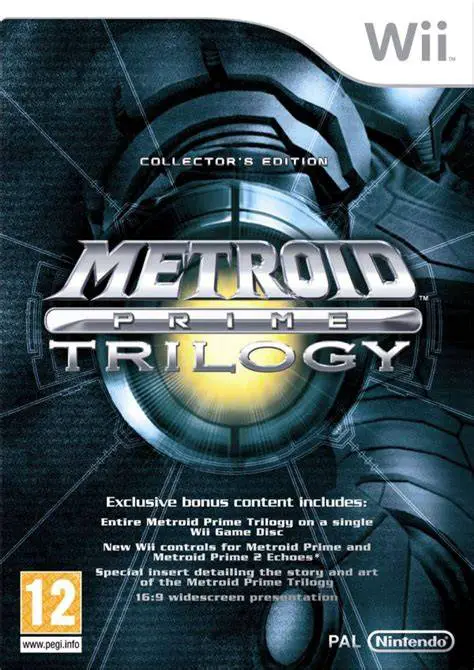
Metroid Prime Trilogy is an extraordinary compilation rel...
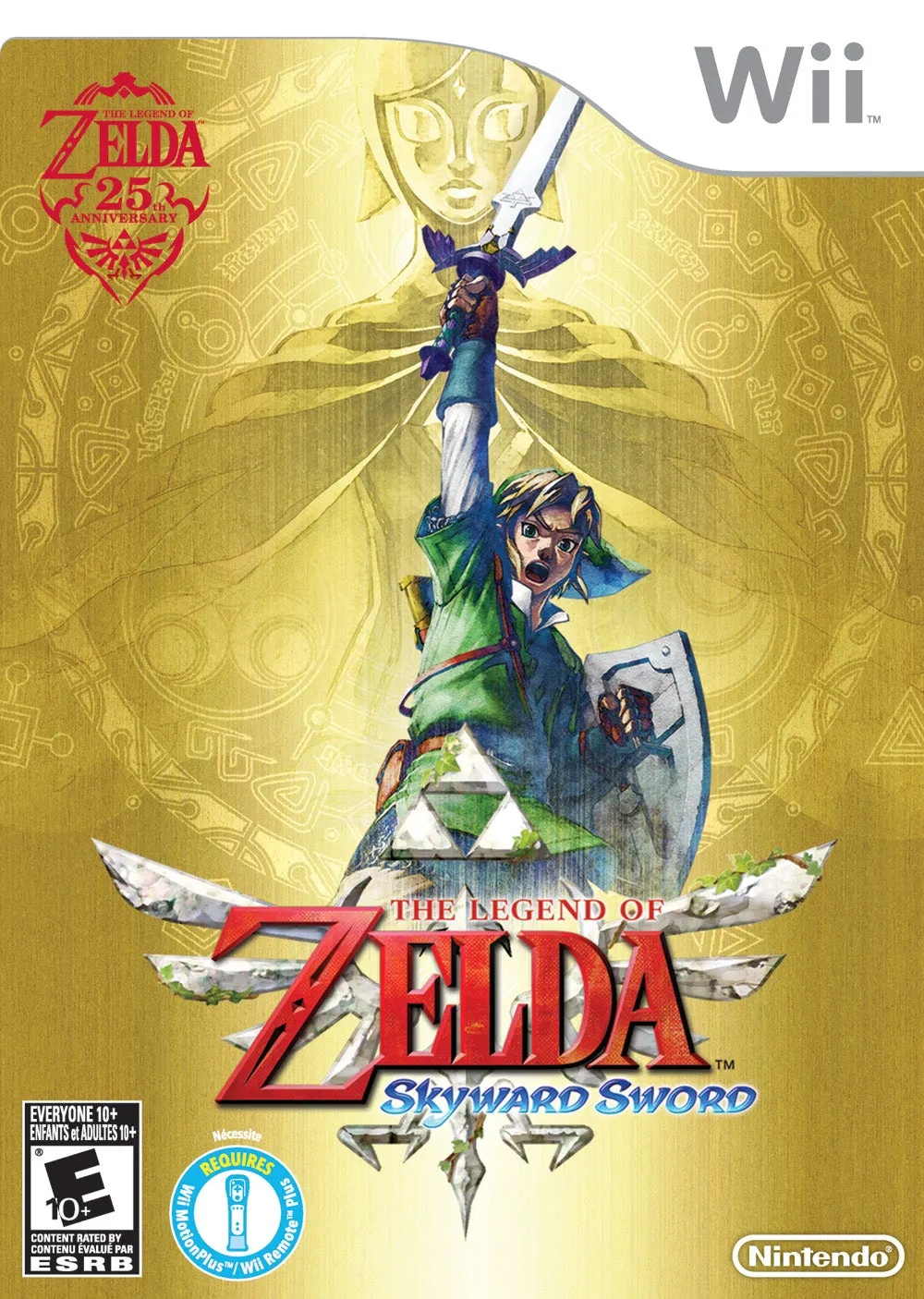
The Legend of Zelda: Skyward Sword is a critically acclai...
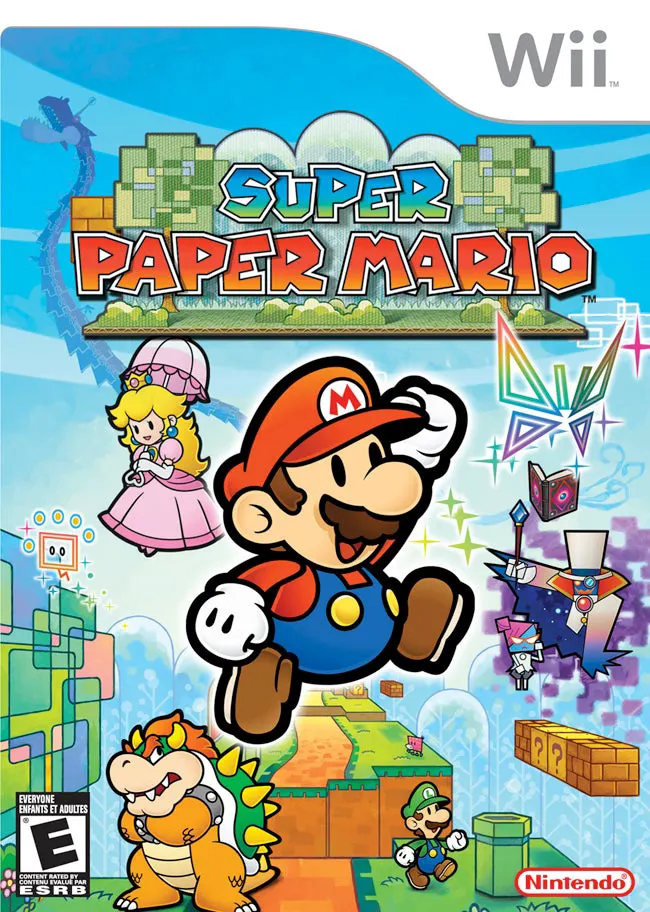
Super Paper Mario is a unique and captivating 2.5D action...
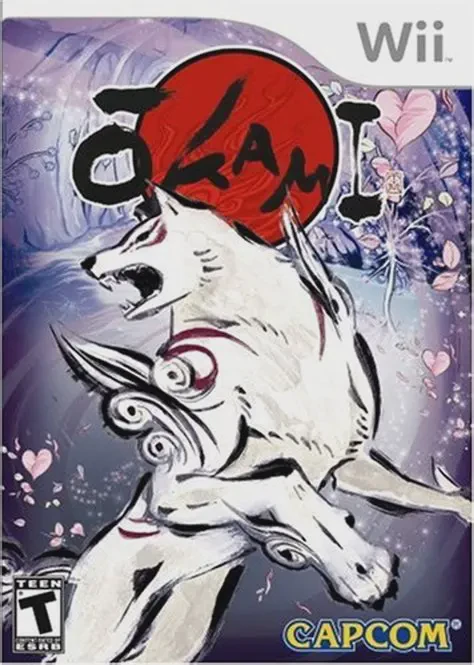
Okami is an acclaimed action-adventure game developed by ...