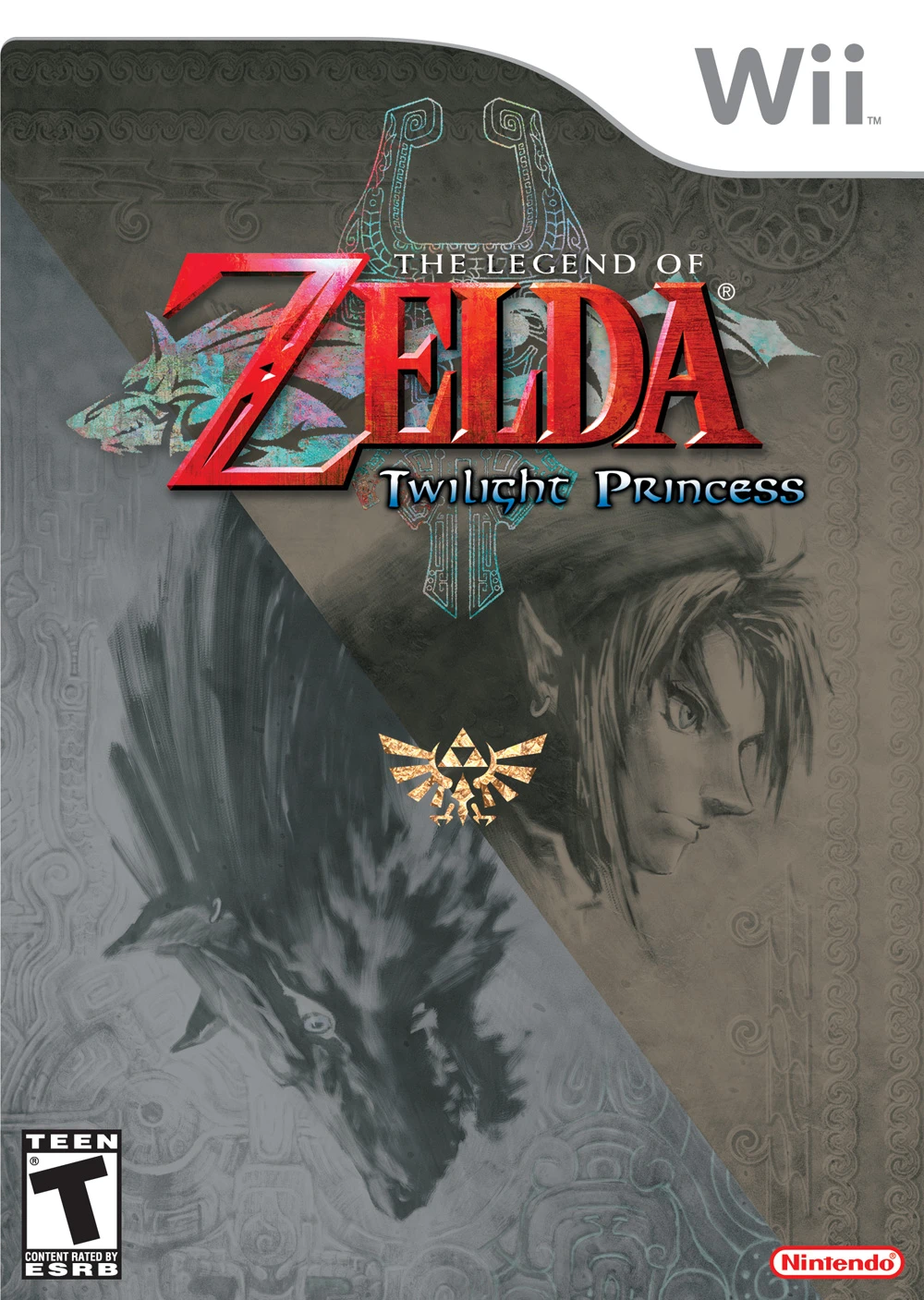
The Legend of Zelda: Twil...
The Legend of Zelda: Twilight Princess is an epic action-...

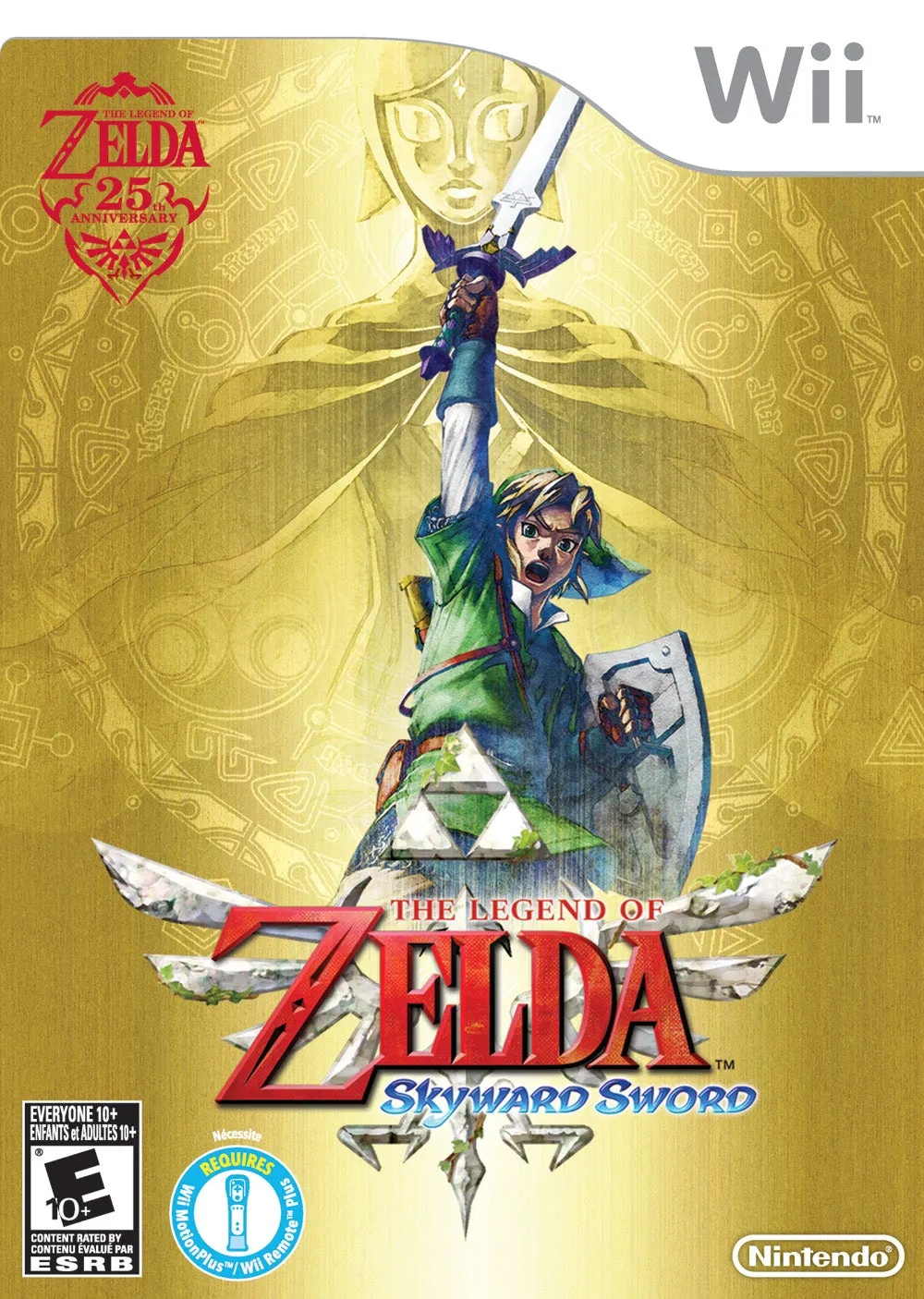
The Legend of Zelda: Skyward Sword introduces a vibrant, watercolor-inspired art style and establishes the origin story of the Master Sword, the Triforce, and the eternal struggle between Link, Zelda, and Demise. The adventure begins in Skyloft, a community resting high above the clouds. When Zelda is swept away beneath the cloud barrier by a mysterious tornado, Link plunges into the unknown surface world to find her, guided by the spirit of the sword, Fi.
The game is built entirely around precise, skill-based sword combat enabled by the Wii MotionPlus accessory. Every slash, thrust, and parry corresponds directly to the physical movement of the Wii Remote, requiring players to strike enemy weak points from specific angles. Players explore floating skies on the back of a loyal Loftwing bird and dive down to distinct surface regions filled with complex puzzles, sprawling dungeons, and challenging boss fights. Blending emotional storytelling with innovative gameplay mechanics, Skyward Sword remains a crowning achievement of the Wii library.
Specification | Details |
Title | The Legend of Zelda: Skyward Sword |
Platform | Nintendo Wii |
Developer | Nintendo EAD |
Publisher | Nintendo |
Release Date | November 20, 2011 (North America) / November 23, 2011 (Japan) |
Genre | Action-Adventure |
Mode | Single-player |
Media Format | Dual-Layer Wii Optical Disc |
Video Output | 480p, 16:9 Widescreen Support |
1:1 Motion-Controlled Swordplay: Utilize the Wii MotionPlus accessory for precise directional sword combat, where enemies block attacks based on the angle of your swing.
Aerial Exploration with Loftwings: Soar through open skies on the back of your custom bird companion to travel between Skyloft and hidden floating islands.
Upgradable Gear & Inventory: Collect bugs, treasures, and materials across the surface world to upgrade weapons like your shield, beetle, and bow.
Innovative Dungeons & Puzzles: Navigate intricate multi-layered dungeons using versatile tools like the Whip, Gust Bellows, and Time Shift Stones.
Rich Mythological Origin Story: Discover the foundational lore of the franchise, detailing the creation of the Master Sword and the origins of the curse binding Link and Zelda.
Yes, Skyward Sword runs well on the Dolphin emulator. You can map the 1:1 motion controls to a standard mouse or gamepad right analog stick to replicate the original Wii MotionPlus experience.
Yes, playing the original Wii version requires either a Wii Remote with built-in Wii MotionPlus or an original Wii Remote attached to a standalone Wii MotionPlus accessory.
Skyward Sword introduces a stamina meter that limits physical actions like sprinting, climbing walls quickly, and performing spin attacks, adding a layer of tactical resource management.
Yes, it is placed at the very beginning of the official chronology, serving as the canonical prequel that explains the creation of the Master Sword and the genesis of Hyrule.
Click the links below to go to the cloud drive download page
⚠️ Download Tips:
The Legend of Zelda: Twilight Princess is an epic action-...
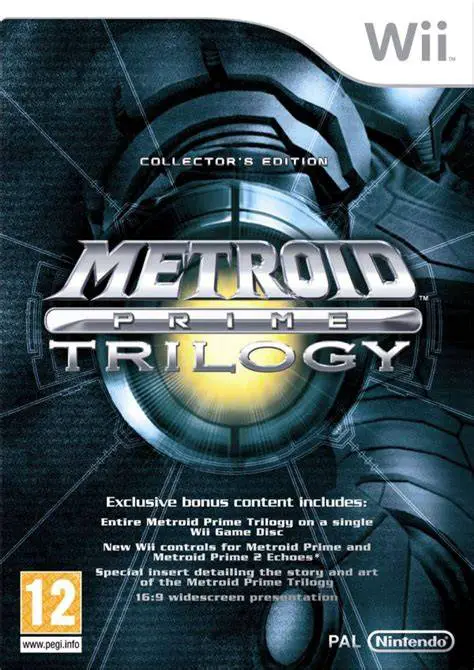
Metroid Prime Trilogy is an extraordinary compilation rel...
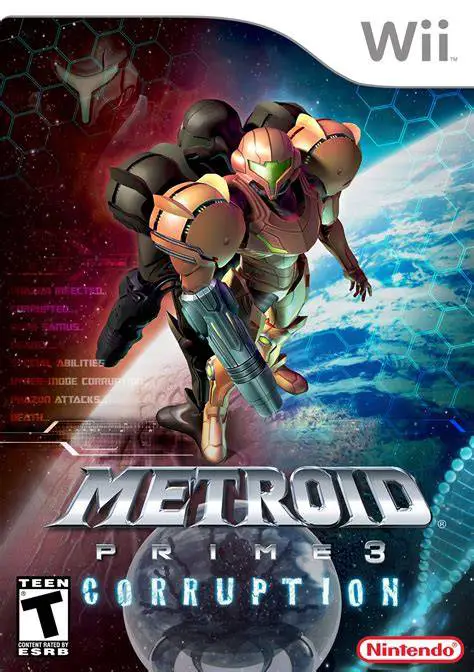
Metroid Prime 3: Corruption is a thrilling first-person a...
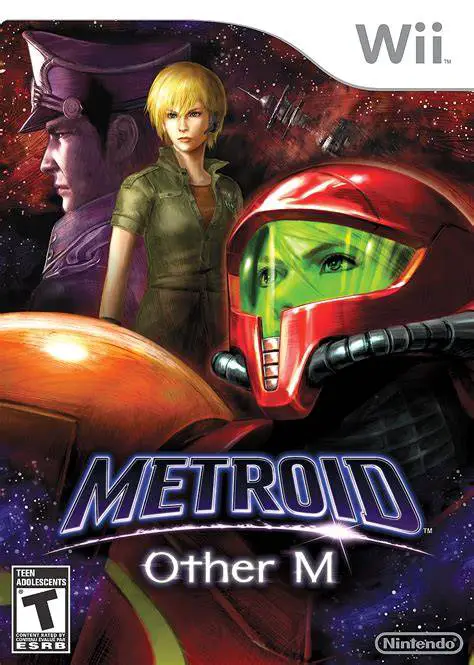
Metroid: Other M is an action-packed 3D sci-fi adventure ...
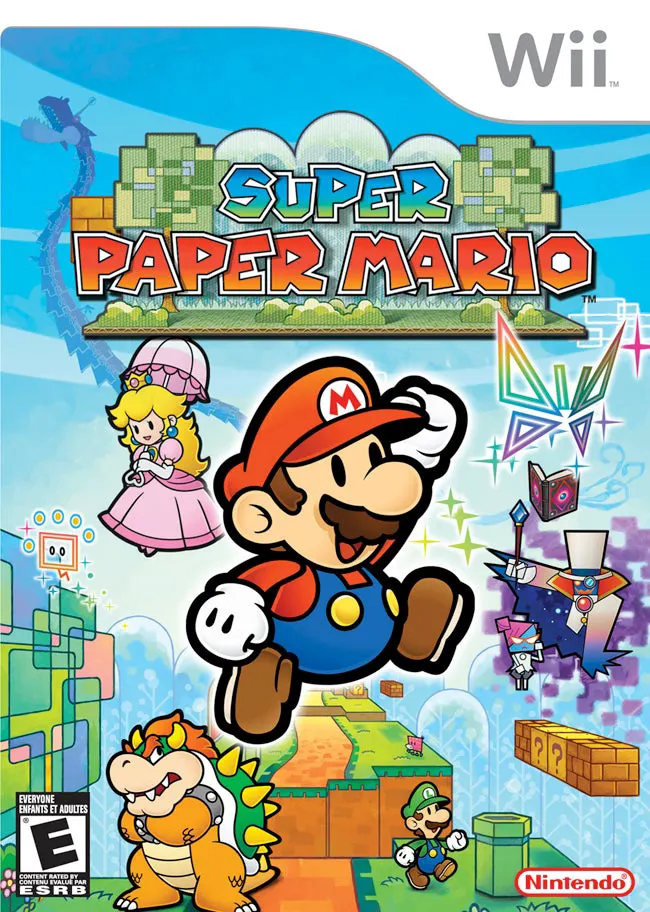
Super Paper Mario is a unique and captivating 2.5D action...