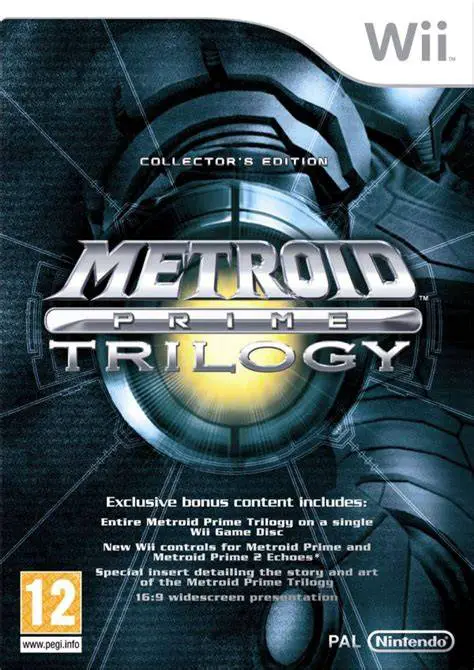
Metroid Prime Trilogy
Metroid Prime Trilogy is an extraordinary compilation rel...

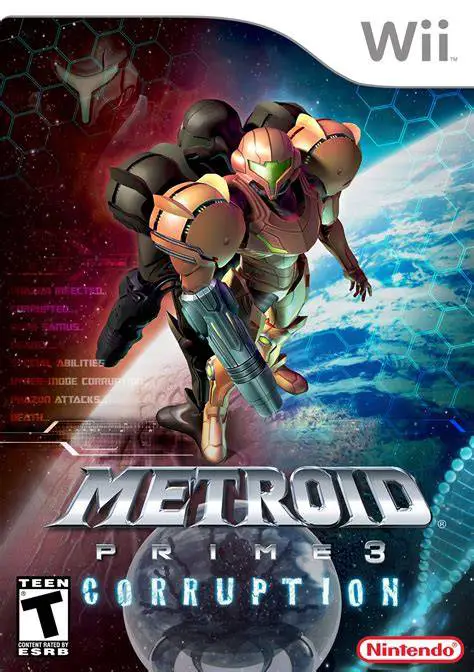
Metroid Prime 3: Corruption brings the first-person Metroidvania formula to a grand, multi-planetary scale. The story begins when Samus and her fellow bounty hunters are infected with Phazon during an attack by Space Pirates led by Dark Samus. As the corruption slowly overtakes her body, Samus must travel across distinct alien worlds—including the floating city of Norion, the pirate stronghold on Bryyo, and the toxic wastes of Elysia—to halt a catastrophic invasion and find a cure.
The game takes full advantage of the Wii hardware by implementing precise infrared pointer aiming, making combat, scanning environments, and manipulating ship controls exceptionally fluid. A major gameplay addition is Hyper Mode, which allows Samus to tap into her internal Phazon corruption to unleash devastating firepower at the risk of becoming permanently consumed by darkness if overused. Featuring cooperative interactions with other bounty hunters, versatile morph ball transformations, and epic boss confrontations, Metroid Prime 3 stands as a premier showcase of immersive storytelling on the Wii.
Specification | Details |
Title | Metroid Prime 3: Corruption |
Platform | Nintendo Wii |
Developer | Retro Studios / Nintendo |
Publisher | Nintendo |
Release Date | August 27, 2007 (North America) / October 26, 2007 (Europe) |
Genre | First-Person Action-Adventure / Shooter |
Mode | Single-player |
Media Format | Wii Optical Disc |
Video Output | 480p, 16:9 Widescreen Support |
Fluid Wii Pointer Aiming: Target enemies, scan scanning logs, and interact with environmental elements with pinpoint accuracy using the Wii Remote IR pointer.
Hyper Mode Mechanics: Channel your internal Phazon infection to gain ultimate combat power, balanced by the dangerous risk of corruption overload.
Multi-Planetary Exploration: Pilot your personal gunship across multiple star systems, using the ship's tractor beam to solve puzzles and transport heavy objects.
Dynamic Morph Ball Puzzles: Navigate intricate mazes and solve environmental hazards using classic morph ball upgrades like the Boost Ball and Spider Ball.
Cinematic Space Opera Story: Experience a fully voiced, action-packed narrative featuring dramatic encounters with corrupted fellow bounty hunters and Dark Samus.
Yes, Metroid Prime 3: Corruption runs exceptionally well on the Dolphin emulator. You can map the Wii Remote pointer and motion controls to a standard gamepad or a mouse and keyboard.
Yes, playing the game requires both the Wii Remote and the Nunchuk attachment. The Nunchuk analog stick handles Samus's movement, while physical gestures and pointer aiming are handled by the Wii Remote.
Hyper Mode allows Samus to enter a state of extreme power fueled by Phazon corruption, letting her obliterate tough enemies. However, staying in the mode too long forces Samus into a corrupted state where she must drain her energy quickly to avoid a game over.
While originally released as a standalone game in 2007, it was later bundled alongside the first two games in the Metroid Prime Trilogy compilation released for the Wii in 2009.
Click the links below to go to the cloud drive download page
⚠️ Download Tips:
Metroid Prime Trilogy is an extraordinary compilation rel...
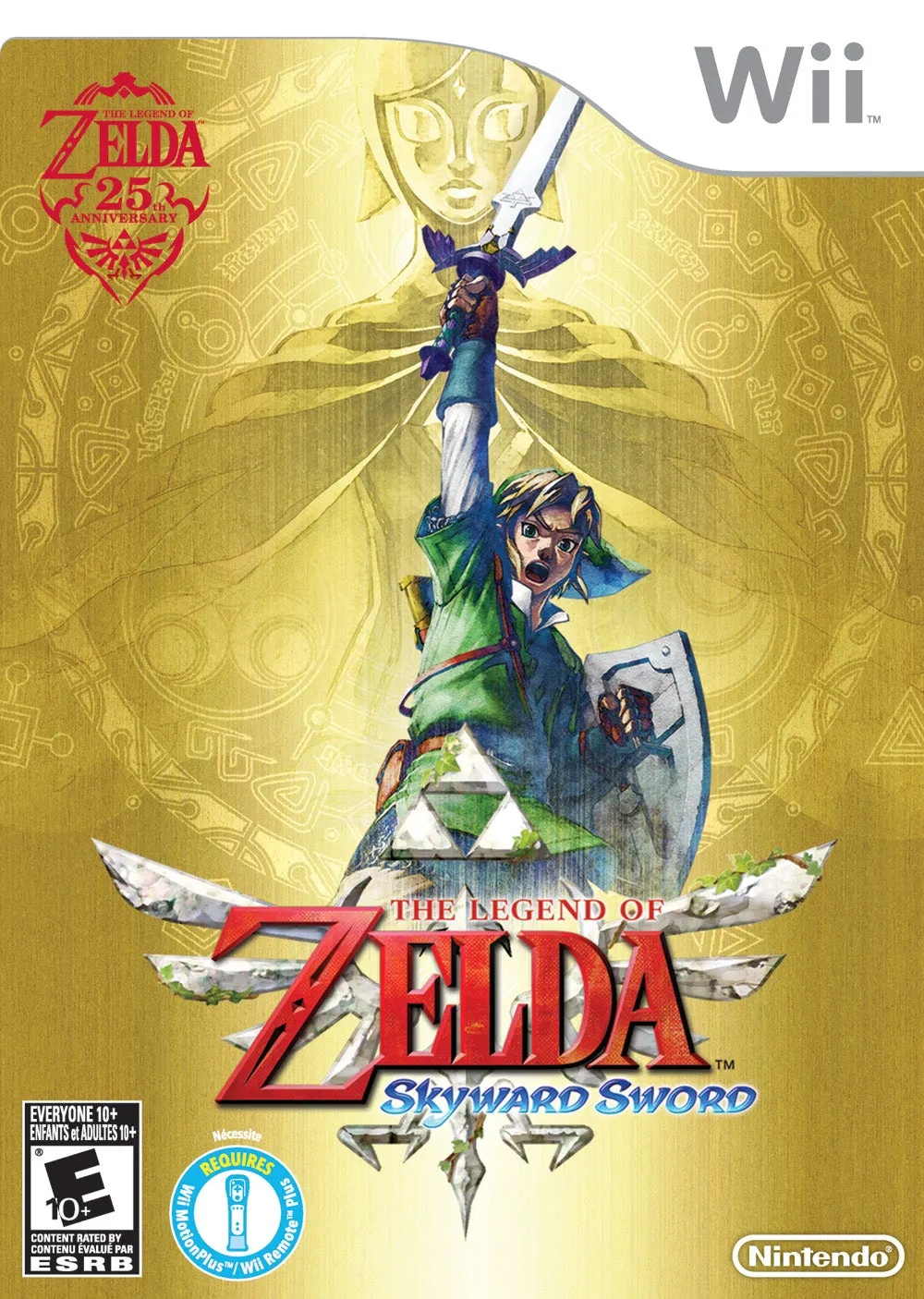
The Legend of Zelda: Skyward Sword is a critically acclai...
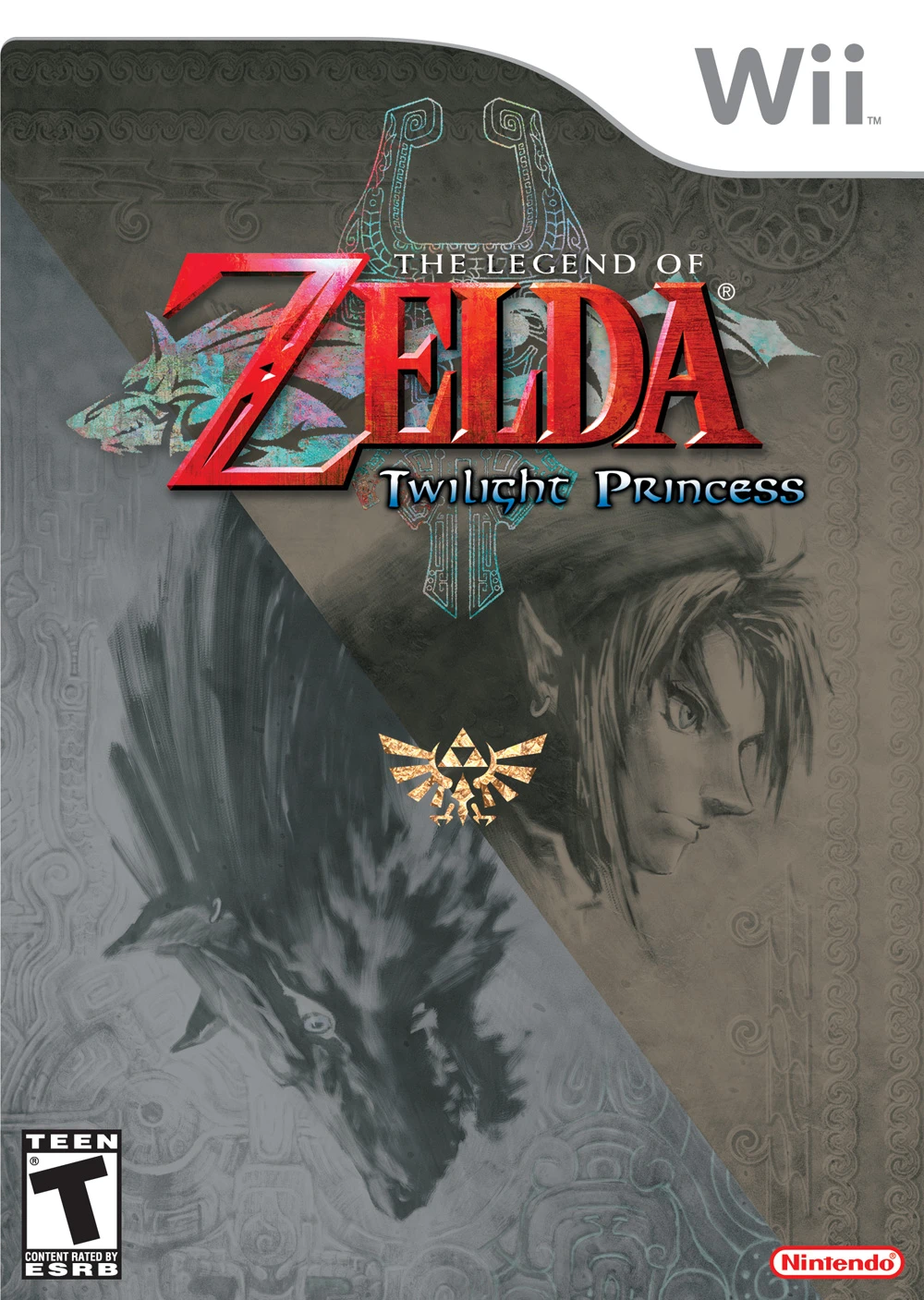
The Legend of Zelda: Twilight Princess is an epic action-...
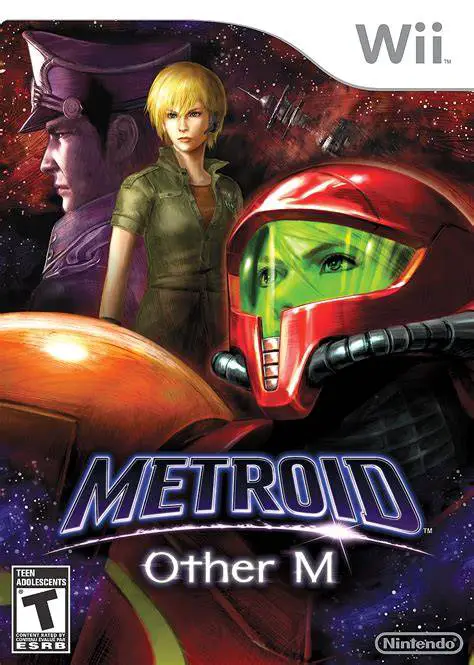
Metroid: Other M is an action-packed 3D sci-fi adventure ...
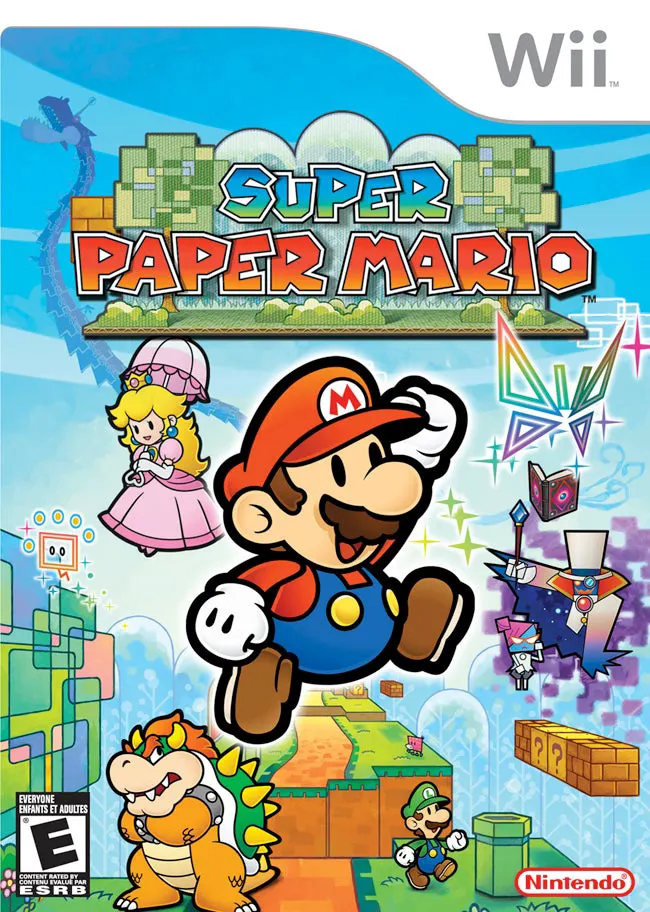
Super Paper Mario is a unique and captivating 2.5D action...