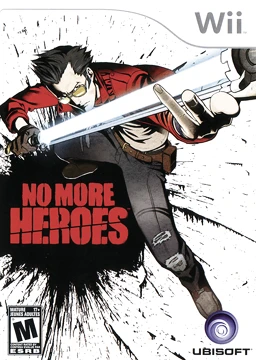
No More Heroes
No More Heroes is a stylish, ultra-violent action-adventu...

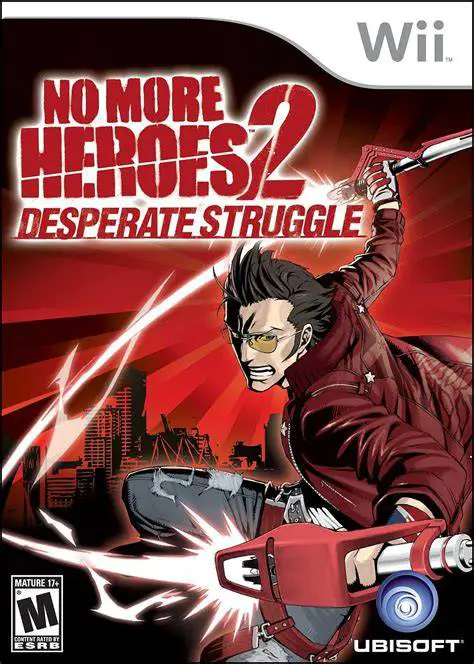
No More Heroes 2: Desperate Struggle streamlines the formula of its predecessor by replacing the open-world driving hub with a fast, menu-driven map selection system, allowing players to dive straight into intense action and assassination gigs. The story kicks off when a rival assassin named Skelter Helter seeks vengeance for his brother's death at Travis's hands in the first game. When tragedy strikes close to home, Travis straps on his beam katanas once again, teaming up with returning allies like Sylvia Christel and fierce newcomers to carve through a vicious new roster of ranked killers.
The combat system is significantly faster and more brutal than before. Travis can now dual-wield weapons—switching between standard beam katanas, heavy slow-swinging sabers, and lightning-fast dual-beam swords. The game also introduces multiple playable characters, including Travis's deadly assassin rival, Shinobu Jacobs, and his former pro-wrestler brother, Henry. Between assassination matches, players take on charming 8-bit retro side-scroller mini-games to earn money for upgrades, weapon parts, and stylish new t-shirts.
Specification | Details |
Title | No More Heroes 2: Desperate Struggle |
Platform | Nintendo Wii |
Developer | Grasshopper Manufacture |
Publisher | Ubisoft / Marvelous Entertainment |
Release Date | January 26, 2010 (North America) / May 21, 2010 (Europe) / January 28, 2010 (Japan) |
Genre | Action-Adventure / Hack and Slash / Beat 'em Up |
Mode | Single-player |
Media Format | Wii Optical Disc |
Video Output | 480p, 16:9 Widescreen Support |
Dual-Wielding & Multiple Weapons: Swap instantly between standard single-blade katanas, heavy two-handed beam swords, and rapid-fire dual beam sabers in combat.
Multiple Playable Characters: Take control of more than just Travis by stepping into the shoes of agile ninja Shinobu Jacobs and sword-wielding Henry Touchdown.
Streamlined Menu Hub: Jump instantly into ranked boss fights, part-time jobs, and assassination gigs via a streamlined, comic-book-inspired world map.
8-Bit Retro Mini-Games: Play nostalgic, pixelated side-scrolling jobs (such as pizza delivery, weightlifting, and retro arcade work) to earn spending cash and stat boosts.
Intense Boss Gauntlet: Face off against an even crazier, stylish line-up of ranked assassins ranging from giant mechs to rockstars and martial arts masters.
Yes, No More Heroes 2 runs exceptionally well on the Dolphin emulator. Motion controls, sword swings, and battery-recharging gestures can be easily mapped to modern gamepads or PC mouse movements.
While the game features a quick recap at the beginning, playing the original No More Heroes helps you fully appreciate returning characters, recurring plot threads, and Travis's character growth.
No, the developers removed the open-world driving segments of Santa Destroy based on player feedback, replacing them with a streamlined menu-based destination selector to keep the pacing fast.
Unlike the first game where European releases were heavily edited, No More Heroes 2 retained its intense blood and action effects across all major regional releases.
Click the links below to go to the cloud drive download page
⚠️ Download Tips:
No More Heroes is a stylish, ultra-violent action-adventu...
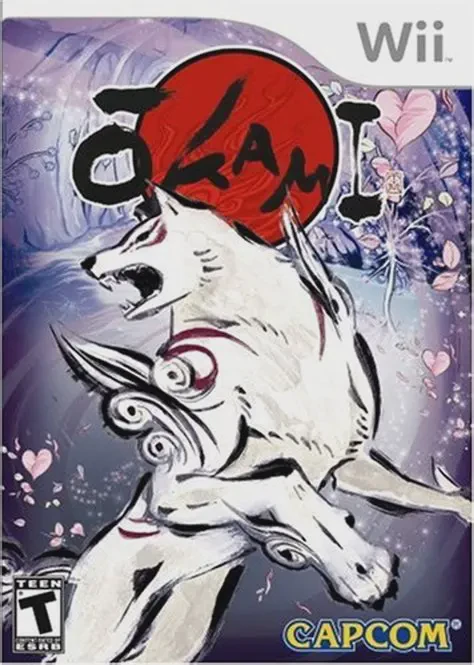
Okami is an acclaimed action-adventure game developed by ...
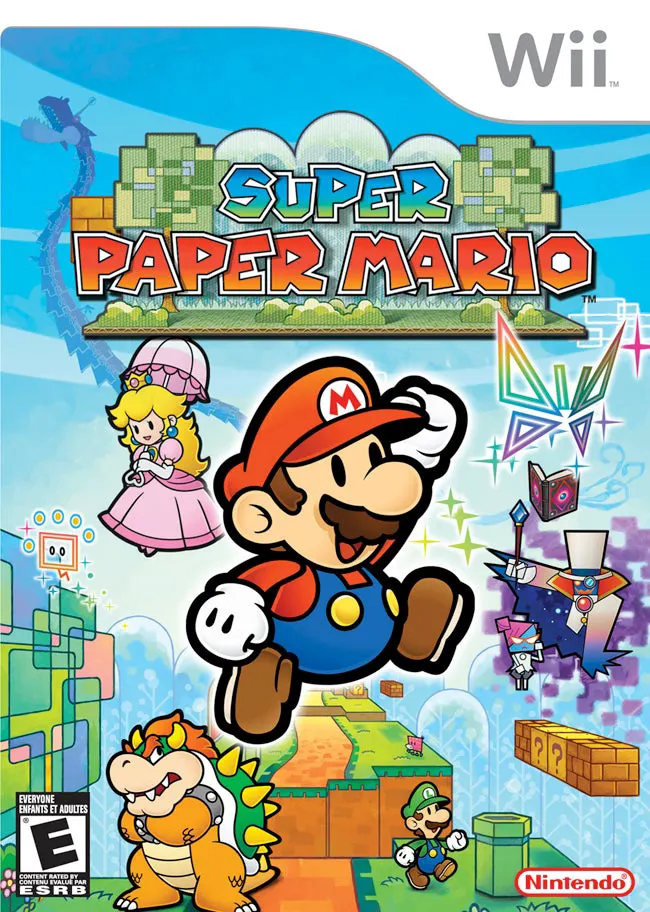
Super Paper Mario is a unique and captivating 2.5D action...
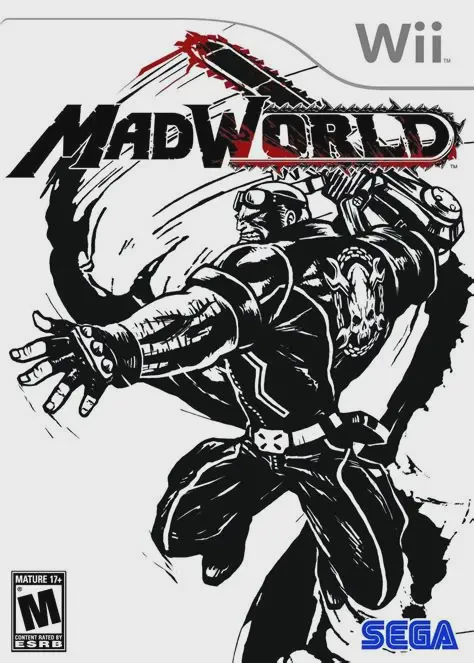
MadWorld is a fast-paced, visceral hack-and-slash beat 'e...
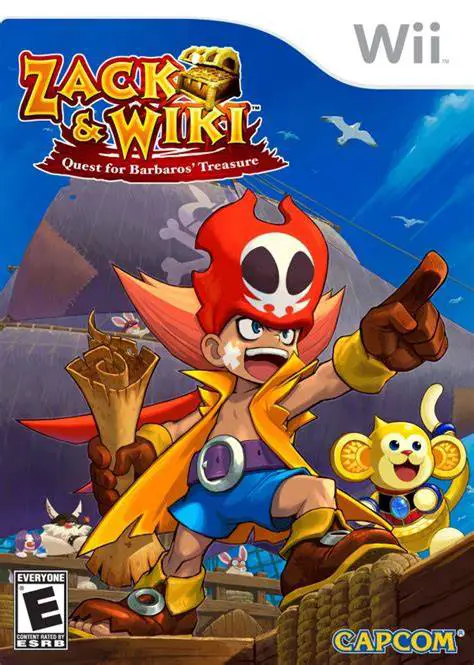
Zack & Wiki: Quest for Barbaros' Treasure is a brilliant,...