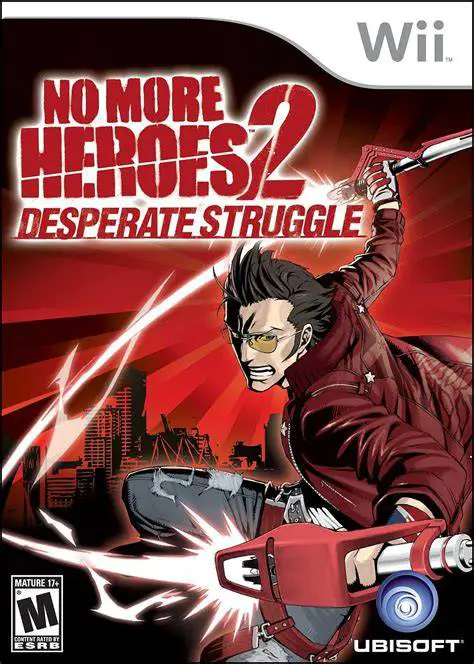
No More Heroes 2: Despera...
No More Heroes 2: Desperate Struggle is an explosive, hig...

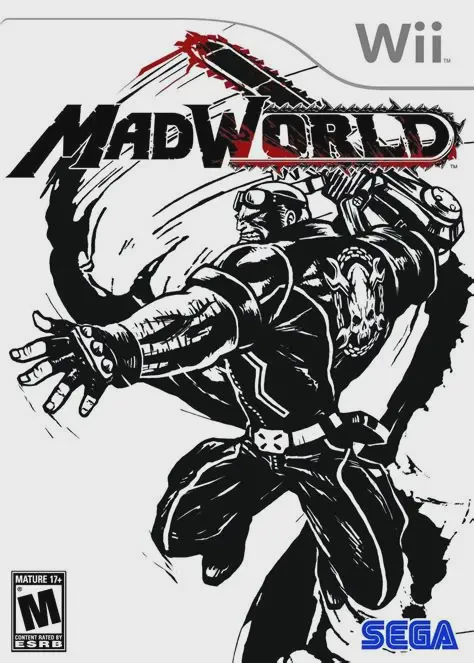
MadWorld transports players into a stylized dystopia inspired by comic books and graphic novels like Sin City. Varrigan City is shut off from the outside world after a rogue syndicate releases a lethal virus, offering the cure only to those who participate in DeathWatch, an ultra-violent death game broadcast worldwide for high-society entertainment. Jack enters the game with dual motives: to climb the leaderboard to survive and to execute a undercover rescue mission for a high-value hostage trapped inside the city limits.
The core gameplay centers around score-based environmental combat. Instead of relying solely on basic attack combos, players maximize their points by using the surroundings creatively to execute brutal kills. Jack can throw enemies into spiked walls, impale them on signposts, shove them into giant meat grinders, or slice through them with his arm-mounted chainsaw. The game's visual presentation uses high-contrast black-and-white graphics, with red blood and yellow environmental effects as the only visible colors, creating an unforgettable, high-energy arcade action experience.
Specification | Details |
Title | MadWorld |
Platform | Nintendo Wii |
Developer | PlatinumGames |
Publisher | Sega |
Release Date | March 10, 2009 (North America) / March 13, 2009 (Europe) / October 1, 2009 (Japan) |
Genre | Hack and Slash / Beat 'em Up / Action |
Mode | Single-player, 2-Player Local Co-op (Mini-games) |
Media Format | Wii Optical Disc |
Video Output | 480p, 16:9 Widescreen Support |
Distinctive Graphic Novel Art Style: Experience a striking high-contrast, black-and-white comic book visual layout punctuated by vivid red blood and colorful UI elements.
Visceral Motion Controls: Swing the Wii Remote and Nunchuk to execute heavy punches, grab enemies, hurl foes into hazards, and rev Jack's arm-mounted chainsaw.
Creative Environmental Kills: Score points by stringing together creative environmental executions using jet engines, train tracks, spiked walls, press machines, and barrels.
"Manic Games" Challenge Mode: Participate in brutal, game-show mini-games mid-stage designed to test your ability to toss enemies into hazardous devices within time limits.
Dynamite Audiovisual Package: Features live commentary by sports announcers Greg Proops and John DiMaggio alongside an energetic, original hip-hop and rap soundtrack.
Yes, MadWorld runs smoothly on the Dolphin emulator. Motion gesture controls like chainsaw swings and finisher flicks can easily be mapped to analog flick inputs or PC keyboard bindings.
No, MadWorld was released before the Wii MotionPlus was launched and relies strictly on accelerometer flick gestures and button inputs using the standard Wii Remote and Nunchuk setup.
Points are awarded based on the complexity and cruelty of your environmental kills. Combining multiple hazards (e.g., impaling a barrel over an enemy's head, throwing them into a rose bush, and then slicing them with a chainsaw) awards significantly higher points than basic attacks.
No, MadWorld carries an M (Mature) rating due to intense graphic violence, blood, gore, crude humor, and strong adult language throughout the commentary and dialogue.
Click the links below to go to the cloud drive download page
⚠️ Download Tips:
No More Heroes 2: Desperate Struggle is an explosive, hig...
No More Heroes is a stylish, ultra-violent action-adventu...

Okami is an acclaimed action-adventure game developed by ...
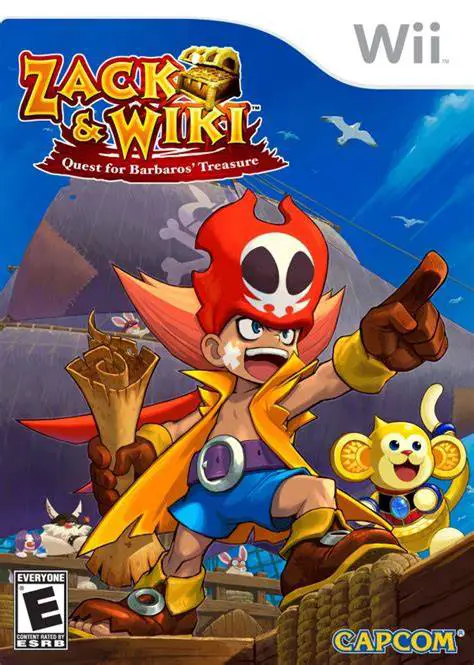
Zack & Wiki: Quest for Barbaros' Treasure is a brilliant,...
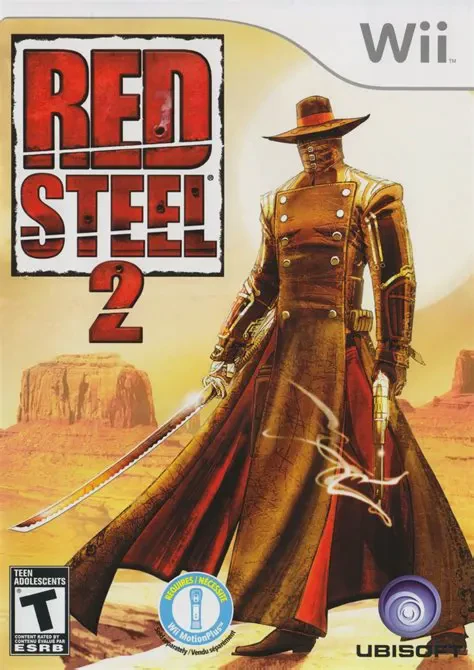
Red Steel 2 is a high-octane, motion-controlled first-per...