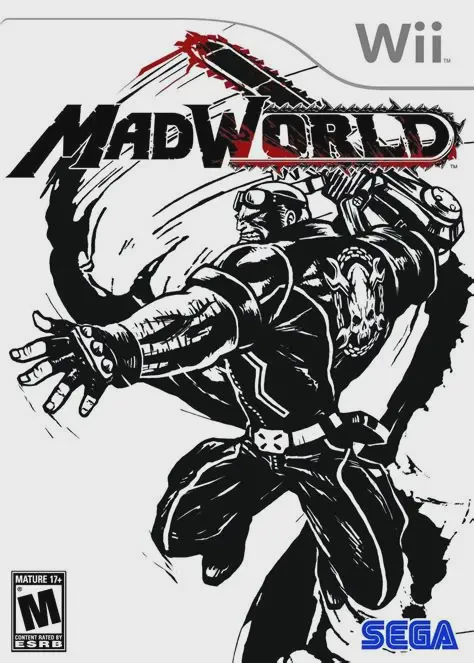
MadWorld
MadWorld is a fast-paced, visceral hack-and-slash beat 'e...

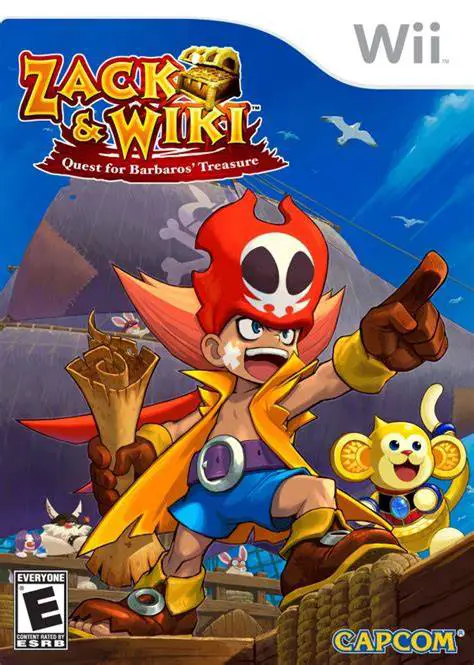
Zack & Wiki delivers one of the most creative and mechanically pure experiences on the Nintendo Wii. Operating out of their jungle pirate headquarters, players select destinations from a world map to explore dangerous, puzzle-filled environments such as frozen ice temples, haunted ruins, and pirate hideouts. Each stage functions as an intricate logic puzzle where failure often results in hilarious cartoon gags rather than frustrating game-overs.
The core gameplay relies on the Wii Remote's precise pointer functionality. Players guide Zack across environments while using Wiki's transformation ability to interact with objects, levers, mechanisms, and enemies. When interacting with an item, the game shifts to a first-person perspective where players must execute precise, logical physical motions with the Wii Remote—such as turning a key, sawing a log, pulling a lever, cranking a music box, or painting a canvas. Featuring vibrant, colorful cell-shaded graphics and deep brain-teasing riddles, it is widely celebrated as a hidden masterpiece of the puzzle genre.
Specification | Details |
Title | Zack & Wiki: Quest for Barbaros' Treasure |
Platform | Nintendo Wii |
Developer | Capcom |
Publisher | Capcom |
Release Date | October 23, 2007 (North America) / October 25, 2007 (Japan) |
Genre | Puzzle-Adventure / Point-and-Click |
Mode | Single-player |
Media Format | Wii Optical Disc |
Video Output | 480p, 16:9 Widescreen Support |
Inventive Motion-Controlled Puzzles: Translate physical gestures into on-screen actions using the Wii Remote pointer to saw, turn, pull, and manipulate items logically.
Unique Transformation Mechanic: Utilize your companion Wiki, who transforms into specialized tools—like a saw, a pump, a key, or an umbrella—depending on the puzzle context.
Hilarious Trial-and-Error Gameplay: Experience creative cartoon failure animations that offer subtle clues rather than strict punishment when a puzzle goes wrong.
Charming Pirate Adventure Theme: Explore diverse, beautifully designed thematic stages filled with hidden treasures, eccentric characters, and boss encounters.
Ranked Puzzle Mastery: Replay completed stages to optimize your moves, discover secret items, and earn the coveted "Pirate Great" rank from Captain Barbaros.
Yes, Zack & Wiki runs exceptionally well on the Dolphin emulator. Pointer controls can be seamlessly mapped to a PC mouse or an analog stick, making the precise gesture puzzles easy to solve.
Yes, because the game relies heavily on accurate on-screen pointer tracking for navigating levels and interacting with objects, a working sensor bar (or a mouse-emulated pointer setup on an emulator) is required.
No traditional game overs exist in the game. If Zack makes a mistake or triggers a trap, Barbaros's skull resurrects him instantly on the spot, allowing you to learn from the mistake and try a different approach.
The game is structured across multiple unique themed chapters containing dozens of distinct puzzle stages, culminating in a grand finale to uncover Barbaros's ultimate treasure.
Click the links below to go to the cloud drive download page
⚠️ Download Tips:
MadWorld is a fast-paced, visceral hack-and-slash beat 'e...

No More Heroes 2: Desperate Struggle is an explosive, hig...
No More Heroes is a stylish, ultra-violent action-adventu...
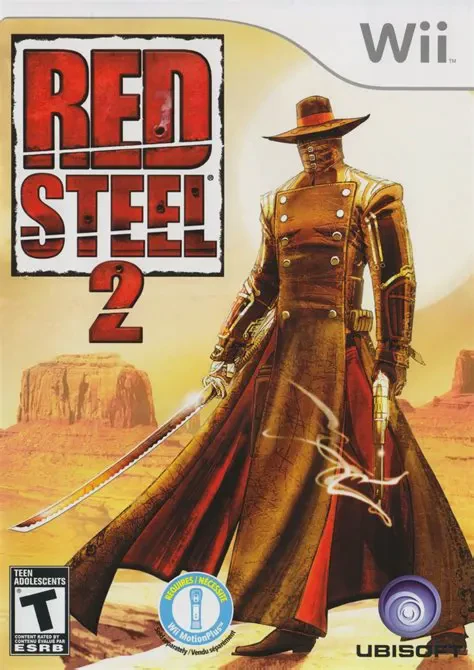
Red Steel 2 is a high-octane, motion-controlled first-per...
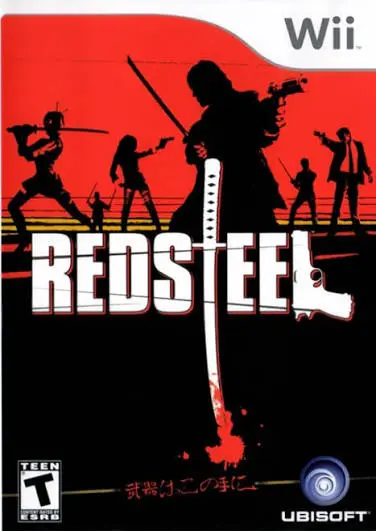
Red Steel is an ambitious first-person shooter and sword-...