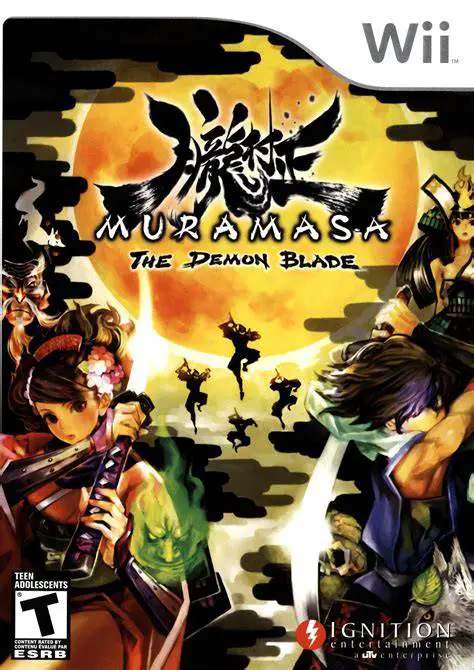
Muramasa: The Demon Blade
Muramasa: The Demon Blade is a visually breathtaking 2D s...

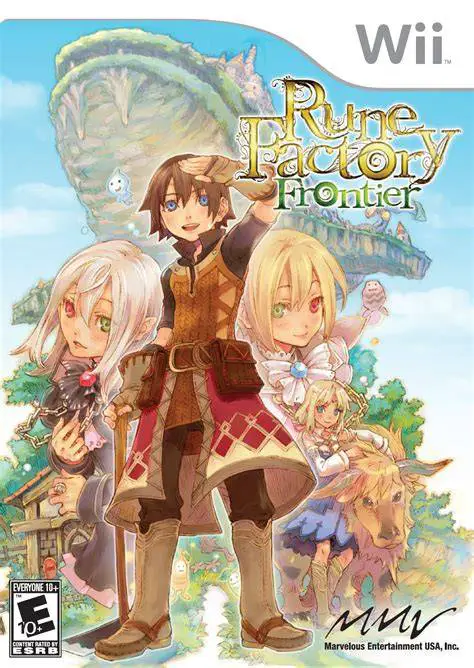
Rune Factory Frontier brings the popular "A Fantasy Harvest Moon" spin-off series into a full 3D console environment. Players step into the shoes of Raguna, who settles down in Trampoli Village and acquires a plot of land to cultivate crops, raise livestock, and build relationships with local townspeople. Beyond managing a daily farming schedule, Raguna must explore four seasonal dungeon areas as well as the mysterious, giant Whale Island that floats in the skies above the town.
The gameplay divides time between peaceful agricultural work and real-time hack-and-slash dungeon exploration. Combat involves battling wild monsters using swords, spears, hammers, or magic, with the ability to tame beasts to aid in farm labor or join you in battle. A central mechanic introduced in Frontier is the Runi Ecosystem, where players must balance tiny spirit entities across town zones to ensure healthy crop yields. Featuring extensive crafting systems, seasonal festivals, and 12 eligible bachelorettes to court and marry, Rune Factory Frontier offers a deep, relaxing adventure.
Specification | Details |
Title | Rune Factory Frontier |
Platform | Nintendo Wii |
Developer | Neverland / Marvelous Entertainment |
Publisher | Marvelous Entertainment / XSEED Games / Rising Star Games |
Release Date | March 17, 2009 (North America) / November 27, 2008 (Japan) |
Genre | Fantasy Life Simulation / Action RPG |
Mode | Single-player |
Media Format | Wii Optical Disc |
Video Output | 480p, 16:9 Widescreen Support |
Expansive Life & Farming Simulation: Clear fields, plant and harvest seasonal crops, go fishing, and build up your farmstead in full 3D graphics.
Whale Island & Seasonal Dungeons: Explore a massive sky island floating above the town alongside four themed dungeons representing Spring, Summer, Autumn, and Winter.
Real-Time Action RPG Combat: Battle aggressive dungeon monsters, learn magic spells, and forge upgraded weapons and tools at your workshop forge.
Monster Taming & Farming Assistants: Tame dungeon creatures to assist with watering crops, harvesting produce, or battling by your side during dungeon runs.
Romance & Community Festivals: Interact with a vibrant cast of townspeople, participate in seasonal contests, and court one of 12 bachelorettes to build a family.
Yes, Rune Factory Frontier runs smoothly on the Dolphin emulator. It supports high-definition rendering and custom control layouts mapped to modern USB gamepads or keyboards.
Runis are environmental spirit entities (Water, Rock, Tree, and Grass) that inhabit each zone of Trampoli. Balancing their population levels is required to prevent crop stagnation and maximize harvest speeds.
No, the game can be played using either a Wii Remote and Nunchuk combination or a Wii Classic Controller/GameCube controller for a more traditional control scheme.
Yes, Rune Factory Frontier is a direct sequel to Rune Factory: A Fantasy Harvest Moon for the Nintendo DS, featuring returning characters like Raguna, Mist, and Rosetta.
Click the links below to go to the cloud drive download page
⚠️ Download Tips:
Muramasa: The Demon Blade is a visually breathtaking 2D s...
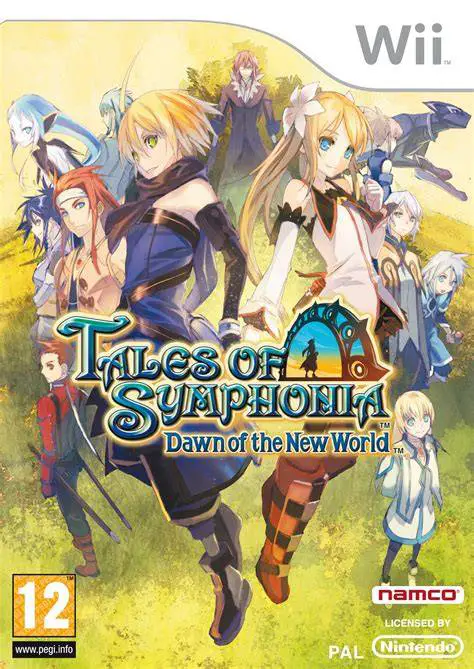
Tales of Symphonia: Dawn of the New World is an engaging ...
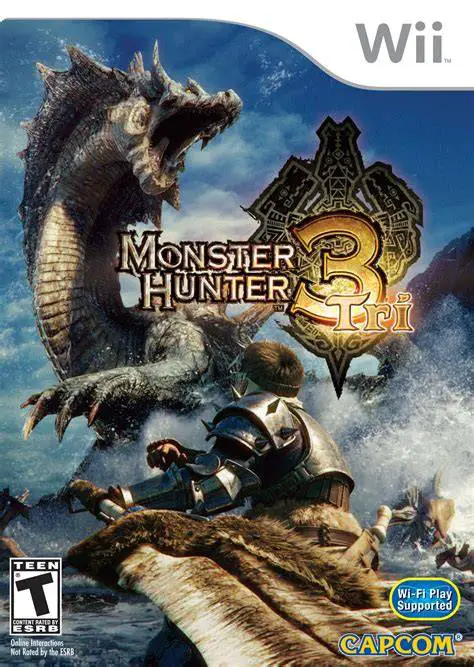
Monster Hunter Tri is an epic action role-playing game de...
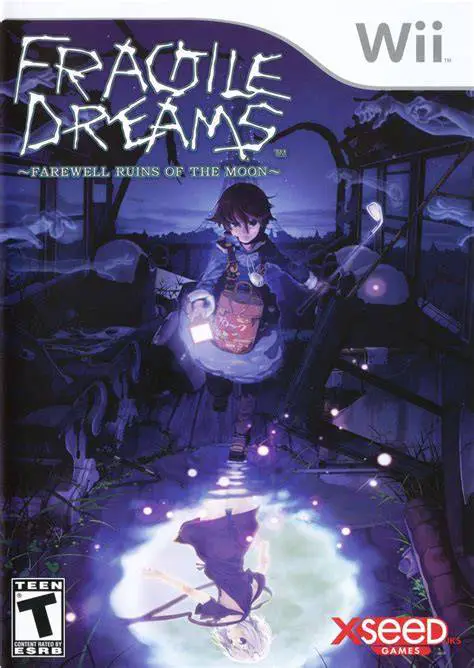
Fragile Dreams: Farewell Ruins of the Moon is a poignant,...
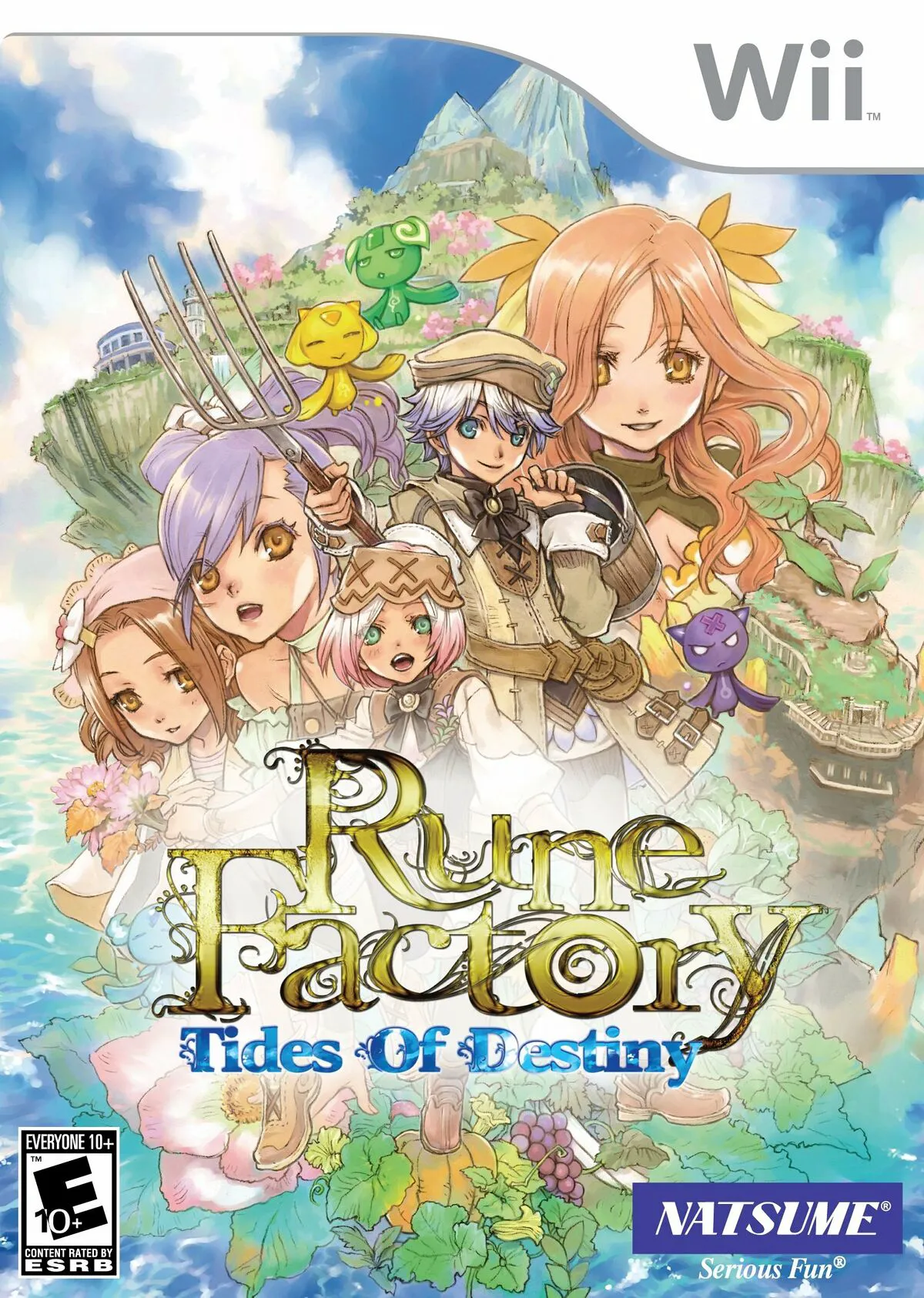
Rune Factory: Tides of Destiny (known as Rune Factory Oce...