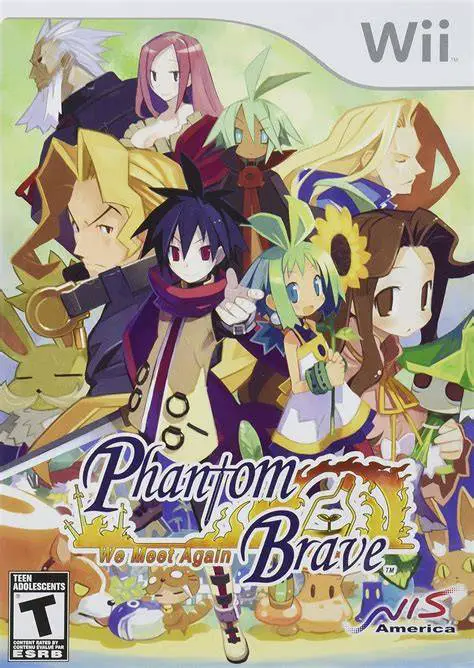
Phantom Brave: We Meet Again
Phantom Brave: We Meet Again is an enhanced tactical role...

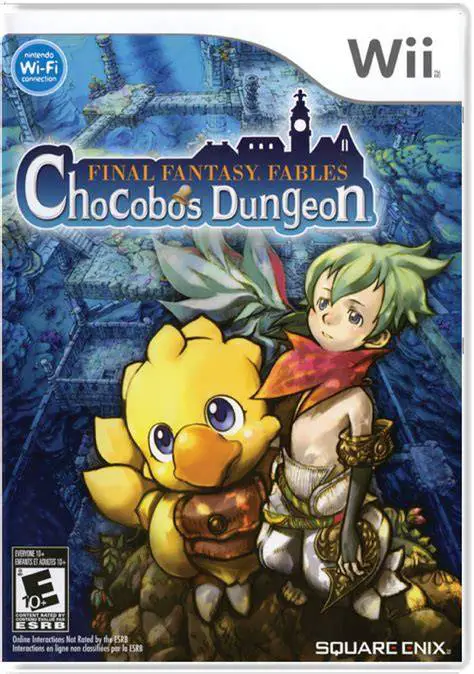
Final Fantasy Fables: Chocobo's Dungeon delivers an accessible yet strategic take on the classic mystery dungeon genre. The story begins when Cid and Chocobo are pulled through a magical rift into Lostime, an isolated town where forgetting is considered the key to happiness. When a mysterious baby named Raffaello falls from the sky, Chocobo gains the ability to dive directly into the memories of the townspeople to battle their inner demons and recover their lost identities.
Gameplay rotates between peaceful town exploration and tactical turn-based dungeon crawling. Dungeons feature randomly generated layouts, traps, and treasure chests. Every step Chocobo takes or action he performs triggers a simultaneous action from monsters on the floor. Utilizing the series' famous Job System, Chocobo can transform into iconic classes—such as White Mage, Black Mage, Knight, Dragoon, and Blacksmith—each granting specialized stats and abilities. With vibrant cel-shaded visuals, mini-games, pop-up card duels, and a nostalgic soundtrack remixed from historic Final Fantasy themes, it is a delightful RPG entry on the Wii.
Specification | Details |
Title | Final Fantasy Fables: Chocobo's Dungeon |
Platform | Nintendo Wii |
Developer | h.a.n.d. / Square Enix |
Publisher | Square Enix |
Release Date | July 8, 2008 (North America) / December 13, 2007 (Japan) / November 7, 2008 (Europe) |
Genre | Rogue-like / Mystery Dungeon RPG |
Mode | Single-player, 2-Player Local Co-op (Mini-games / Buddy Support) |
Media Format | Wii Optical Disc |
Video Output | 480p, 16:9 Widescreen Support |
Classic Final Fantasy Job System: Change Chocobo's job on the fly into roles like Dragoon, Black Mage, Ninja, or Scholar to gain unique spells and combat skills.
Procedurally Generated Dungeons: Explore ever-shifting floor layouts filled with randomized loot, hidden traps, elemental zones, and dangerous boss monsters.
Tactical Turn-Based Combat: Time every step, attack, and spell carefully, as every movement Chocobo makes causes enemies to act simultaneously.
Nostalgic Musical Score: Enjoy fully orchestrated music tracks featuring reimagined themes from across the entire Final Fantasy franchise history.
Pop-Up Duel Card Mini-Game: Collect cards throughout the town and dungeons to compete in strategic pop-up card battles against NPCs or friends.
Yes, Final Fantasy Fables: Chocobo's Dungeon runs exceptionally well on the Dolphin emulator. It supports high-definition rendering and easy mapping to standard modern gamepads or keyboards.
No, the game can be played using a sideways Wii Remote, a Wii Remote and Nunchuk combination, or a Wii Classic Controller/GameCube controller.
No, while fainting inside a dungeon causes Chocobo to lose unequipped items and money, he retains his job levels, experience, and gear stored in town vaults, making it much more forgiving than brutal rogue-likes.
New jobs are unlocked by collecting job memories, which are obtained by progressing through memory dungeons, completing side quests, and defeating boss encounters throughout Lostime.
Click the links below to go to the cloud drive download page
⚠️ Download Tips:
Phantom Brave: We Meet Again is an enhanced tactical role...
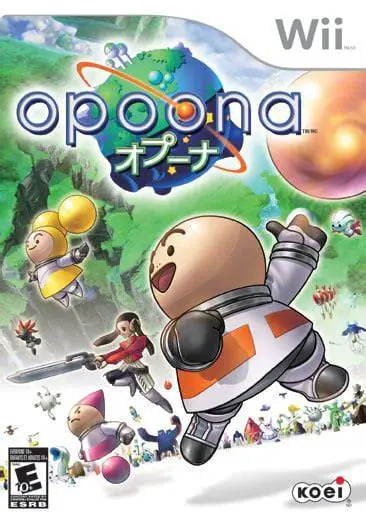
Opoona is a charming and eccentric sci-fi role-playing ga...
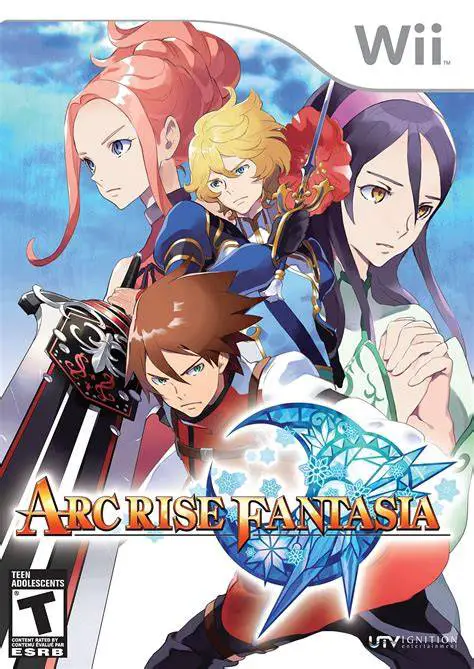
Arc Rise Fantasia is a captivating, traditional fantasy r...
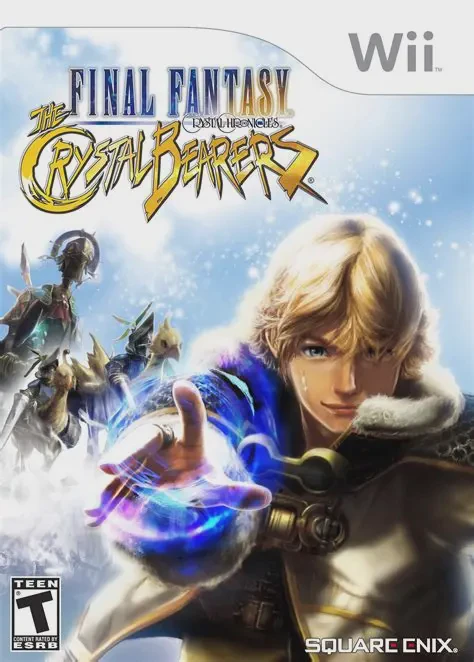
Final Fantasy Crystal Chronicles: The Crystal Bearers is ...
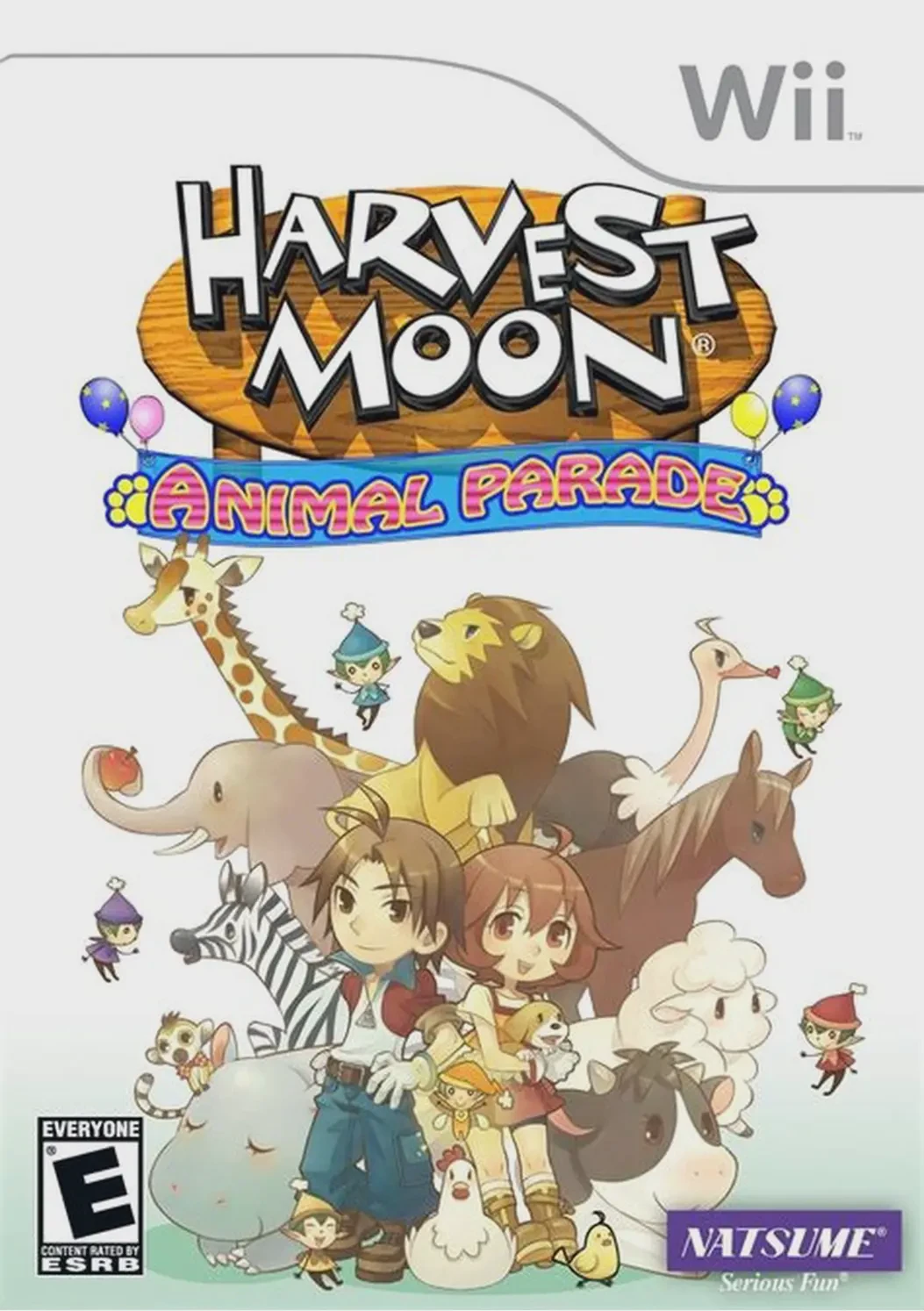
Harvest Moon: Animal Parade is a beloved farming and life...