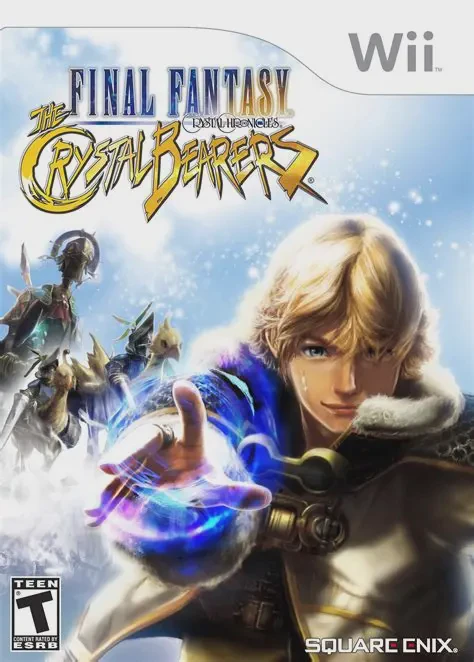
Final Fantasy Crystal Chr...
Final Fantasy Crystal Chronicles: The Crystal Bearers is ...

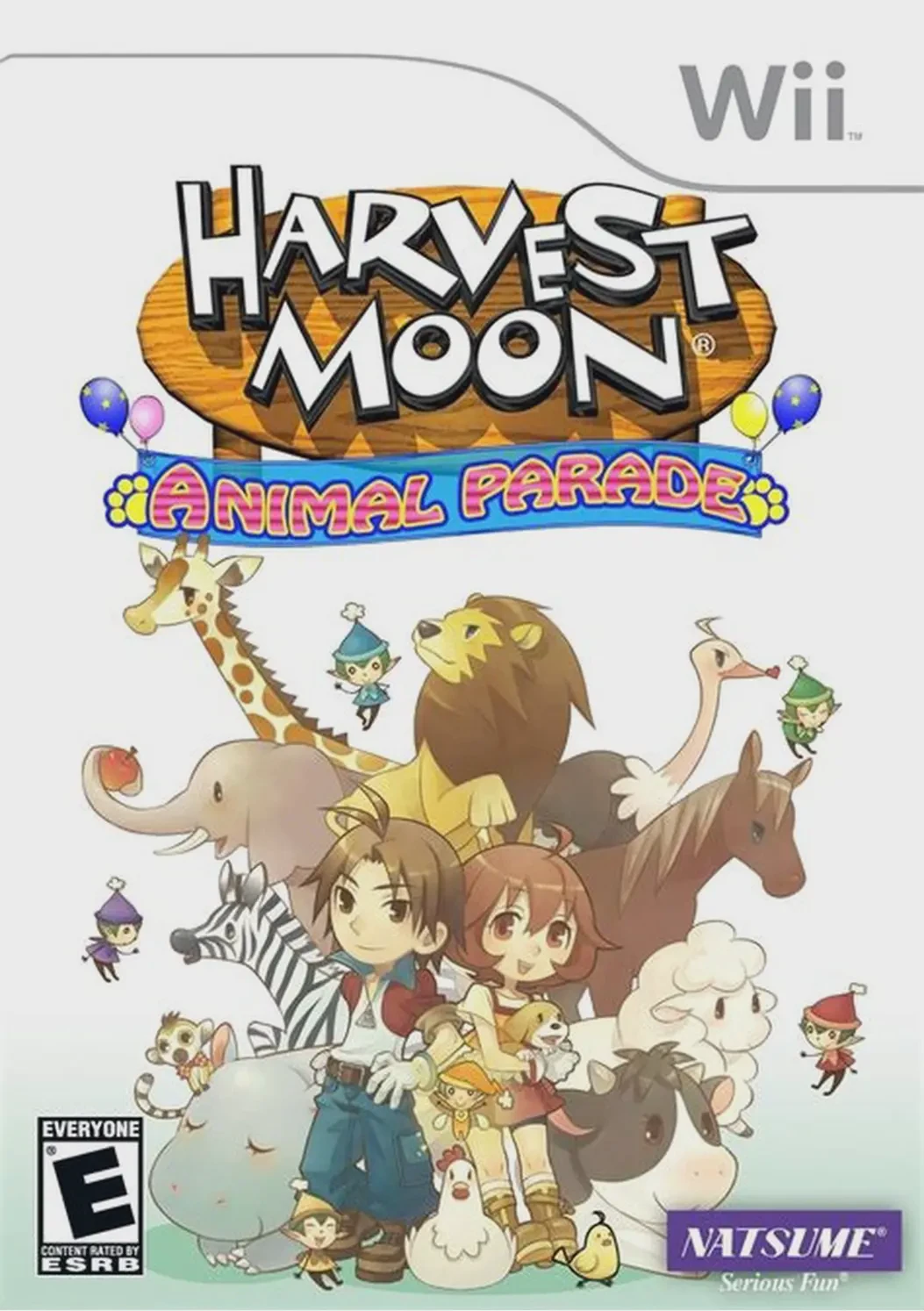
Harvest Moon: Animal Parade expands upon the foundation of Harvest Moon: Tree of Tranquility with a larger game world, improved pacing, and an emphasis on animal companionship. Upon arriving in Castanet, players discover that nature's balance has failed: the wind has stopped, the waves are calm, and fire has lost its warmth. Guided by the Harvest Sprite Finn, players must locate the five divine bells scattered across the island and ring them to restore life and harmony to the realm.
Gameplay balances daily farm labor—planting seeds, watering crops, and tending livestock—with exploring vast wilderness regions, mining, and fishing. True to its title, Animal Parade introduces unprecedented interaction with wildlife: players can tame exotic animals like lions, bears, ostriches, and pandas to keep as pets, ride as mounts, or lead in community circus parades. With 20 eligible marriage candidates, multi-child family dynamics, and seasonal town festivals, the game offers a deeply satisfying rural life simulation.
Specification | Details |
Title | Harvest Moon: Animal Parade |
Platform | Nintendo Wii |
Developer | Marvelous Entertainment |
Publisher | Natsume / Rising Star Games |
Release Date | November 10, 2009 (North America) / October 30, 2008 (Japan) / November 26, 2010 (Europe) |
Genre | Life Simulation / Farming RPG |
Mode | Single-player |
Media Format | Dual-Layer Wii Optical Disc |
Video Output | 480p, 16:9 Widescreen Support |
Exotic Animals & Mounting: Tame, pet, and ride a wide variety of domestic and exotic creatures, including horses, ostriches, circus lions, bears, and wolves.
Five Elemental Bells Quest: Search for and ring five divine bells to restore the natural elements across Castanet and summon the Harvest Goddess.
Expanded Family & Marriage System: Court one of 20 distinct bachelors and bachelorettes, get married, and raise up to two children who grow up to assist on the farm.
Circus Parades & Festivals: Help the traveling circus perform tricks across town and compete in seasonal village festivals throughout the year.
Flexible Control Options: Play using either the Wii Remote and Nunchuk combo or a classic gamepad setup for relaxed play.
Yes, Harvest Moon: Animal Parade runs exceptionally well on the Dolphin emulator. It benefits greatly from higher visual resolutions and frame rate stability fixes available through emulator settings.
No, the game fully supports the standard Wii Remote and Nunchuk combination, as well as the Wii Classic Controller and GameCube controller.
Unlike many earlier entries in the franchise where you could only have one child, Animal Parade allows your farmer to have two children who inherit personality traits from your spouse.
While both take place in similar settings, Animal Parade features a significantly larger world, camera control, faster day/night cycles, additional marriage candidates (including the Harvest Goddess and King), and a vastly expanded animal circus and mounting system.
Click the links below to go to the cloud drive download page
⚠️ Download Tips:
Final Fantasy Crystal Chronicles: The Crystal Bearers is ...
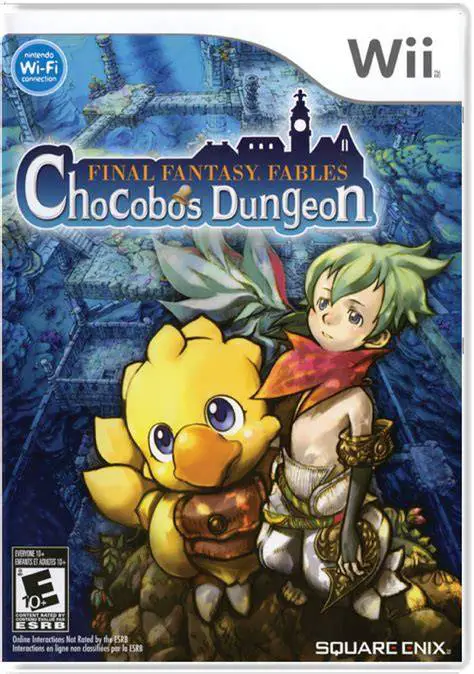
Final Fantasy Fables: Chocobo's Dungeon is a colorful, ro...
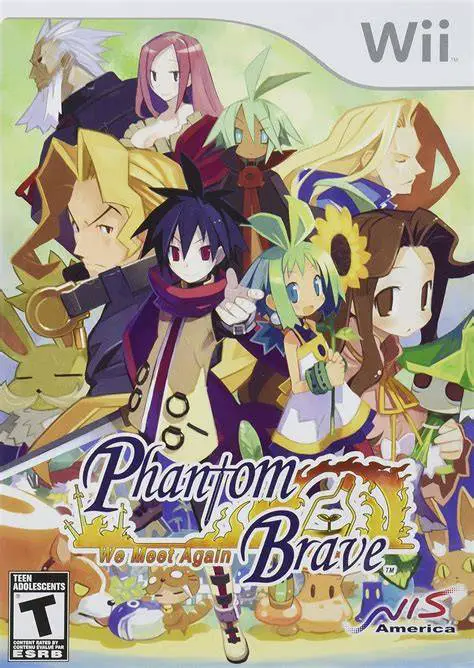
Phantom Brave: We Meet Again is an enhanced tactical role...
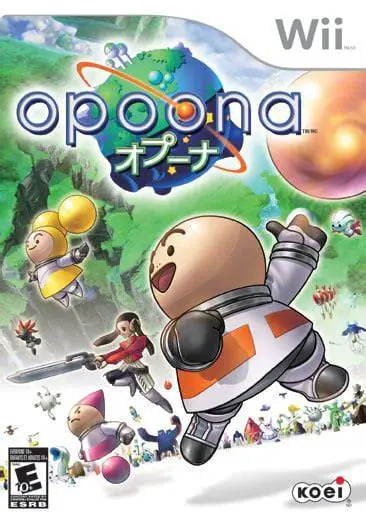
Opoona is a charming and eccentric sci-fi role-playing ga...
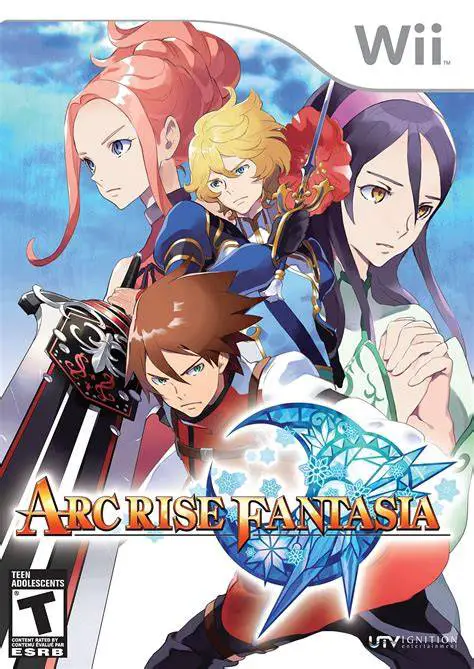
Arc Rise Fantasia is a captivating, traditional fantasy r...