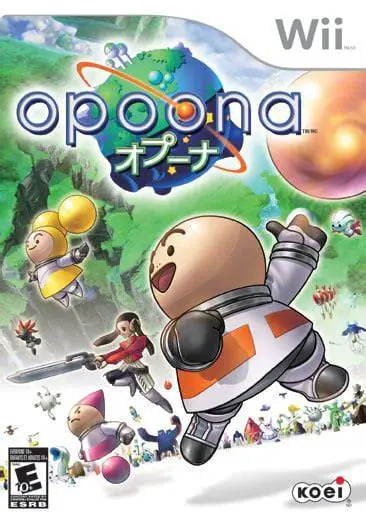
Opoona
Opoona is a charming and eccentric sci-fi role-playing ga...

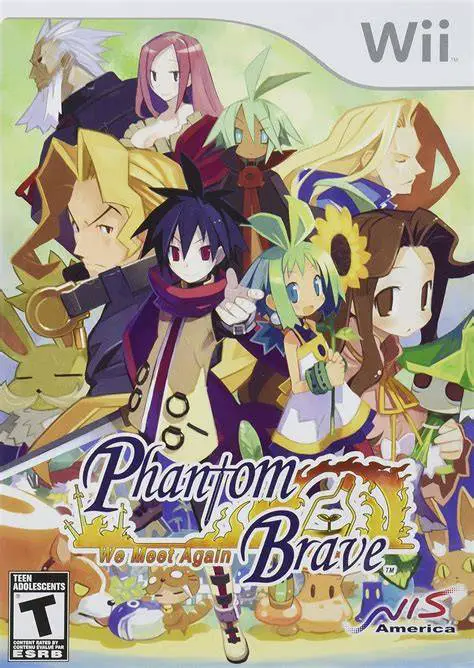
Phantom Brave: We Meet Again departs from traditional tile-based tactical RPGs by replacing fixed movement grids with a circular, free-roaming radius system. Players control Marona as she navigates open environments, picking up objects, enemies, and items to throw across the battlefield. Because Marona is the only physical character in your party at the start of battle, she must rely on the Confine system to temporarily summon Ash and other recruited phantoms into inanimate physical objects scattered around the map—such as rocks, trees, flowers, or weapons—granting them unique stat boosts based on the host object.
The Wii version enhances the original experience by including all previous downloadable content, quality-of-life interface upgrades, and an exclusive bonus campaign titled "Another Marona," which introduces new playable characters and alternate storylines. With limitless character customization, item reincarnation, and hundreds of hours of post-game leveling challenges typical of Nippon Ichi titles, Phantom Brave offers immense depth for strategy enthusiasts.
Specification | Details |
Title | Phantom Brave: We Meet Again |
Platform | Nintendo Wii |
Developer | Nippon Ichi Software |
Publisher | NIS America |
Release Date | June 9, 2009 (North America) / October 29, 2009 (Japan) / March 26, 2010 (Europe) |
Genre | Tactical Role-Playing Game (TRPG) |
Mode | Single-player |
Media Format | Wii Optical Disc |
Video Output | 480p, 16:9 Widescreen Support |
Gridless Free-Movement Combat: Move characters freely within circular action ranges instead of being restricted by traditional square or hexagonal grid tiles.
The Confine Summoning System: Possess physical objects on the battlefield—like rocks, weapons, and trees—to summon phantom allies with randomized stat modifiers.
Interactive Battlefield Physics: Pick up and throw rocks, enemies, trees, and weapons during combat to alter terrain or deal heavy environmental damage.
"Another Marona" Exclusive Campaign: Experience an all-new bonus story chapter packed with extra characters, fresh scenarios, and challenging encounters.
Limitless Progression & Customization: Level up characters past standard caps, reincarnate units to retain skills, and craft or upgrade hundreds of unique weapons.
Yes, Phantom Brave: We Meet Again runs smoothly on the Dolphin emulator. You can upscale the hand-drawn sprite graphics to high resolutions and map control inputs easily to modern gamepads.
No, the game does not rely heavily on motion controls. You can comfortably play using standard controller schemes mapped to a Wii Remote and Nunchuk, Classic Controller, or a GameCube controller.
Phantom units summoned via Confine can only stay on the battlefield for a limited number of turns (usually between 3 to 9 turns depending on the unit and level) before they automatically vanish back to phantom form.
It is an enhanced port of the original PS2 game, featuring updated widescreen support, all previous DLC characters included on the disc, and a brand-new alternate story path called "Another Marona."
Click the links below to go to the cloud drive download page
⚠️ Download Tips:
Opoona is a charming and eccentric sci-fi role-playing ga...
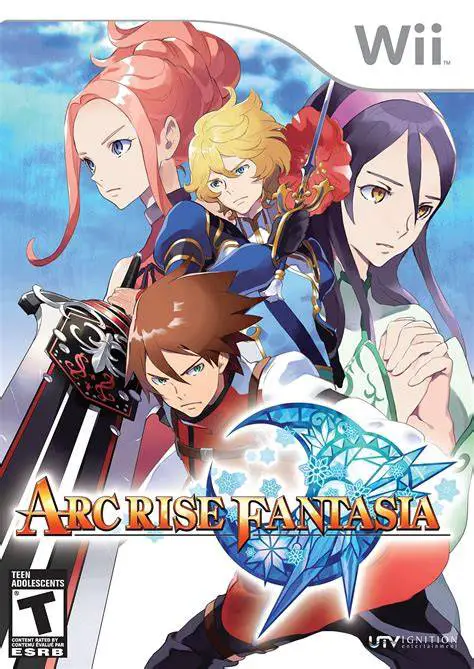
Arc Rise Fantasia is a captivating, traditional fantasy r...
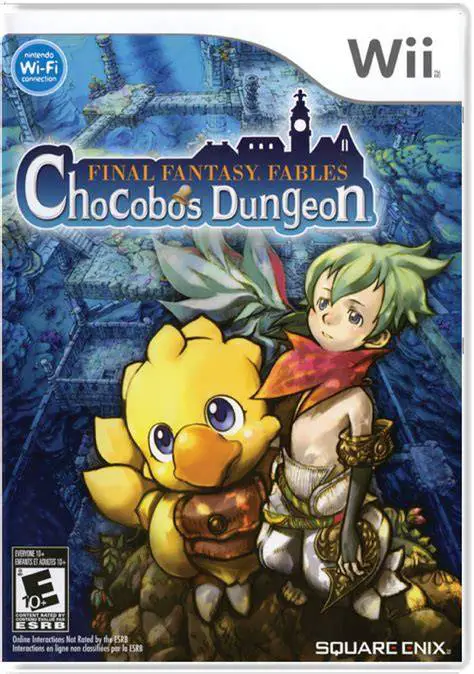
Final Fantasy Fables: Chocobo's Dungeon is a colorful, ro...
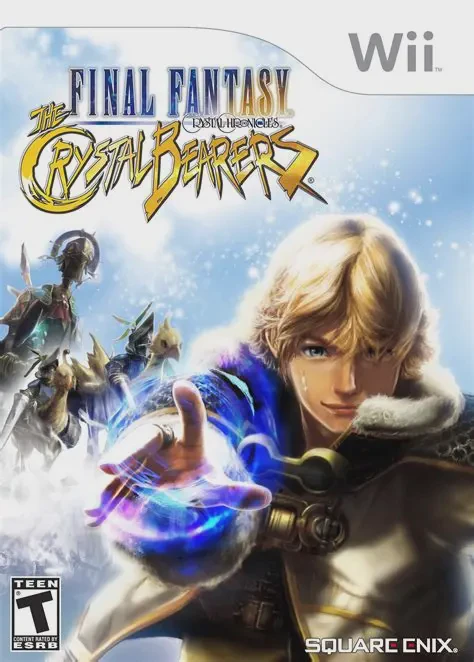
Final Fantasy Crystal Chronicles: The Crystal Bearers is ...
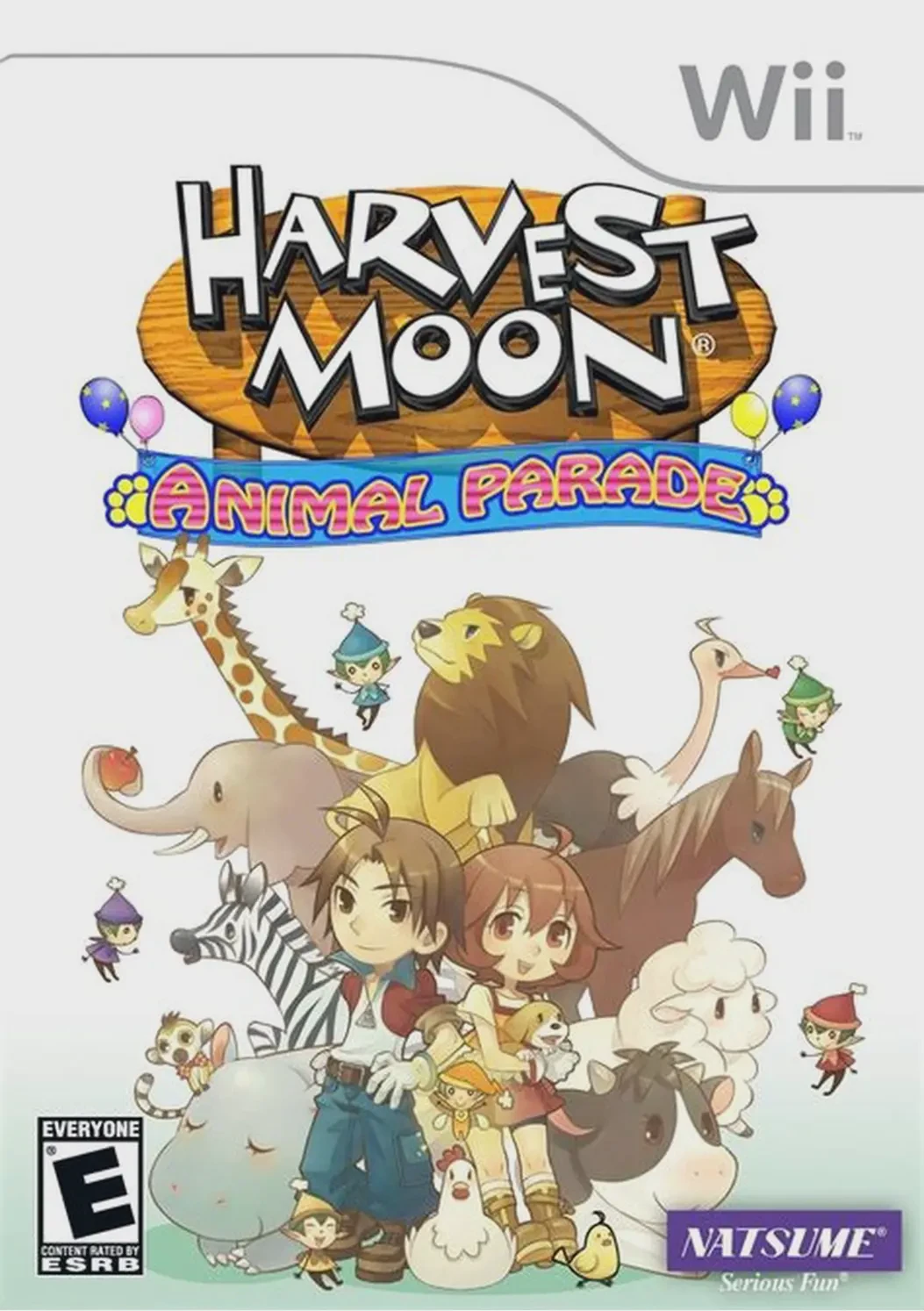
Harvest Moon: Animal Parade is a beloved farming and life...