
Rune Factory – Frontier
Rune Factory Frontier is a charming fantasy life simulati...

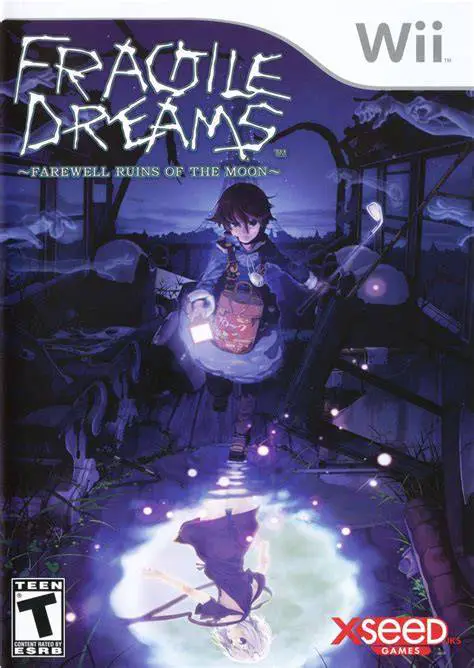
Fragile Dreams immerses players in a hauntingly beautiful post-apocalyptic narrative focused on themes of loneliness, memory, and human connection. Following the death of his grandfather—the last person he knew—Seto ventures out from his underground observatory after discovering a letter hinting that other survivors may still exist. Guided by a strange silver-haired girl named Ren, Seto traverses crumbling subway stations, abandoned amusement parks, and forgotten city streets while fending off restless spirits and lingering memories.
The gameplay combines real-time action combat with atmospheric exploration. Players use the Wii Remote to point a flashlight into the dark, illuminating hidden paths, uncovering item caches, and targeting aggressive ghost entities. Weapons such as wooden sticks, slingshots, and iron pipes degrade over time through use, adding a layer of resource management. Along the journey, Seto gathers "Memory Items"—everyday objects left behind by former human inhabitants—which reveal tragic audio logs and backstories when rested at bonfires, creating an intimate, narrative-driven experience.
Specification | Details |
Title | Fragile Dreams: Farewell Ruins of the Moon |
Platform | Nintendo Wii |
Developer | Tri-Crescendo / Bandai Namco Games |
Publisher | Namco Bandai Games (JP) / XSEED Games (NA) / Rising Star Games (EU) |
Release Date | March 16, 2010 (North America) / January 22, 2009 (Japan) |
Genre | Action Role-Playing / Post-Apocalyptic Adventure |
Mode | Single-player |
Media Format | Wii Optical Disc |
Video Output | 480p, 16:9 Widescreen Support |
Atmospheric Post-Apocalyptic World: Explore meticulously designed, hauntingly quiet ruins of Tokyo, including overgrown train yards, abandoned hotel suites, and dark underground tunnels.
Flashlight Pointer Controls: Utilize the Wii Remote pointer to shine a flashlight into shadow-draped corridors to reveal invisible ghosts and interact with the environment.
Emotional Memory Items: Discover personal relics scattered throughout the ruins to listen to emotional, voice-acted stories of individuals who lived before humanity vanished.
Real-Time Combat & Weapon Durability: Battle aggressive ghost encounters using melee weapons and ranged tools that break with repeated use, requiring careful inventory planning.
Restful Bonfire Hubs: Light campfires between chapters to save progress, level up stats, organize your grid-based backpack inventory, and listen to collected memories.
Yes, Fragile Dreams runs exceptionally well on the Dolphin emulator. Pointer aiming for the flashlight can easily be mapped to a PC mouse or an analog stick on a modern gamepad.
Yes, the game requires the Wii Remote and Nunchuk combination. The Nunchuk control stick is used for character movement, while the Wii Remote points the flashlight.
Yes, the North American and European releases include dual-audio support, allowing players to choose between the English and original Japanese voice tracks.
Weapons range from makeshift sticks and pipes to bows and slingshots. Each weapon has a set durability meter that degrades as you attack enemies; once depleted, the weapon breaks permanently.
Click the links below to go to the cloud drive download page
⚠️ Download Tips:
Rune Factory Frontier is a charming fantasy life simulati...
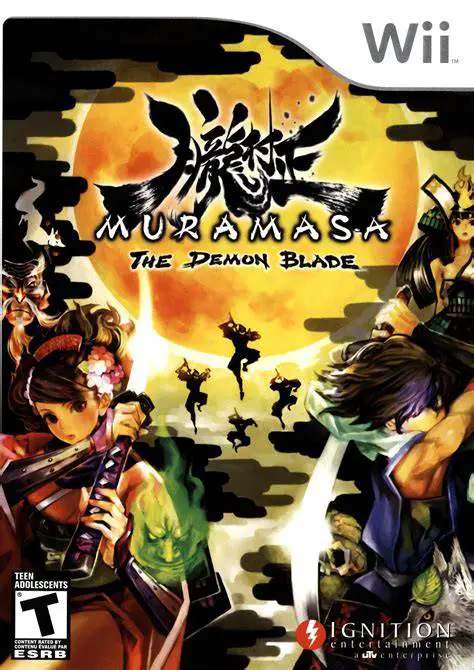
Muramasa: The Demon Blade is a visually breathtaking 2D s...
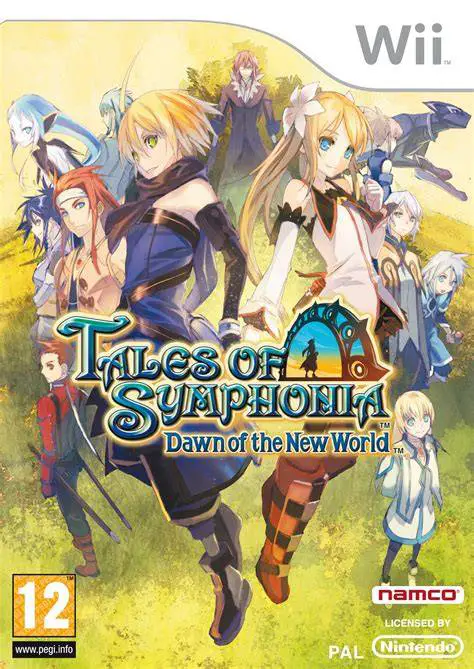
Tales of Symphonia: Dawn of the New World is an engaging ...

Rune Factory: Tides of Destiny (known as Rune Factory Oce...
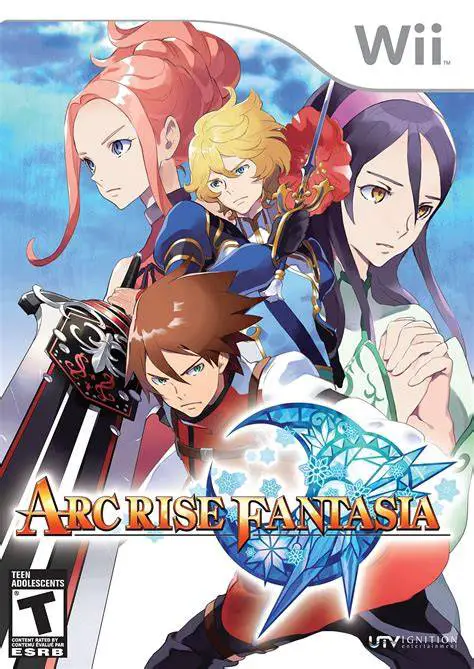
Arc Rise Fantasia is a captivating, traditional fantasy r...