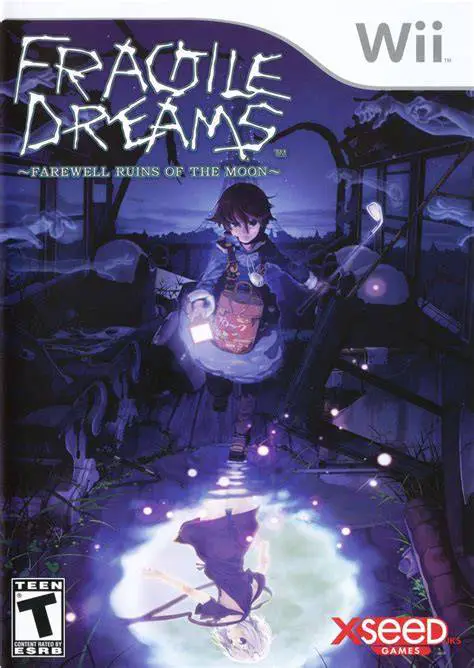
Fragile Dreams: Farewell ...
Fragile Dreams: Farewell Ruins of the Moon is a poignant,...

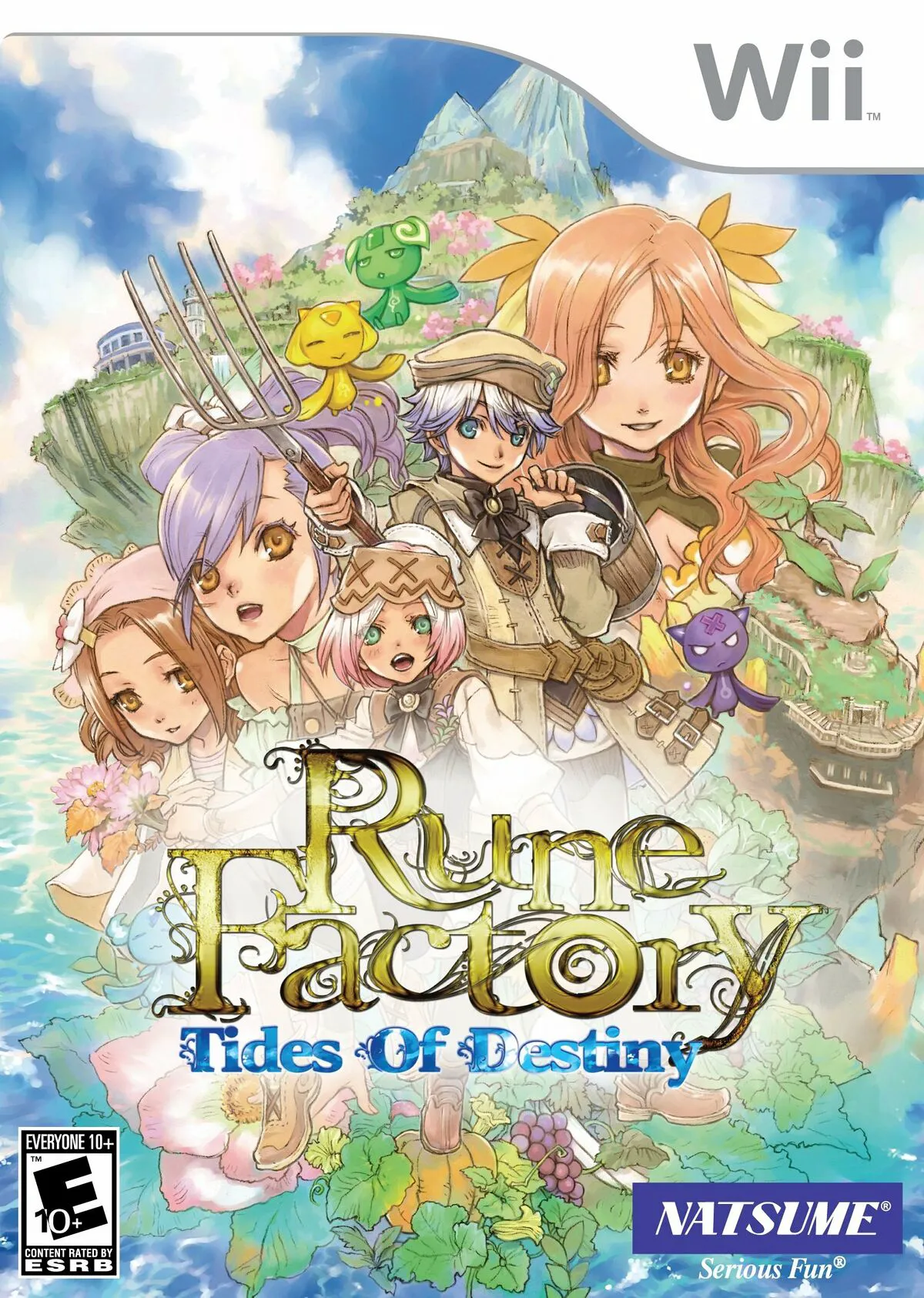
Rune Factory: Tides of Destiny shifts the series' traditional land-bound focus toward high-seas exploration while retaining its core blend of action-RPG combat, farming, and social simulation. After a magical disturbance pulls Aden and Sonja into a parallel version of Fenith Island, Sonja finds her spirit confined inside Aden's body. Together, they set out to restore lost islands, discover the truth behind their predicament, and find a way to separate their souls.
The gameplay is anchored by Ymir, a massive plant golem that Aden controls to stride across the vast ocean floor. Ymir can pull sunken landmasses, shipwrecks, and forgotten ruins up from the depths, opening up new areas to explore and cultivate. Unlike previous entries, farming is streamlined through magical monster assistants that plant, water, and harvest crops automatically based on spirit energy. Featuring dynamic real-time action combat with jump mechanics, aerial combos, dynamic island life, and multiple romance options, Tides of Destiny offers an exhilarating oceanic adventure.
Specification | Details |
Title | Rune Factory: Tides of Destiny |
Platform | Nintendo Wii |
Developer | Neverland / Marvelous Entertainment |
Publisher | Marvelous Entertainment / Natsume / Rising Star Games |
Release Date | October 7, 2011 (North America) / February 24, 2011 (Japan) |
Genre | Fantasy Life Simulation / Action RPG |
Mode | Single-player |
Media Format | Dual-Layer Wii Optical Disc |
Video Output | 480p, 16:9 Widescreen Support |
Ocean Exploration with Ymir: Pilot a giant golem across vast oceanic waters to lift hidden islands, battle sea monsters, and smash rocky obstacles.
Dual-Protagonist Dynamic: Experience a unique narrative where Aden and Sonja share a single body, conversing during dialogue scenes and world exploration.
Action-Oriented Real-Time Combat: Execute fast-paced weapon combos, jump attacks, and skill dodges using swords, dual blades, spears, hammers, and magic staffs.
Streamlined Monster Farming: Tame wild monsters and assign them to cultivated islands to automatically sow seeds, care for plants, and harvest crops.
Social & Marriage System: Bond with the villagers of Fenith Island, complete request board quests, participate in seasonal festivals, and court eligible bachelors or bachelorettes.
Yes, Rune Factory: Tides of Destiny runs smoothly on the Dolphin emulator. It supports HD resolution upscaling and custom controller configurations for modern gamepads.
You play primarily as Aden while Sonja shares his body for most of the main story. Once you complete the main campaign and separate their spirits, you can choose to play as either Aden or Sonja for the post-game.
Farming in Tides of Destiny is automated through tamed monsters. Instead of tilling soil manually with hand tools, you plant seeds using Magic Wand spirits, and your tamed monsters tend and harvest the crops for you.
The game supports the standard Wii Remote and Nunchuk combination, as well as the Wii Classic Controller, Classic Controller Pro, and GameCube controller.
Click the links below to go to the cloud drive download page
⚠️ Download Tips:
Fragile Dreams: Farewell Ruins of the Moon is a poignant,...
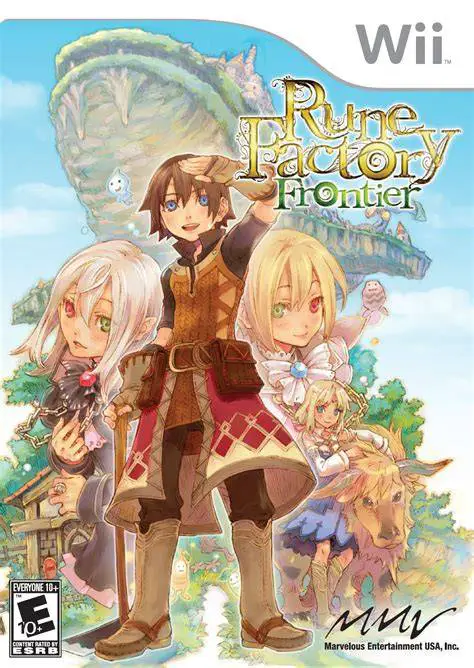
Rune Factory Frontier is a charming fantasy life simulati...
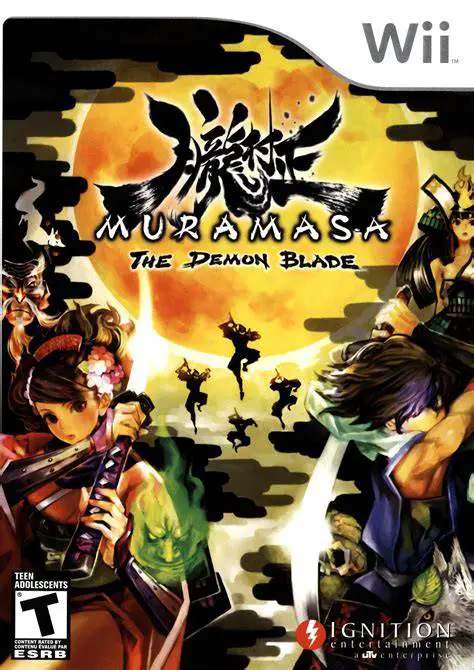
Muramasa: The Demon Blade is a visually breathtaking 2D s...
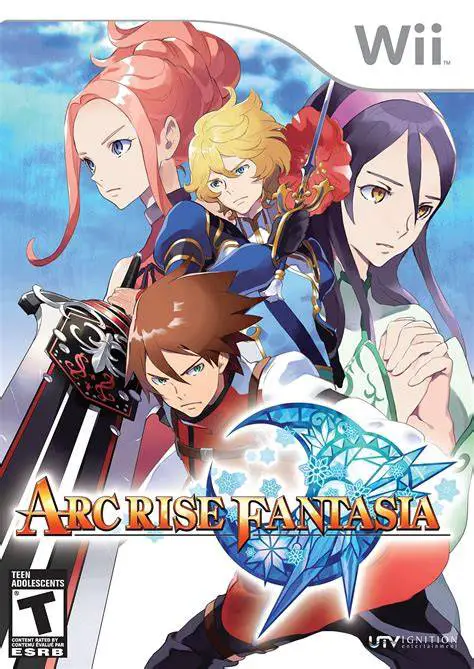
Arc Rise Fantasia is a captivating, traditional fantasy r...
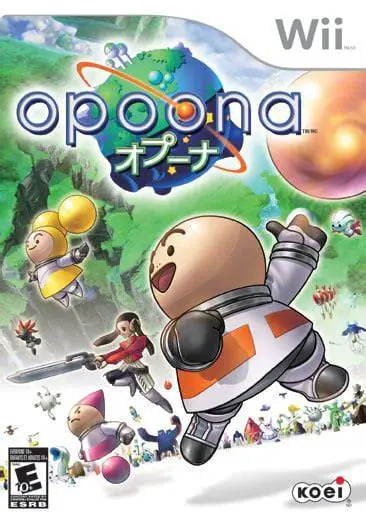
Opoona is a charming and eccentric sci-fi role-playing ga...