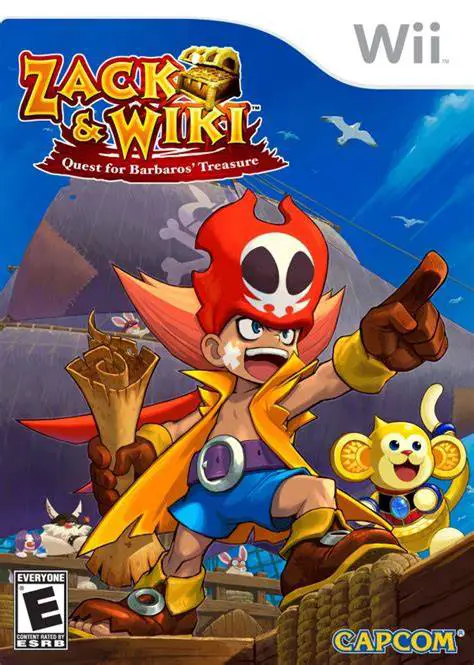
Zack & Wiki: Quest for Ba...
Zack & Wiki: Quest for Barbaros' Treasure is a brilliant,...

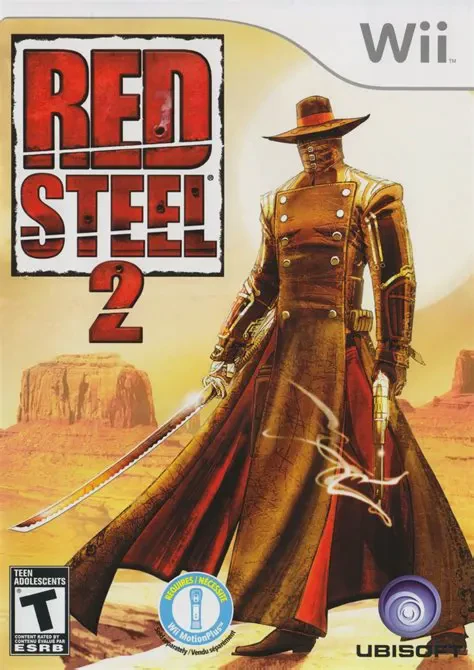
Red Steel 2 takes place in Caldera, a technological metropolis nestled in the middle of a baking Nevada desert. Players step into the boots of a silent, nameless outcast—the last surviving member of the legendary Kusagari Clan. captured and stripped of his sword by Payne, leader of the ruthless Jackal biker gang, the hero must break free, reclaim his ancestral katana, and liberate the desert city from roaming bandits, rival ninjas, and the shadowy warlord Shinai.
The game's defining achievement is its fluid action combat system driven by the Wii MotionPlus. Players alternate instantaneously between slicing foes with a katana and shooting with a heavy revolver or shotgun. Swing velocity directly impacts slash damage, requiring deliberate physical thrusts, parries, and overhead strikes. As players earn cash by completing bounties and smashing environmental caches, they can purchase armor upgrades, new guns, and devastating hidden sword techniques (such as the "Eagle" launch attack and "The Bear" shield breaker) to defeat heavily armored bosses and ninja hordes.
Specification | Details |
Title | Red Steel 2 |
Platform | Nintendo Wii |
Developer | Ubisoft Paris |
Publisher | Ubisoft |
Release Date | March 23, 2010 (North America) / March 26, 2010 (Europe) |
Genre | First-Person Shooter / Hack and Slash / Action |
Mode | Single-player |
Media Format | Wii Optical Disc |
Video Output | 480p, 16:9 Widescreen Support |
Precision Wii MotionPlus Controls: Experience true 1:1 sword motion tracking that recognizes strike direction, speed, and force for deep, physical melee combat.
Seamless Sword & Gun Hybrid Gameplay: Instantly switch between katana slashes and firearm shooting mid-combo to break enemy guards and juggle targets.
Distinctive East-Meets-West Aesthetic: Explore a stylized, cel-shaded world that merges Japanese samurai lore with wild west cowboy tropes and futuristic tech.
Expansive Move List & Upgrades: Purchase combo finishers, armor enhancements, and weapon parts at safehouses to customize your fight style.
Dynamic Boss Encounters: Battle armored warlords, heavy gunners, and agile ninja masters that force precise parrying, dodging, and armor-shattering techniques.
Yes, Red Steel 2 runs exceptionally well on the Dolphin emulator. Because it requires MotionPlus tracking, it plays best when paired with an authentic Wiimote with MotionPlus built-in via Bluetooth, though it can also be configured using advanced motion-emulation profiles on modern controllers.
Yes, Wii MotionPlus (either the original MotionPlus dongle attachment or a Wii Remote Plus controller) is strictly required to play Red Steel 2. The game cannot be played with a standard original Wii Remote.
No, Red Steel 2 is a complete reboot and standalone story with entirely different characters, world-building, art styles, and combat mechanics. No knowledge of the first game is necessary.
No, the game is built entirely around first-person motion aiming and physical sword gestures, so it only supports the Wii Remote (with MotionPlus) and Nunchuk configuration.
Click the links below to go to the cloud drive download page
⚠️ Download Tips:
Zack & Wiki: Quest for Barbaros' Treasure is a brilliant,...
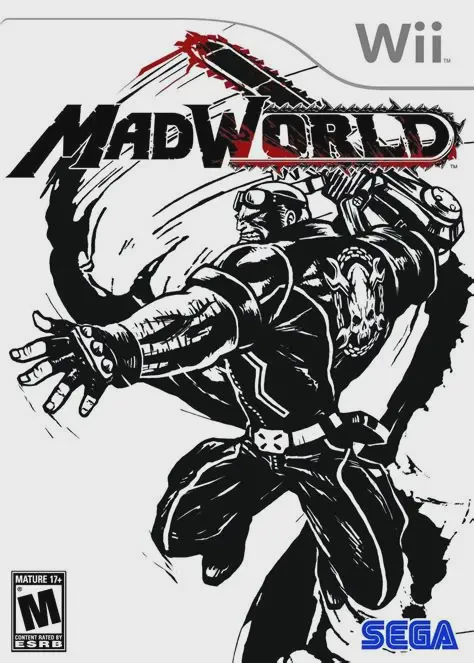
MadWorld is a fast-paced, visceral hack-and-slash beat 'e...
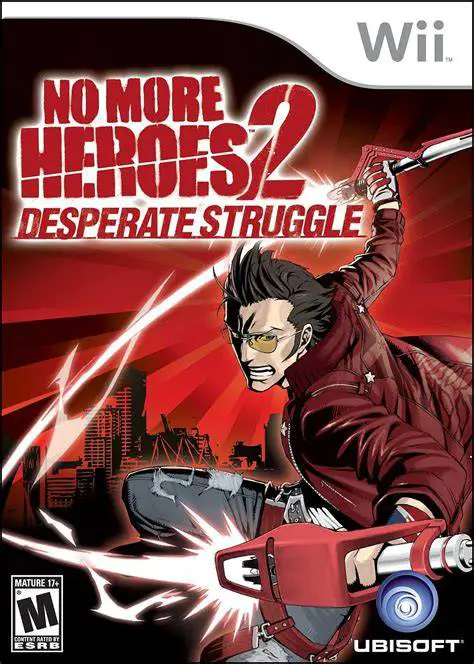
No More Heroes 2: Desperate Struggle is an explosive, hig...
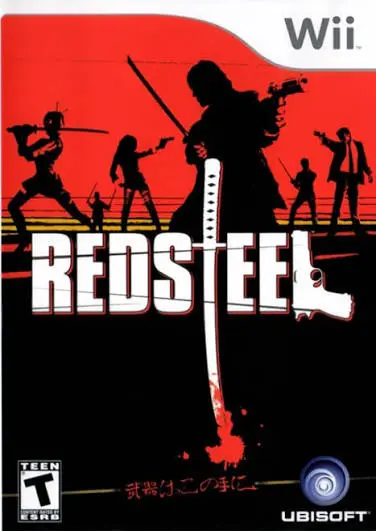
Red Steel is an ambitious first-person shooter and sword-...

de Blob is an inventive, colorful 3D platformer developed...