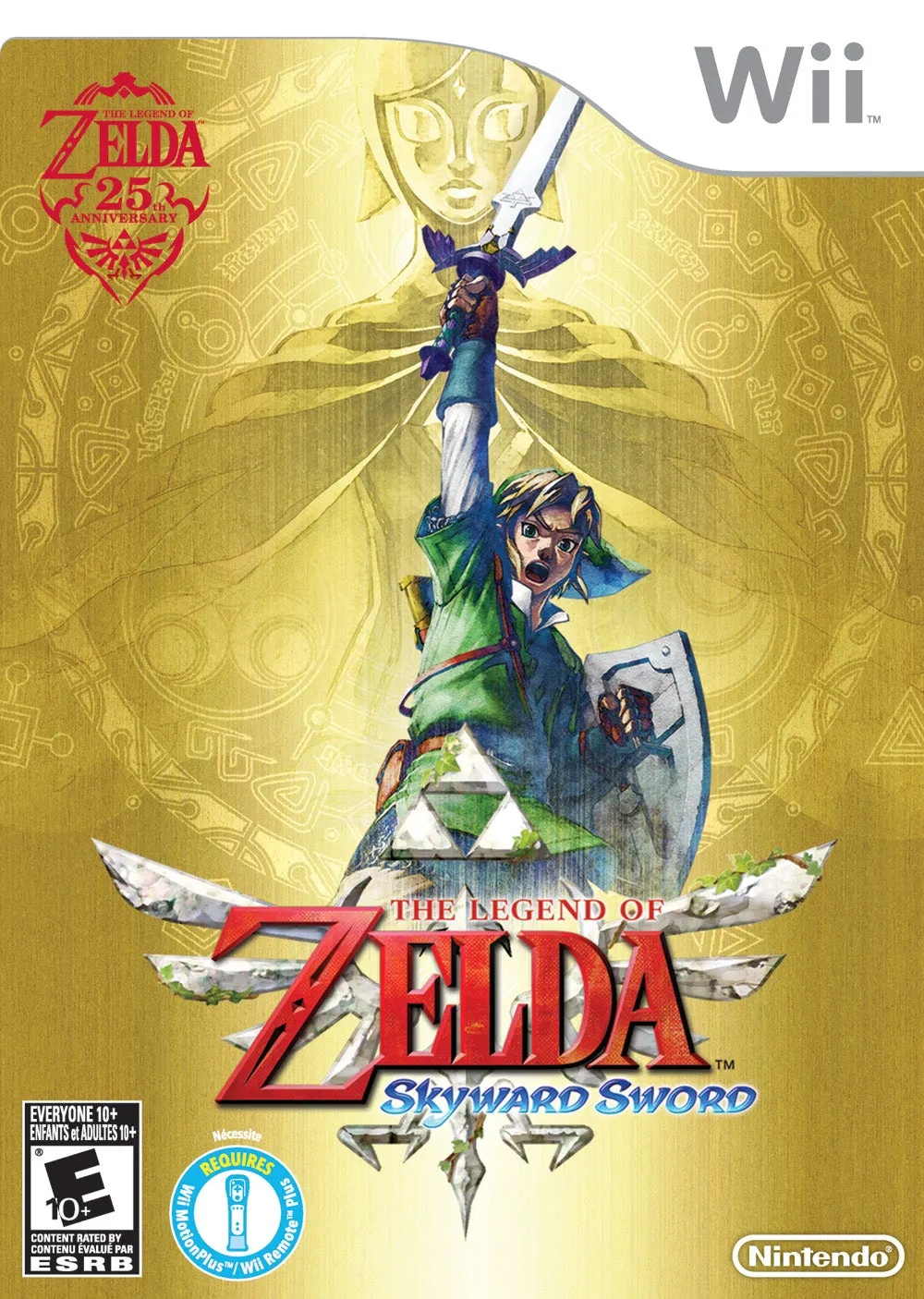
The Legend of Zelda: Skyw...
The Legend of Zelda: Skyward Sword is a critically acclai...

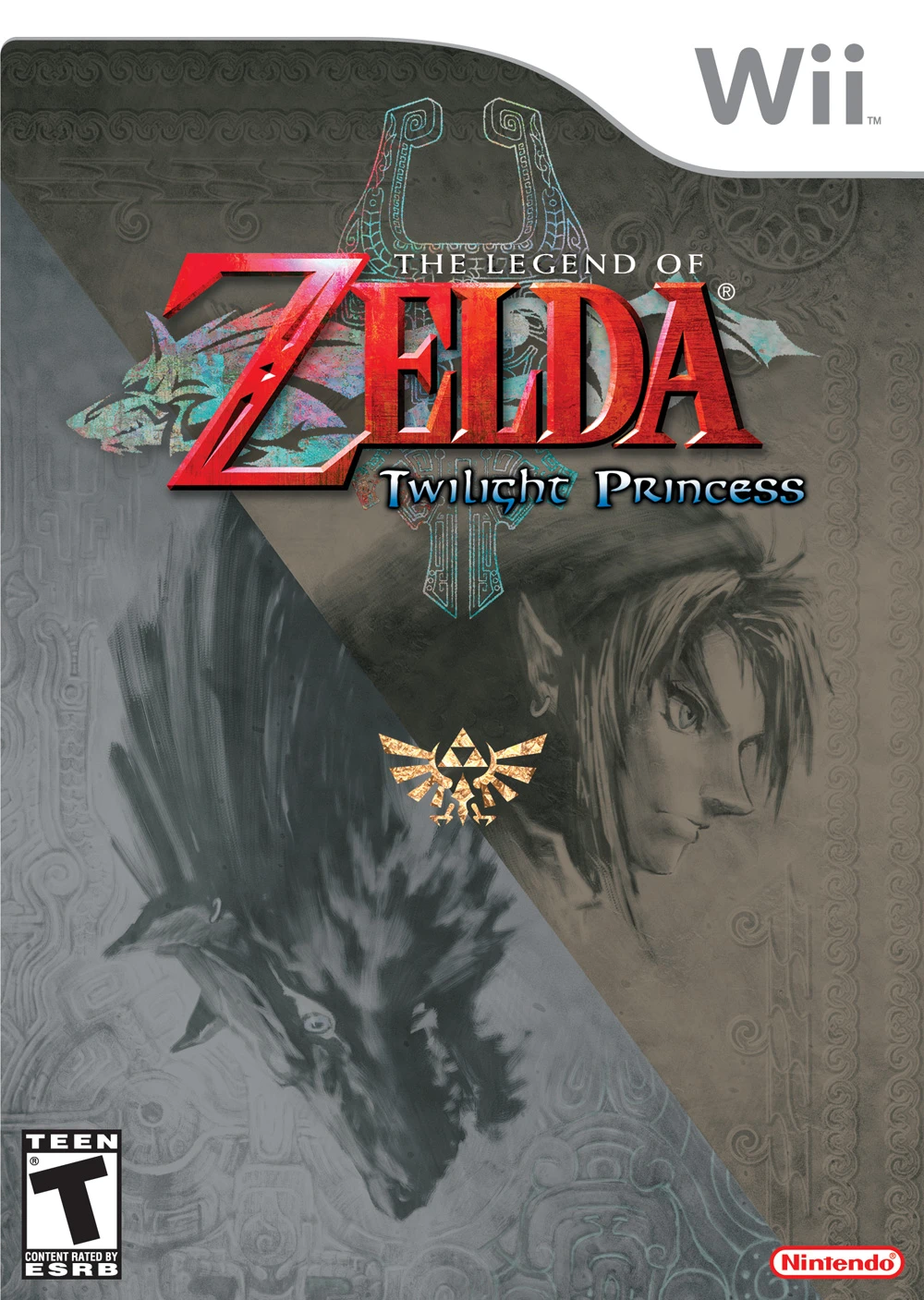
The Legend of Zelda: Twilight Princess presents a darker, more realistic artistic vision for the franchise, taking players through a vast, ruined Hyrule threatened by the usurper King Zant. When dark forces invade Ordon Village, Link is drawn into the Twilight Realm, where he undergoes a transformation into a celestial Wolf. Guided by Midna, Link must navigate between the Light World and Twilight Realm to collect Sol, restore light to the spirits, and uncover the grand evil threatening the kingdom.
The game takes full advantage of the Wii hardware, implementing intuitive motion controls that allow players to swing the Wii Remote to perform sword slashes and aim the pointer for precise bow and hookshot targeting. Throughout his journey, Link explores expansive landscapes, mounts his horse Epona for intense horseback combat, and tackles some of the most elaborate dungeons in Zelda history. With its gripping narrative, rich character interactions, dynamic Wolf and Human form mechanics, and memorable musical score, Twilight Princess remains a fan-favorite classic on the Wii console.
Specification | Details |
Title | The Legend of Zelda: Twilight Princess |
Platform | Nintendo Wii |
Developer | Nintendo EAD |
Publisher | Nintendo |
Release Date | November 19, 2006 (North America) / December 2, 2006 (Japan) |
Genre | Action-Adventure |
Mode | Single-player |
Media Format | Wii Optical Disc |
Video Output | 480p, 16:9 Widescreen Support |
Dual Form Gameplay: Switch between Link's Human form for sword fighting and item usage, and his Wolf form for heightened senses, dig abilities, and fast movement.
Wii Motion Controls: Flick the Wii Remote to execute sword attacks, shake the Nunchuk to perform a spin attack, and aim on-screen with the IR pointer for accurate projectile targeting.
Mounted Horseback Combat: Experience thrilling battles while riding Epona across vast fields, battling enemies with Link's sword and bow.
Intricate Dungeon Design: Explore iconic dungeons packed with clever puzzles, unique items like the Spinner and Ball and Chain, and grand multi-phase boss encounters.
Deep Narrative & Characters: Interact with memorable companions like Midna, explore dark thematic lore, and unravel the mysteries surrounding Zant and Ganondorf.
Yes, Twilight Princess is fully playable on the Dolphin emulator with widescreen rendering and enhanced high-definition graphics options. Controllers can easily be configured for standard gamepads or mouse aiming.
The entire game world in the Wii version is mirrored horizontally to make Link right-handed for right-handed Wii motion controls. The Wii version also supports 16:9 widescreen natively, whereas the GameCube version uses a traditional left-handed Link and standard camera controls.
A standard play-through focusing on the main story takes approximately 35 to 40 hours. Completing all side quests, collecting Heart Pieces, and finding all Poe Souls can extend playtime past 60 hours.
Yes, playing the Wii version requires both the Wii Remote and the Nunchuk attachment. The Nunchuk analog stick controls Link's movement, while the controller gestures handle attacks and defenses.
Click the links below to go to the cloud drive download page
⚠️ Download Tips:
The Legend of Zelda: Skyward Sword is a critically acclai...
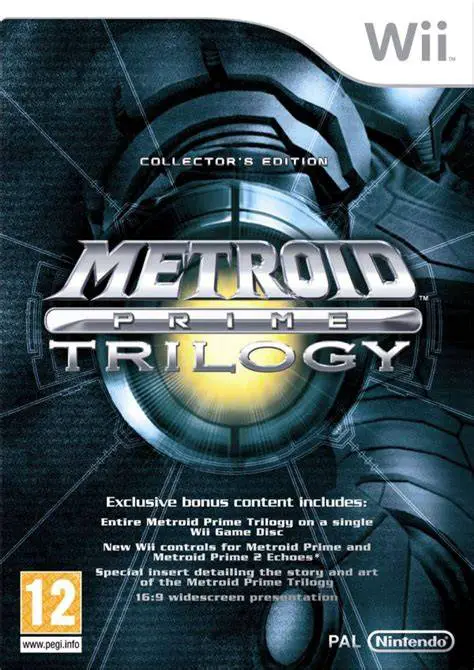
Metroid Prime Trilogy is an extraordinary compilation rel...
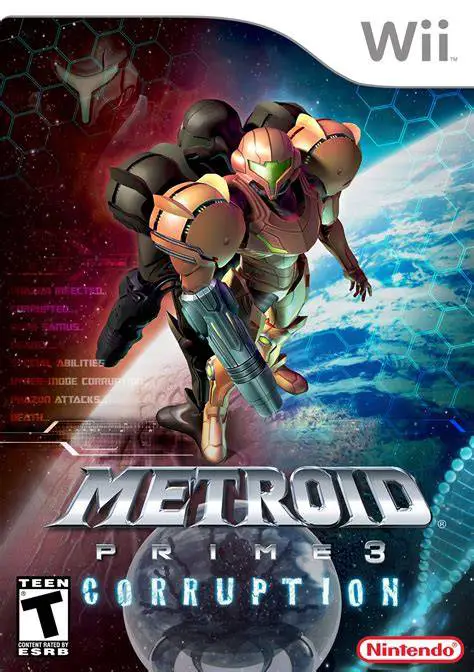
Metroid Prime 3: Corruption is a thrilling first-person a...
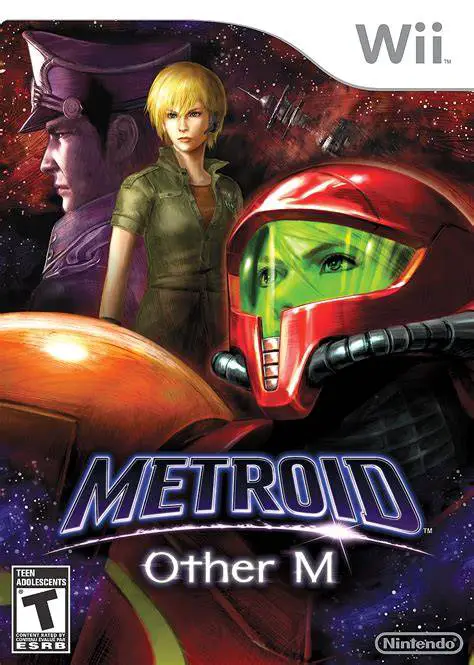
Metroid: Other M is an action-packed 3D sci-fi adventure ...
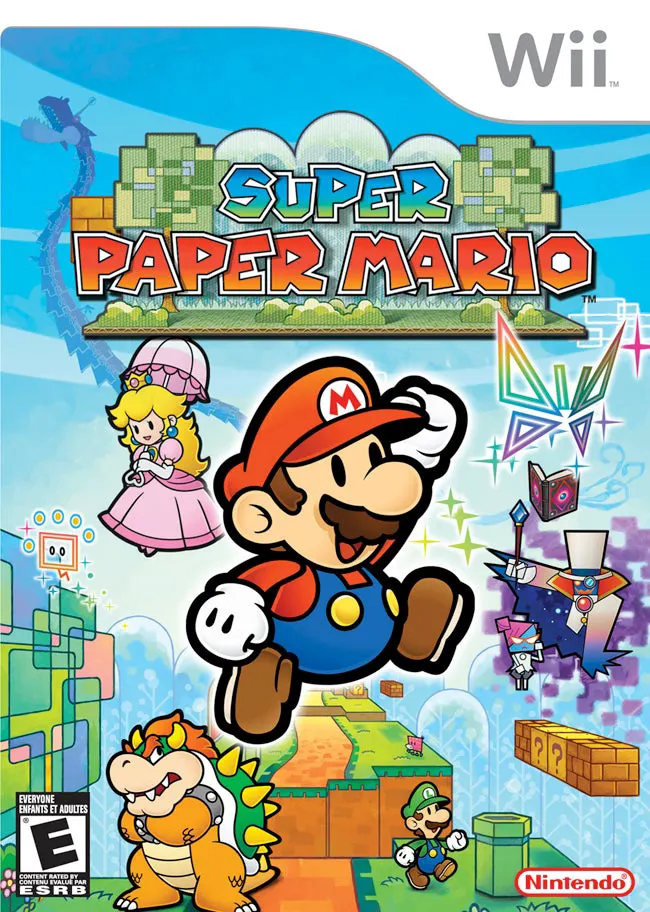
Super Paper Mario is a unique and captivating 2.5D action...