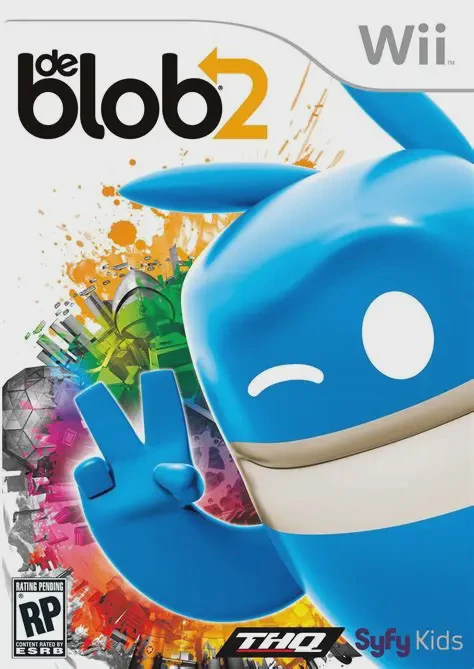
De Blob 2
de Blob 2 is a inventive, highly energetic 3D platformer ...

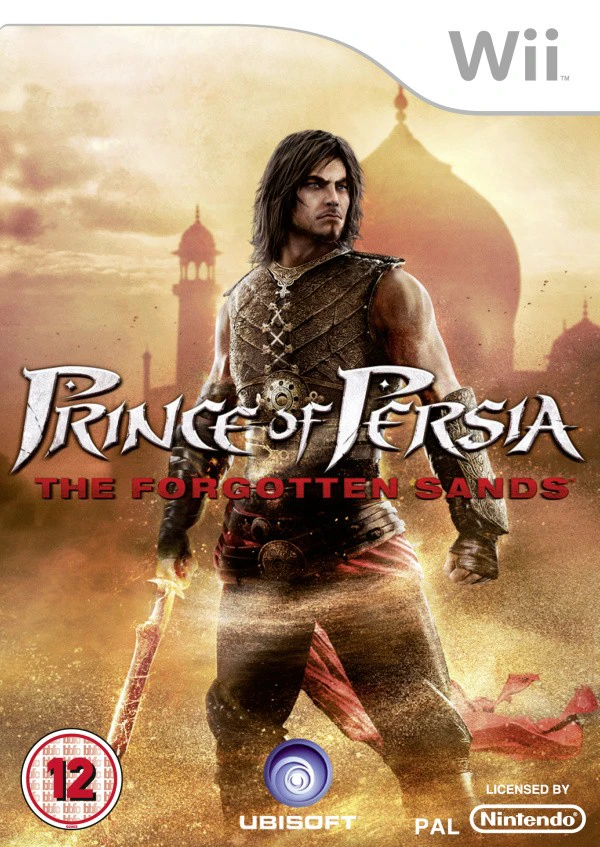
Prince of Persia: The Forgotten Sands on Wii offers a distinct experience tailored specifically to the console's hardware capabilities and motion controls. After purchasing a mysterious spirit in a market, the Prince is led to a forgotten, sandswept kingdom hidden deep within a desert. Guided by Zahra, he seeks to purge a dark corruption spreading through the palace while unlocking ancient secrets and navigating deadly acrobatic obstacle courses.
Gameplay seamlessly combines wall-running, pole-swinging, and acrobatic platforming with dynamic combat and magic powers. Using the Wii Remote and Nunchuk, players execute sword strikes, shield bashes, and acrobatic jumps. What sets the Wii version apart is its unique magical sand abilities created specifically for motion controls: players can point the Wii Remote to create Sand Rings on walls as temporary handholds, construct vertical Sand Columns to reach high ledges, and generate protective Sand Bubbles to slow down traps or enemies. Featuring tight platforming, atmospheric environmental puzzles, and bonus unlockables—including the original 1992 Prince of Persia arcade game—it delivers a rich adventure.
Specification | Details |
Title | Prince of Persia: The Forgotten Sands |
Platform | Nintendo Wii |
Developer | Ubisoft Quebec |
Publisher | Ubisoft |
Release Date | May 18, 2010 (North America) / May 20, 2010 (Europe) / June 24, 2010 (Japan) |
Genre | Action-Adventure / Platformer |
Mode | Single-player, 2-Player Local Co-op (Co-pointer Support) |
Media Format | Wii Optical Disc |
Video Output | 480p, 16:9 Widescreen Support |
Custom Wii-Exclusive Story & World: Experience a completely distinct narrative, level design, and world built from scratch exclusively for the Nintendo Wii.
Motion-Driven Sand Powers: Use the Wii Remote pointer to create Sand Rings on walls, project Sand Columns from the floor, and cast Sand Bubbles around hazardous traps.
Fluid Acrobatic Platforming: Wall-run, swing from poles, slide down tapestries, and leap across treacherous chasms using responsive movement controls.
Drop-In 2-Player Assistance Mode: A second player can use a second Wii Remote pointer to assist with freezing traps, disabling enemies, and placing extra sand grips.
Unlockable Classic Retro Game: Complete achievements and challenges to unlock the full original 1992 2D Prince of Persia game directly on the disc.
Yes, Prince of Persia: The Forgotten Sands runs exceptionally well on the Dolphin emulator. Pointer aiming for placing Sand Rings and Sand Columns can easily be mapped to a PC mouse or the right analog stick of a modern gamepad.
No, the Wii version is a completely different game with its own unique storyline, setting, levels, graphics, and gameplay mechanics developed by Ubisoft Quebec.
No, The Forgotten Sands does not require the Wii MotionPlus accessory. It relies on standard Wii Remote infrared pointer tracking and Nunchuk accelerometer motions.
In addition to the original 1992 Prince of Persia arcade game, players can unlock developer art galleries, bonus hero costumes, and challenging speedrun challenge maps by earning achievements.
Click the links below to go to the cloud drive download page
⚠️ Download Tips:
de Blob 2 is a inventive, highly energetic 3D platformer ...
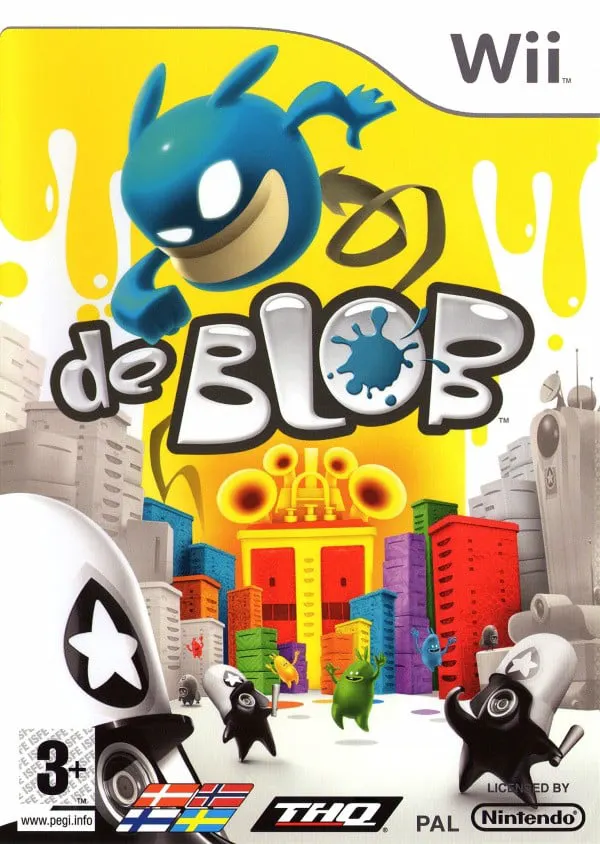
de Blob is an inventive, colorful 3D platformer developed...
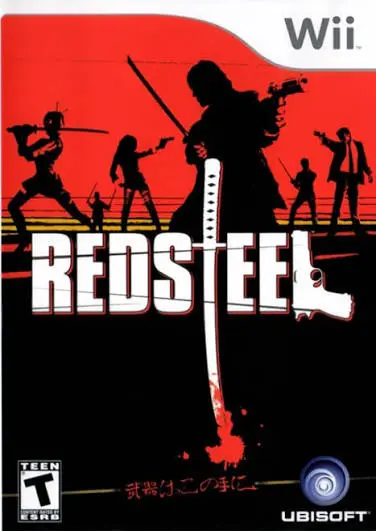
Red Steel is an ambitious first-person shooter and sword-...
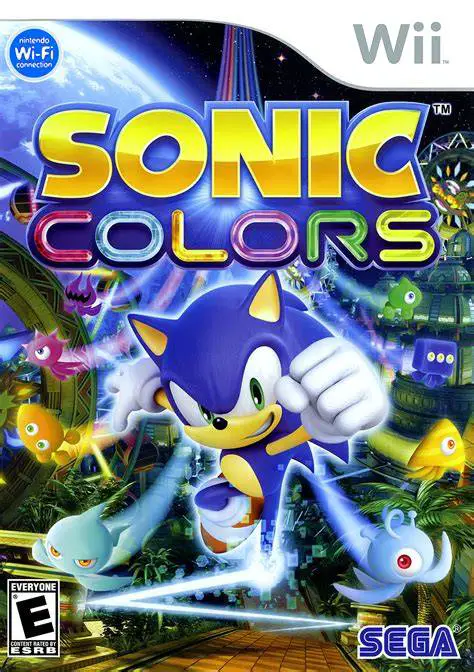
Sonic Colors is a critically acclaimed 3D/2D hybrid platf...
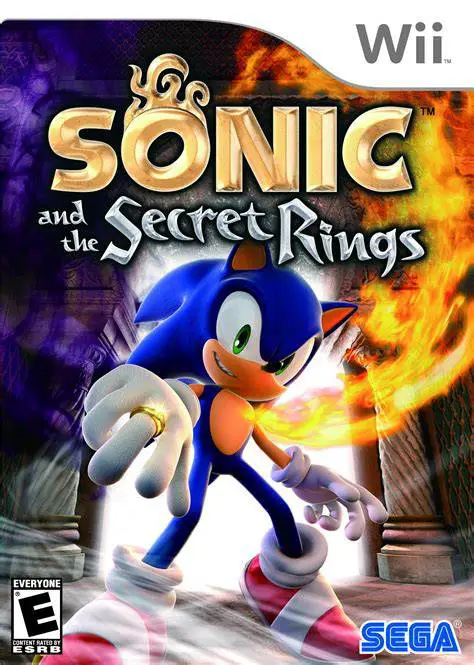
Sonic and the Secret Rings is a fast-paced action platfor...