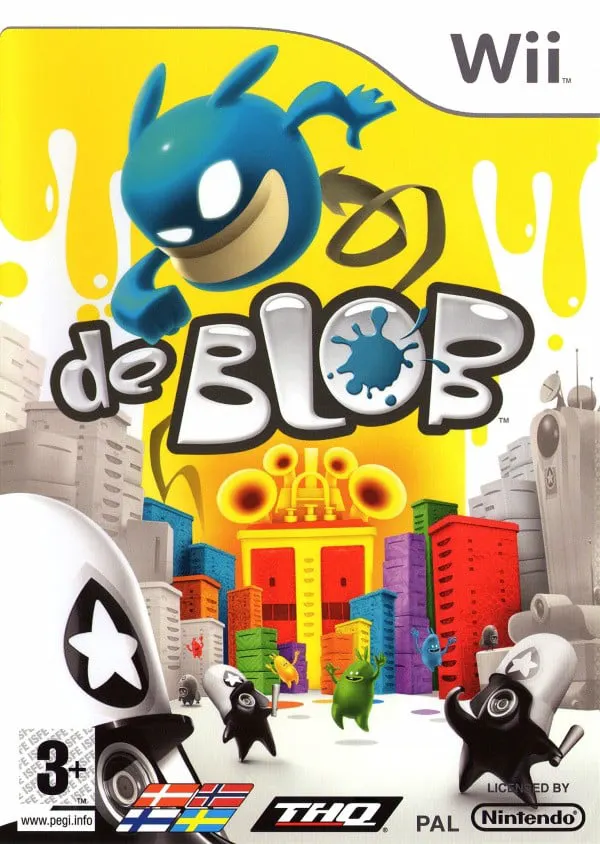
De Blob
de Blob is an inventive, colorful 3D platformer developed...

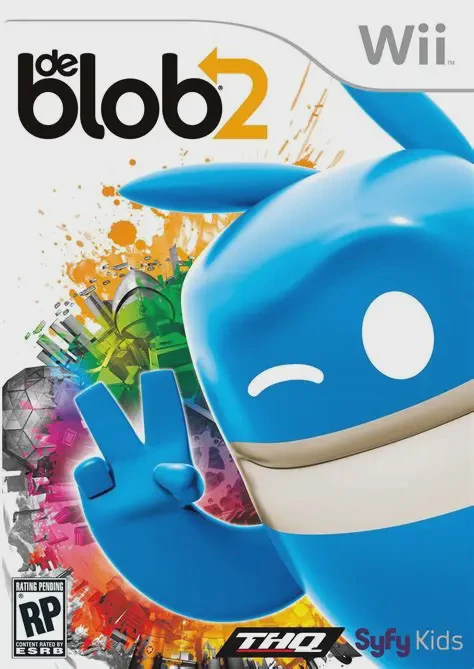
de Blob 2 continues the fight of the Color Underground against the oppressive forces of the I.N.K.T. Corporation. After fake cult leader Papa Blanc brainwashes the citizens of Prisma City into forfeiting their color and individuality, Blob and his trusty sidekick Pink embark on a mission across tropical resorts, urban city centers, space stations, and subterranean factories to bring life back to the world.
The core gameplay loop revolves around absorbing vibrant paints and bouncing across black-and-white architecture to restore color and musical instrumentation to the environment. de Blob 2 refines the original formula by streamlining motion controls—mapping the essential jump action to a dedicated button—and introducing side-scrolling 2D platforming sections inside landmark buildings. Players can utilize new abilities such as the Slam Dash to break heavy armor and barricades, collect gravity-defying Hazmat suits, and team up with a second player who controls Pink to shoot paint and assist in combat.
Specification | Details |
Title | de Blob 2 |
Platform | Nintendo Wii |
Developer | Blue Tongue Entertainment |
Publisher | THQ |
Release Date | February 22, 2011 (North America) / February 25, 2011 (Europe) / October 6, 2011 (Japan) |
Genre | 3D Platformer / Action-Adventure |
Mode | Single-player, 2-Player Local Co-op, 2-Player Split-screen Competitive |
Media Format | Wii Optical Disc |
Video Output | 480p, 16:9 Widescreen Support |
Hybrid 3D/2D Platforming: Traverse expansive open 3D cityscapes before heading inside complex landmark structures for classic side-scrolling 2D puzzle-platforming stages.
Drop-In 2-Player Local Co-op: A second player can jump in at any time controlling Pink to blast ink, clear obstacles, and protect Blob during tricky encounters.
New Power-Ups & Combat Moves: Unleash the devastating Slam Dash to destroy heavy armor, use gravity-defying Hazmat suits, or transform into giant Wrecking Balls.
Refined Control Scheme: Enjoys a streamlined control system with jump mapped to a face button rather than motion flicking, improving precision during platforming sections.
Interactive Evolving Music: Paint environments to build an evolving funk, jazz, and disco soundtrack where every color and action adds custom instruments and musical layers.
Yes, de Blob 2 runs exceptionally well on the Dolphin emulator. It supports high-definition upscaling, texture enhancements, and customizable gamepad mappings for modern controllers.
No, de Blob 2 does not require the Wii MotionPlus accessory. It plays using the standard Wii Remote and Nunchuk combination or standard button inputs on compatible gamepads.
In the first de Blob, jumping required a upward flick of the Wii Remote. In de Blob 2, jumping is bound directly to a button press, resulting in significantly more precise control during platforming sections.
Yes, the plot directly follows the events of the original de Blob, bringing back the Color Underground heroes—Blob, Prof, Bif, Arty, and Zip—to stop Comrade Black's latest scheme in Prisma City.
Click the links below to go to the cloud drive download page
⚠️ Download Tips:
de Blob is an inventive, colorful 3D platformer developed...
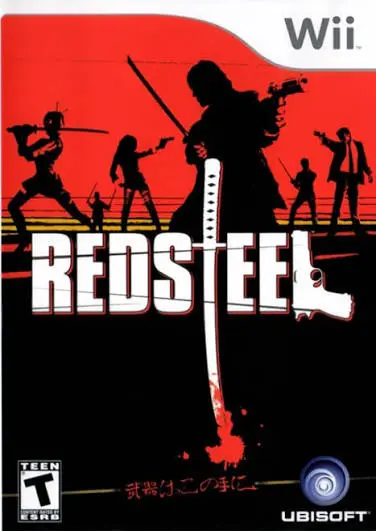
Red Steel is an ambitious first-person shooter and sword-...
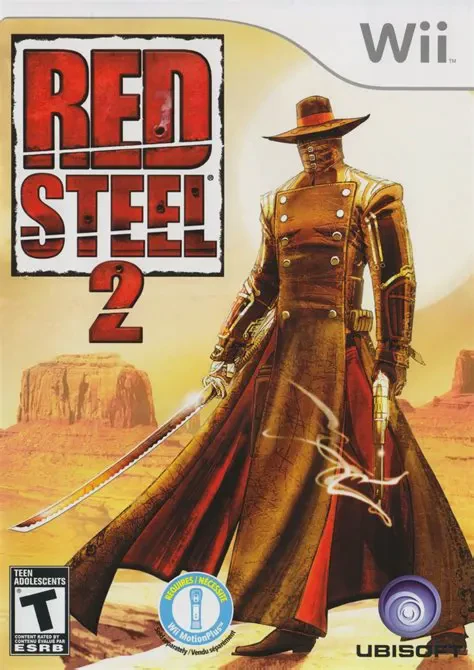
Red Steel 2 is a high-octane, motion-controlled first-per...
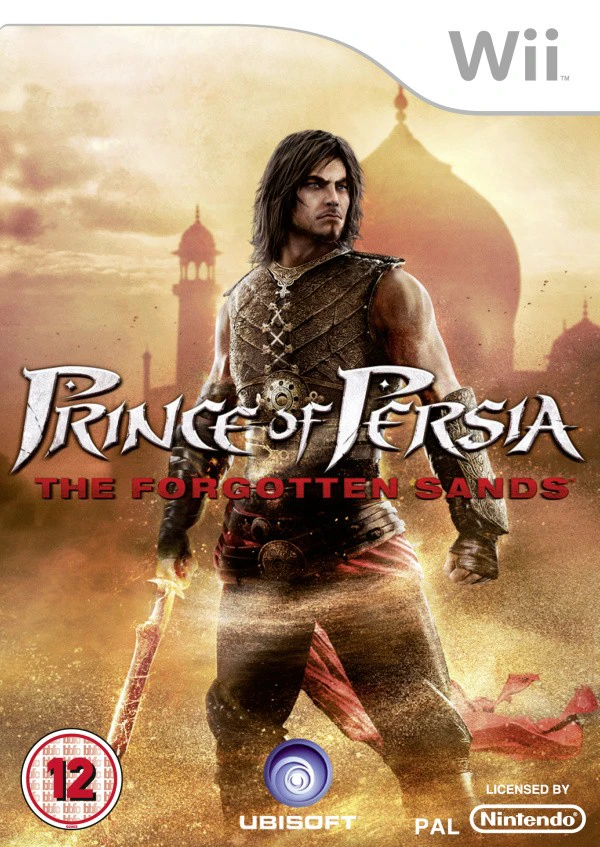
Prince of Persia: The Forgotten Sands is a acclaimed acti...
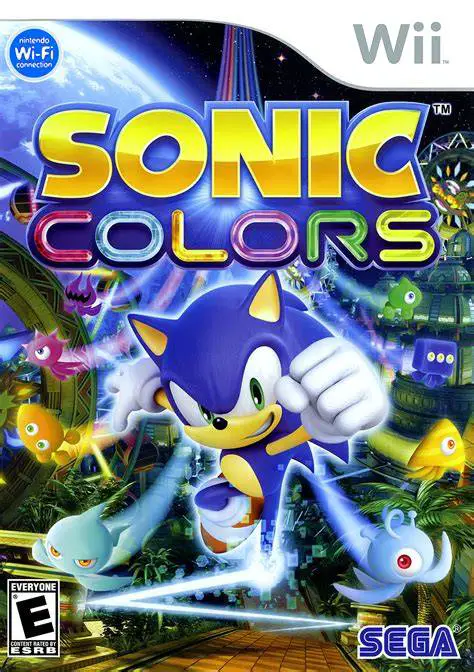
Sonic Colors is a critically acclaimed 3D/2D hybrid platf...