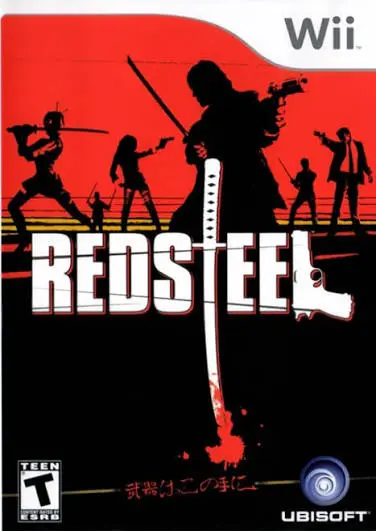
Red Steel
Red Steel is an ambitious first-person shooter and sword-...

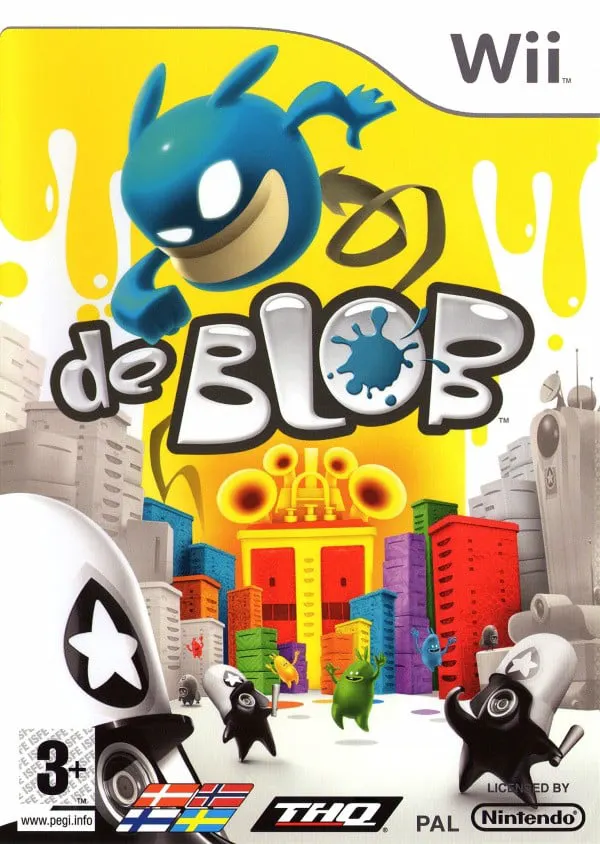
de Blob offers a fresh, satisfying take on the 3D platforming genre by making environmental restoration the primary objective. The game takes place in Chroma City, which has been invaded by Comrade Black and his colorless I.N.K.T. forces, turning the once-vibrant metropolis into a monochrome wasteland inhabited by oppressed Raydians. Joined by the Color Underground resistance movement, Blob sets out across large, sprawling city districts to revitalize the city building by building.
Gameplay focuses on rolling, bouncing, and slam-attacking through cityscape environments. Blob absorbs paint from defeatable Paintbots or paint pools, growing in size and changing color (such as red, yellow, blue, or mixed shades like orange, green, and purple). Touching a building instantly coats it in Blob's current color, earning points and restoring musical instruments to the dynamic soundtrack. Players complete timed missions—such as painting specific block grids, liberating landmark buildings, or taking down I.N.K.T. shock troopers—to unlock the exit gate for each level. Featuring responsive Wii motion gestures, an adaptive jazz and funk soundtrack, and local multiplayer modes, de Blob is one of the Wii's most celebrated original IPs.
Specification | Details |
Title | de Blob |
Platform | Nintendo Wii |
Developer | Blue Tongue Entertainment |
Publisher | THQ |
Release Date | September 22, 2008 (North America) / September 26, 2008 (Europe) / November 13, 2008 (Japan) |
Genre | 3D Platformer / Action |
Mode | Single-player, Multi-player (up to 4-player split-screen) |
Media Format | Wii Optical Disc |
Video Output | 480p, 16:9 Widescreen Support |
Dynamic Interactive Painting: Roll into paint pools and bounce against buildings, bridges, and landmarks to restore vibrant colors to a black-and-white world.
Adaptive Musical Score: Experience an evolving soundtrack where every paint stroke, jump, and smash adds custom musical riffs and instrument layers based on Blob's current color.
Color Mixing Mechanics: Combine primary colors (red, yellow, blue) inside Blob to craft secondary colors (orange, green, purple, and brown) needed to solve environmental door locks and painting challenges.
Color Underground Missions: Complete structured timed challenges assigned by resistance leaders, including race challenges, landmark paint jobs, and combat sweeps.
4-Player Split-Screen Multiplayer: Compete against friends in local multiplayer modes like Paint Match, Blob on the Run, and Free Race to paint the highest percentage of the map.
Yes, de Blob runs smoothly on the Dolphin emulator. High-resolution rendering enhances the crisp cel-shaded visuals, and Wii Remote motion gestures (like jumping and slam attacks) can easily be mapped to standard modern gamepad buttons.
No, de Blob was released before the Wii MotionPlus was created and relies on standard Wii Remote and Nunchuk accelerometer motions for jumping and ground-slam attacks.
Black ink depletes Blob's paint supply and damages his health meter while making him sticky and unable to paint buildings. To cleanse himself, Blob must quickly find a clean water pool to wash away the ink.
The music dynamically alters based on your actions and paint colors. For example, painting with red adds brass horns, yellow adds synth leads, and blue adds acoustic bass, turning every completed level into a personalized musical arrangement.
Click the links below to go to the cloud drive download page
⚠️ Download Tips:
Red Steel is an ambitious first-person shooter and sword-...
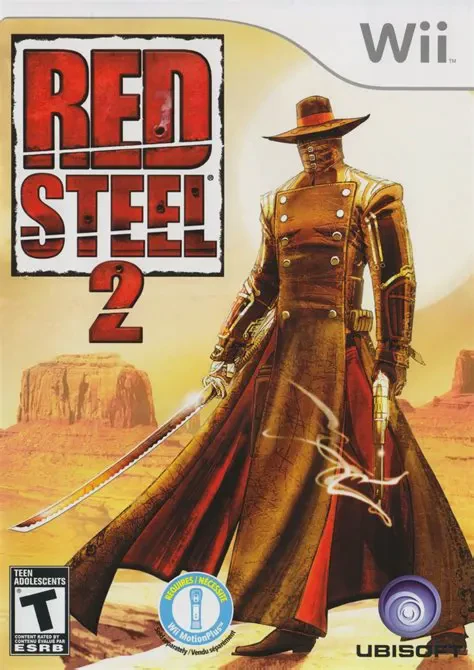
Red Steel 2 is a high-octane, motion-controlled first-per...
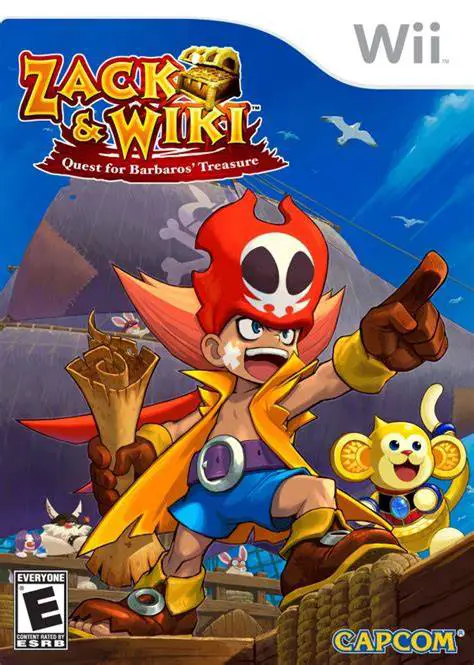
Zack & Wiki: Quest for Barbaros' Treasure is a brilliant,...
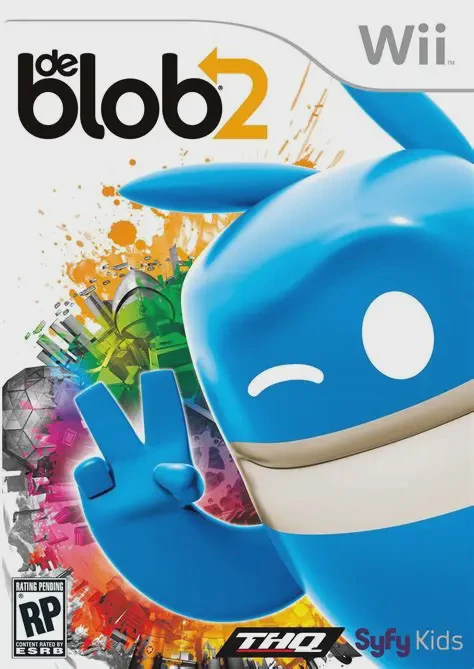
de Blob 2 is a inventive, highly energetic 3D platformer ...
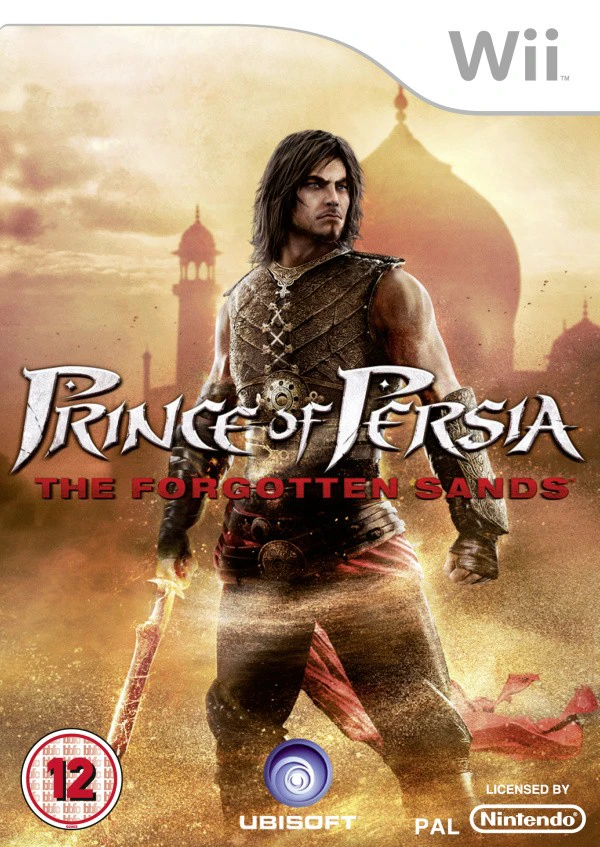
Prince of Persia: The Forgotten Sands is a acclaimed acti...