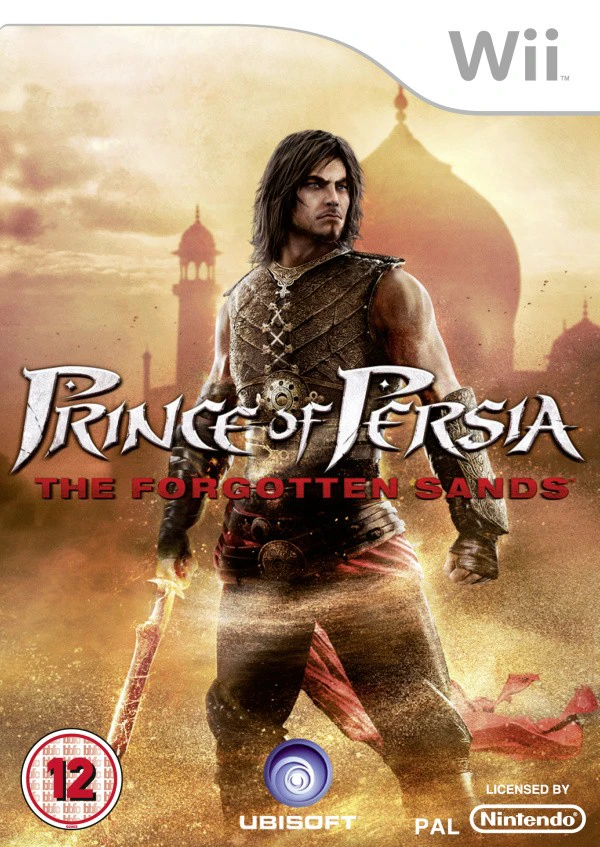
Prince of Persia: The For...
Prince of Persia: The Forgotten Sands is a acclaimed acti...

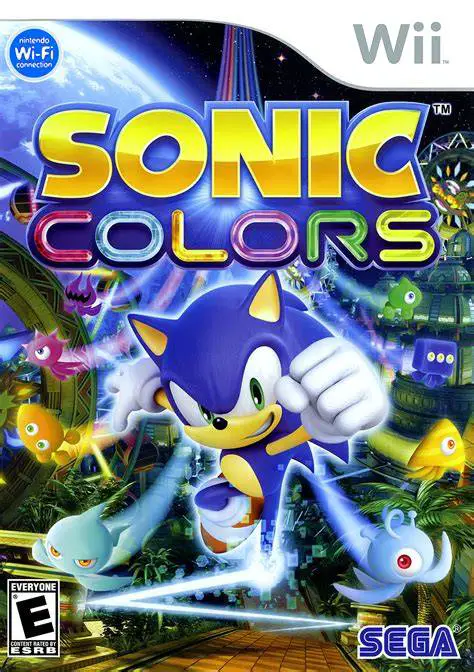
Sonic Colors blends blistering high-speed 3D action with precise 2D side-scrolling platforming. Upon discovering that Dr. Eggman's massive space amusement park is a front to enslave a benevolent alien species called Wisps, Sonic journeys across seven distinct planetary attractions—ranging from a giant candy constellation to a high-speed roller coaster world—to destroy Eggman's mind-control generators.
The game's defining innovation is the Wisp Power-Up System. By rescuing different colored Wisps scattered throughout levels, Sonic absorbs specialized hyper-abilities: Cyan Wisps transform him into a high-speed laser bouncing off reflective walls, Yellow Wisps allow him to drill through dirt and underwater terrain, and Orange Wisps launch him like a rocket to reach hidden paths. Featuring vibrantly rendered alien environments, an incredible upbeat soundtrack, and smooth responsive controls, Sonic Colors offers an unmissable platforming experience.
Specification | Details |
Title | Sonic Colors |
Platform | Nintendo Wii |
Developer | Sonic Team |
Publisher | Sega |
Release Date | November 16, 2010 (North America) / November 12, 2010 (Europe) / November 18, 2010 (Japan) |
Genre | Platformer / Action |
Mode | Single-player, 2-Player Local Co-op (Sonic Simulator) |
Media Format | Wii Optical Disc |
Video Output | 480p, 16:9 Widescreen Support |
Dynamic Wisp Power-Up System: Channel alien abilities using Wisps to drill underground, laser-bounce through mirrors, float like a hovercraft, or launch high into the sky.
Seamless 3D-to-2D Perspective Shifts: Transition effortlessly between blistering 3D third-person speedways and tight 2D side-scrolling precision platforming.
Interstellar Park Worlds: Explore six expansive planetary areas including Tropical Resort, Sweet Mountain, Starlight Carnival, Planet Wisp, Aquarium Park, and Asteroid Coaster.
Egg Sonic Simulator (Co-op Mode): Team up with a friend in virtual-reality multiplayer stages to clear custom puzzle-platforming stages and unlock Chaos Emeralds.
Versatile Controller Support: Play using your preferred control scheme, fully supporting Wii Remote & Nunchuk, Wii Classic Controller, or GameCube controller.
Yes, Sonic Colors runs fantastically well on the Dolphin emulator. It supports high-definition rendering (1080p/4K), widescreen enhancements, and smooth controller mapping across modern PC gamepads.
No, while motion gestures are supported for triggering Wisp powers when using a Wii Remote, you can disable motion controls entirely by using a Wii Classic Controller or GameCube Controller.
To unlock Super Sonic, players must collect all 180 Red Star Rings hidden throughout the main single-player stages and complete all levels in the 2-player Egg Sonic Simulator mode to collect the seven Chaos Emeralds.
While sharing the same story and theme, the Wii version is a 3D/2D hybrid console game developed by Sonic Team, while the DS version is a pure 2D side-scroller developed by Dimps featuring unique Wisps like the Red Burst and Violet Void.
Click the links below to go to the cloud drive download page
⚠️ Download Tips:
Prince of Persia: The Forgotten Sands is a acclaimed acti...
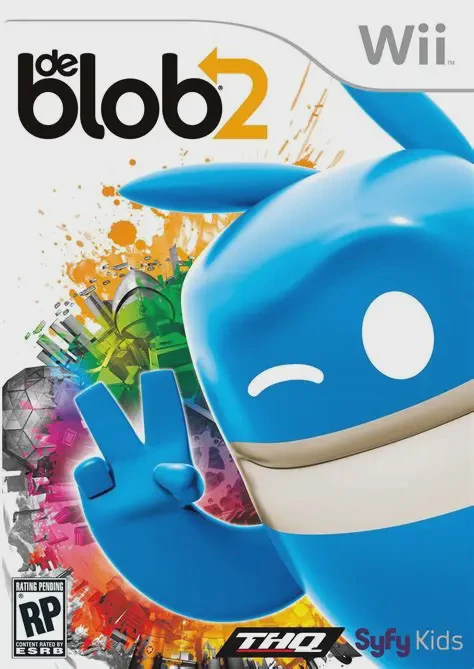
de Blob 2 is a inventive, highly energetic 3D platformer ...
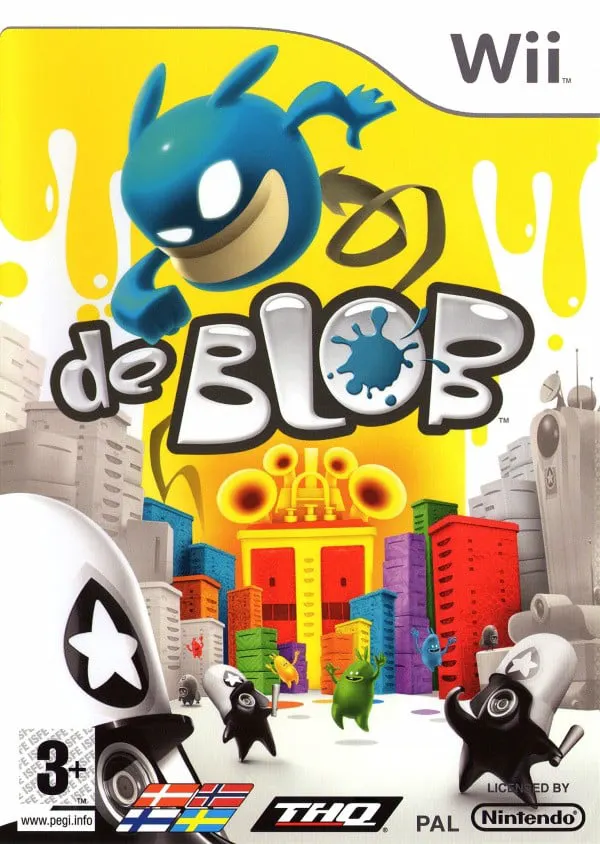
de Blob is an inventive, colorful 3D platformer developed...
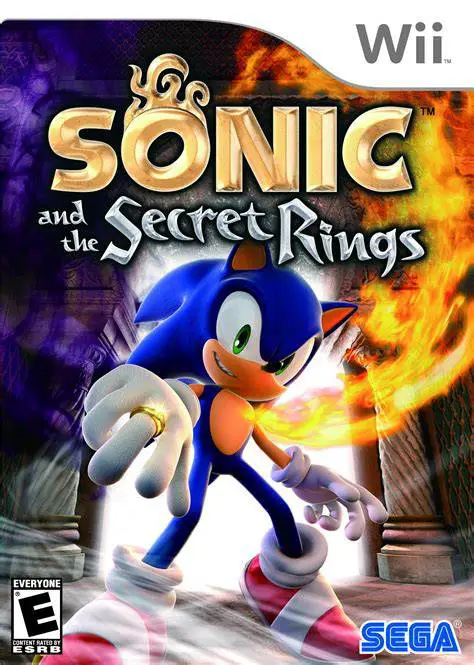
Sonic and the Secret Rings is a fast-paced action platfor...
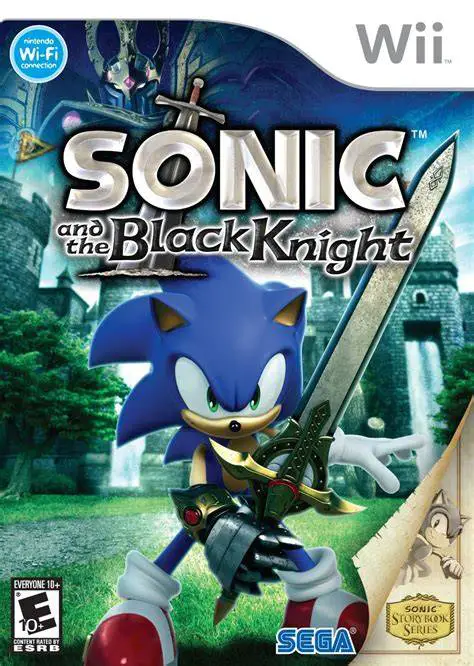
Sonic and the Black Knight is an action-adventure platfor...