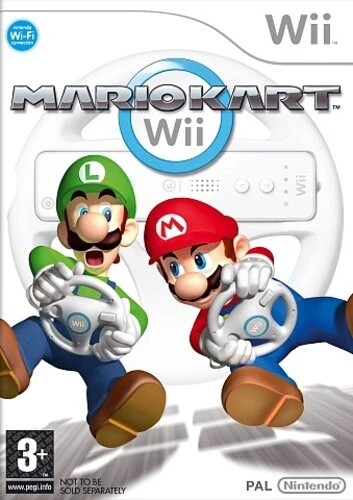
Mario Kart Wii
Mario Kart Wii is a wildly popular racing game released f...

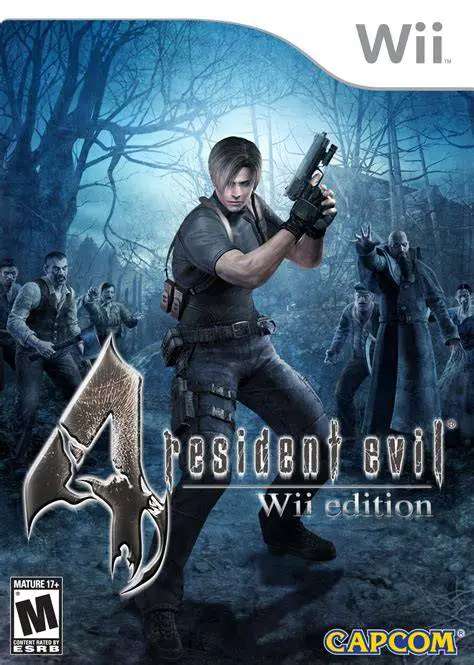
Resident Evil 4: Wii Edition revitalized the survival horror franchise by combining an over-the-shoulder third-person camera perspective with tight, action-oriented firearm combat. Leon must fight off waves of hostile, parasite-infected villagers (Ganados), zealots, and terrifying bio-organic weapons while managing limited ammunition, health supplies, and inventory space inside his iconic briefcase.
What elevates the Wii Edition into legendary status among retro gamers and emulation enthusiasts is its control scheme. Players use the Wii Remote's infrared pointer for direct, instant aiming, replacing the original analogue stick aiming with incredible precision and speed. Swinging the Wii Remote allows for quick knife attacks, while contextual QTE prompts utilize Nunchuk and Wii Remote motions. The game also includes all post-launch content, including the Separate Ways campaign starring Ada Wong, the Mercenaries arcade mode, and bonus costumes and weapons.
Specification | Details |
Title | Resident Evil 4: Wii Edition |
Platform | Nintendo Wii |
Developer | Capcom |
Publisher | Capcom |
Release Date | May 31, 2007 (Japan) / June 19, 2007 (North America) / June 29, 2007 (Europe) |
Genre | Survival Horror / Third-Person Shooter |
Mode | Single-player |
Media Format | Wii Optical Disc |
Video Output | 480p, 16:9 Widescreen Support |
Precision Pointer Aiming: Point the Wii Remote at the screen for intuitive, pinpoint accuracy when targeting enemy limbs, headshots, or thrown explosives.
Comprehensive Content Package: Includes the full Leon story campaign alongside the five-chapter Separate Ways Ada Wong campaign, Assignment Ada, and The Mercenaries mini-game.
Contextual Motion Controls: Swing the Wii Remote to instantly slash with Leon's combat knife or execute quick-time event (QTE) dodges during cinematic cutscenes.
Inventory & Merchant System: Manage your weapon briefcase arrangement and buy, upgrade, or customize firearms at the mysterious Merchant using hidden treasure and pesetas.
Multiple Controller Schemes: Supports the classic Wii Remote & Nunchuk motion setup as well as traditional button controls via the GameCube Controller or Wii Classic Controller.
Yes, Resident Evil 4: Wii Edition runs fantastically well on the Dolphin emulator. Pointer aiming maps seamlessly to a PC mouse, infrared sensor bar, or modern controller analog sticks, making it one of the smoothest first-person aiming experiences in emulation.
No, Resident Evil 4: Wii Edition relies on the standard infrared sensor bar pointer and built-in accelerometers of the original Wii Remote, so Wii MotionPlus is not required.
Players can unlock powerful special weapons including the Chicago Typewriter (infinite submachine gun), Handcannon (magnum), P.R.L. 412 (laser cannon), and the Infinite Rocket Launcher by completing the main campaign and bonus modes.
The Wii Edition utilizes the core game engine and visual assets from the GameCube original while incorporating all bonus story chapters, extra weapons, and unlockable modes originally created for the PlayStation 2 release.
Click the links below to go to the cloud drive download page
⚠️ Download Tips:
Mario Kart Wii is a wildly popular racing game released f...
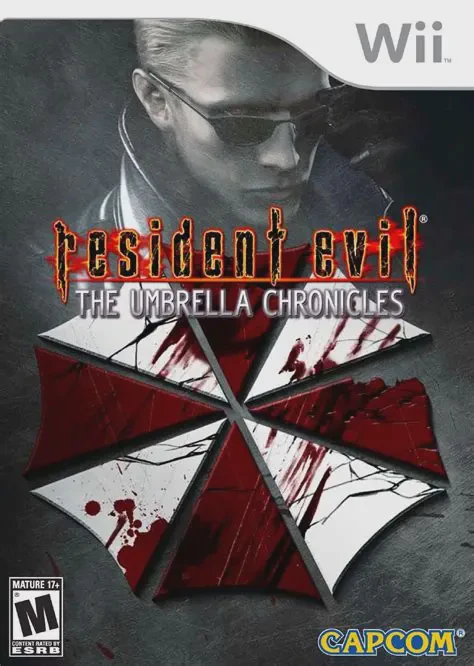
Resident Evil: The Umbrella Chronicles is an intense ligh...
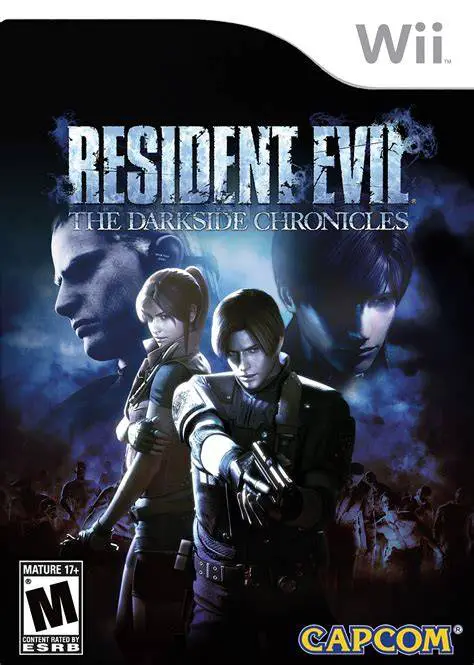
Resident Evil: The Darkside Chronicles is an atmospheric ...
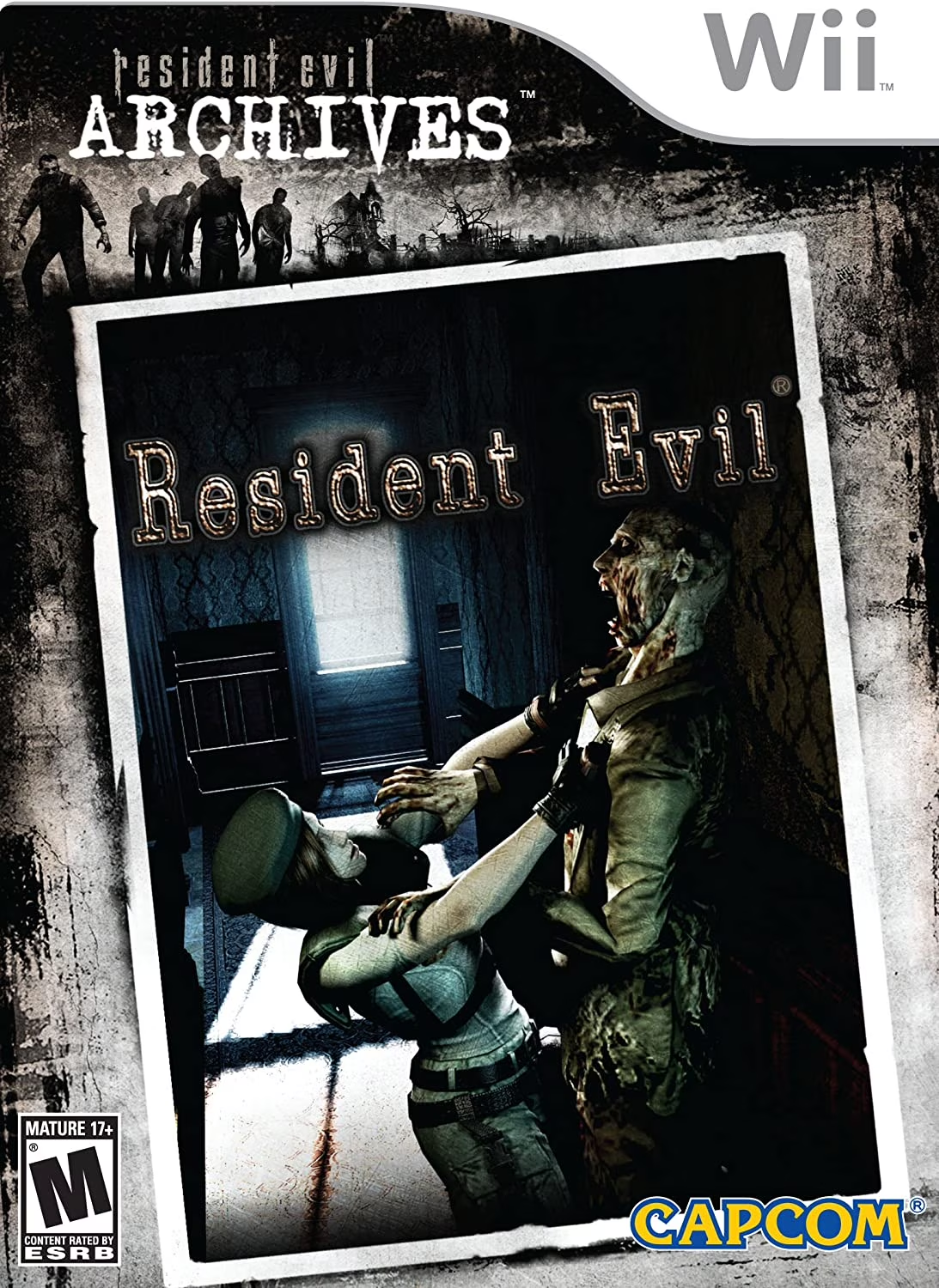
Resident Evil Archives: Resident Evil is a celebrated sur...
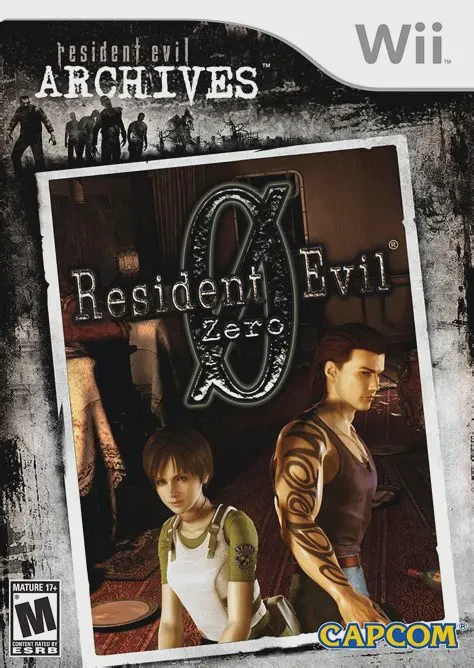
Resident Evil Archives: Resident Evil Zero is a tense, cl...