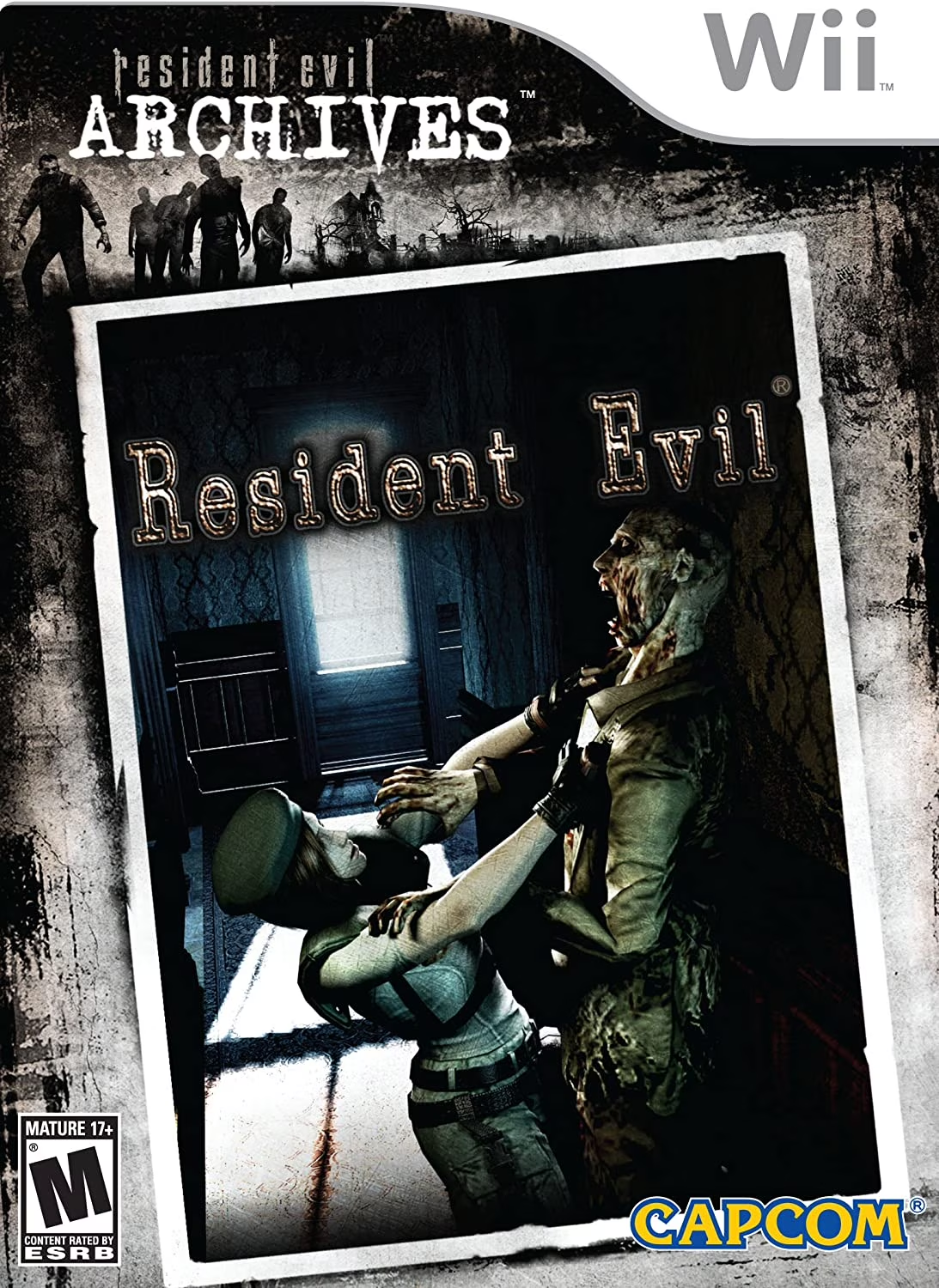
Resident Evil Archives: R...
Resident Evil Archives: Resident Evil is a celebrated sur...

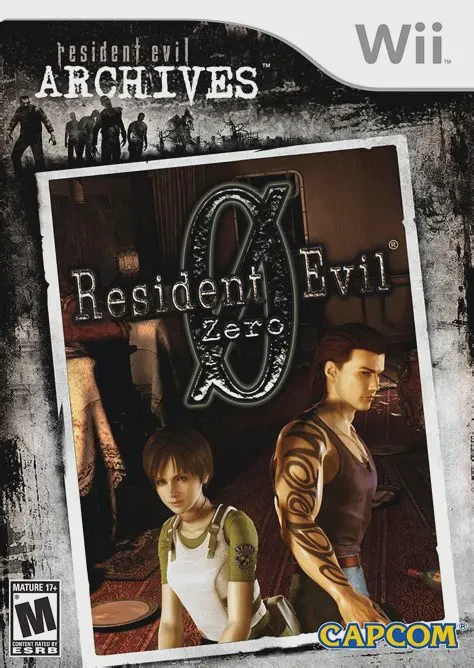
Resident Evil Archives: Resident Evil Zero dives deep into the canonical origins of the T-Virus outbreak and the founding secrets of the Umbrella Corporation. The story begins on the Ecliptic Express, a luxury train overrun by leech-like B.O.W.s and zombified passengers. Unlikely allies Rebecca Chambers and Billy Coen must combine forces to survive environmental traps, deadly mutated creatures, and Marcus's leech swarms.
The core gameplay centers around the unique Partner Zapping mechanic, allowing players to instantly switch control between Rebecca and Billy at the press of a button. Players must utilize each character's unique strengths: Rebecca can combine medical herbs and mix chemicals using her mixing kit, while Billy boasts higher health defense, stronger physical strength, and the ability to push heavy environmental objects. Notably, Zero drops the series' traditional item box system, allowing players to drop items anywhere on the floor and retrieve them later using the detailed map screen.
Specification | Details |
Title | Resident Evil Archives: Resident Evil Zero |
Platform | Nintendo Wii |
Developer | Capcom |
Publisher | Capcom |
Release Date | July 10, 2008 (Japan) / December 1, 2009 (North America) / January 22, 2010 (Europe) |
Genre | Survival Horror |
Mode | Single-player |
Media Format | Wii Optical Disc |
Video Output | 480p, 16:9 Widescreen & 4:3 Aspect Ratio Support |
Real-Time Partner Zapping System: Seamlessly switch between Rebecca Chambers and Billy Coen on the fly to solve dual-character puzzles, split up to cover ground, or fight side-by-side.
Drop-Item Inventory System: Replaces classic magic item boxes with an open floor drop mechanic, allowing items to be left anywhere on the map for later retrieval.
Distinct Character Abilities: Rebecca uses a specialized chemistry kit to combine herbs and chemicals, while Billy can push heavy machinery and sustain significantly more physical damage.
Terrifying Leech Mutants: Battle horrifying Leech Men and giant mutated B.O.W.s (such as the Stinger scorpion and Centurion) that require strategic elemental counters like molotov cocktails.
Multiple Controller Schemes: Supports traditional GameCube controller button layouts, the Wii Classic Controller, and adapted Wii Remote & Nunchuk configurations.
Yes, Resident Evil Archives: Resident Evil Zero runs exceptionally well on the Dolphin emulator. Its pre-rendered background art and crisp 3D character models scale beautifully, and control setups easily map to standard modern gamepads.
Unlike other classic entries, Zero allows players to drop up to six items directly on the floor in any room. Dropped items remain permanently visible on the map screen, allowing players to pick them back up whenever needed.
No, Resident Evil Zero retains traditional fixed camera perspectives and targeted auto-aiming from the classic survival horror era rather than first-person motion aiming.
No, Resident Evil Archives: Resident Evil Zero does not require or support the Wii MotionPlus accessory.
Click the links below to go to the cloud drive download page
⚠️ Download Tips:
Resident Evil Archives: Resident Evil is a celebrated sur...
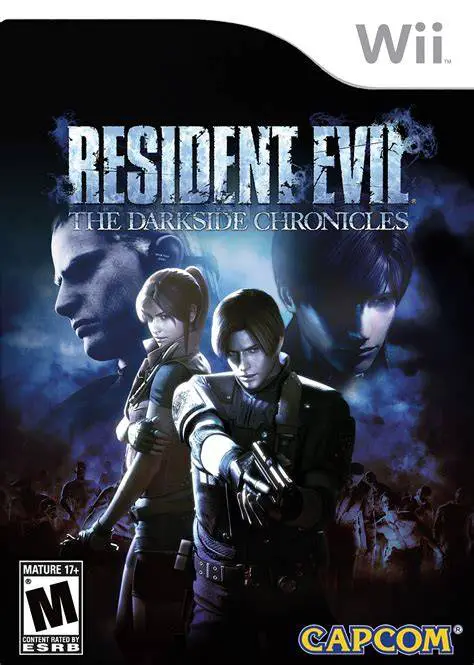
Resident Evil: The Darkside Chronicles is an atmospheric ...
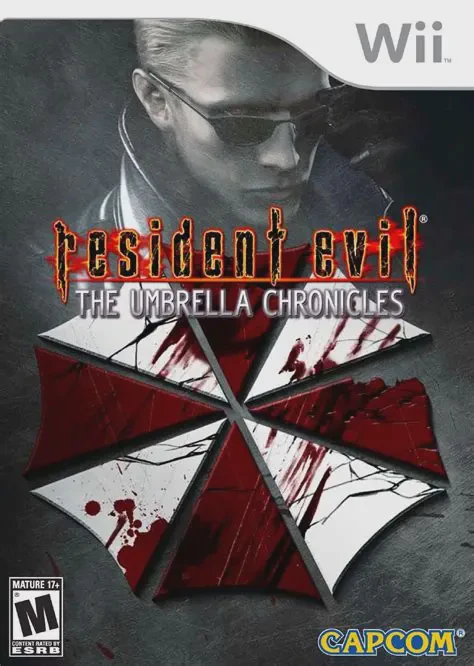
Resident Evil: The Umbrella Chronicles is an intense ligh...
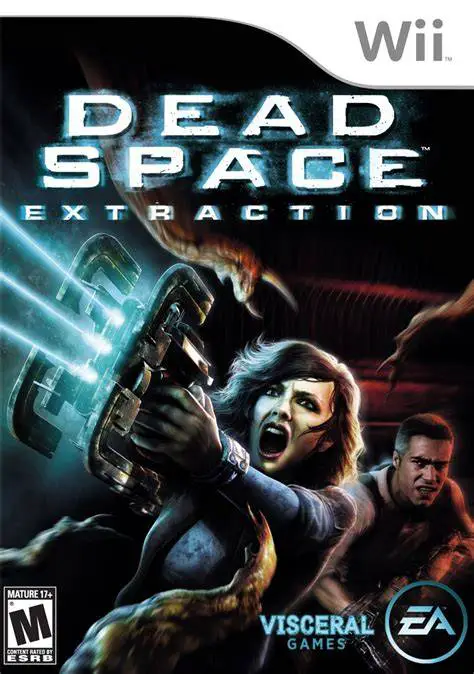
Dead Space: Extraction serves as an action-packed prequel...
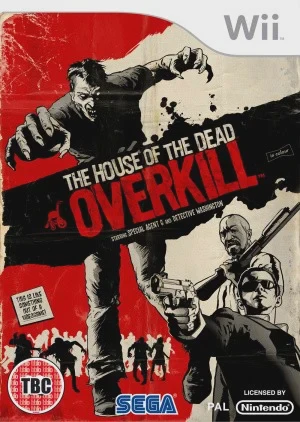
The House of the Dead: Overkill brings high-octane rail-s...