
Resident Evil: The Darksi...
Resident Evil: The Darkside Chronicles is an atmospheric ...

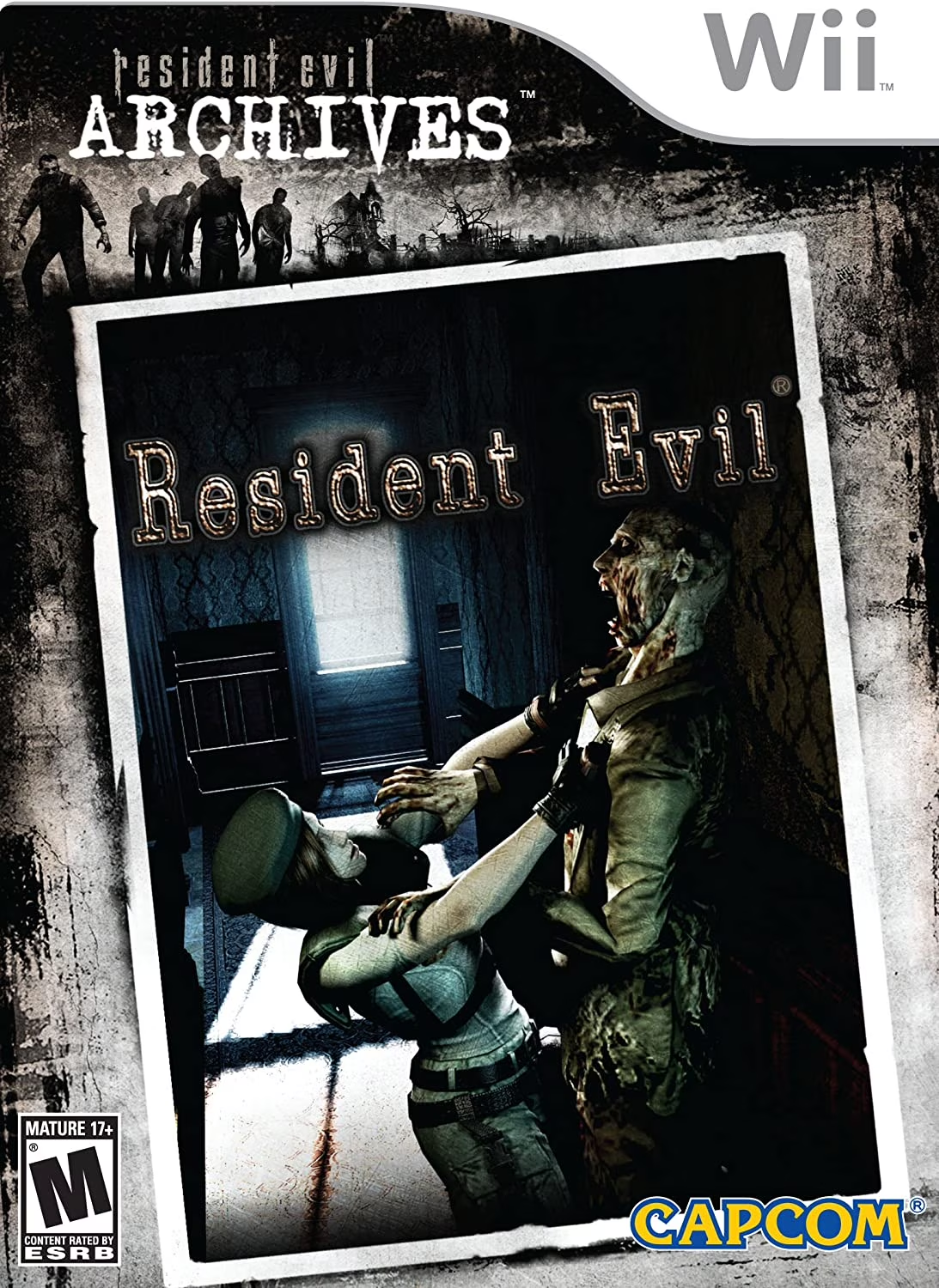
Resident Evil Archives: Resident Evil preserves the masterpiece design of the 2002 GameCube remake, widely regarded as one of the greatest video game remakes of all time. After Bravo Team goes missing in the Arklay Mountains, Alpha Team is deployed to investigate, only to be ambushed by monstrous canines and forced to take refuge in a seemingly abandoned mansion.
Gameplay retains classic survival horror fundamentals: fixed camera angles, tank-style navigation controls, inventory resource management, and intricate environmental puzzle-solving. Players must carefully manage ammunition, health herbs, and ink ribbons required for saving progress. The game introduces mechanics unique to the remake, including defensive daggers and stun tazers to break free from enemy grabs, and the terrifying Crimson Head mechanic—where defeated zombies reanimate into faster, far more lethal beasts unless burned with kerosene or decapitated.
Specification | Details |
Title | Resident Evil Archives: Resident Evil |
Platform | Nintendo Wii |
Developer | Capcom |
Publisher | Capcom |
Release Date | December 25, 2008 (Japan) / June 23, 2009 (North America) / June 26, 2009 (Europe) |
Genre | Survival Horror |
Mode | Single-player |
Media Format | Wii Optical Disc |
Video Output | 480p, 16:9 Widescreen & 4:3 Aspect Ratio Support |
Definitive Survival Horror Remake: Experience the expanded mansion layout, additional story lore (such as the tragic tale of Lisa Trevor), and refined puzzles from the 2002 remake.
Crimson Head Reanimation Mechanic: Defeated zombies that are not decapitated or burned using a lighter and kerosene flask will eventually resurrect as bloodthirsty, high-speed Crimson Heads.
Dual Protagonist Campaigns: Play as Chris Redfield (higher health, larger weapon capacity, fewer inventory slots) or Jill Valentine (eight inventory slots, lockpick access, lock-on assistance from Barry Burton).
Defensive Item System: Equippable self-defense items like daggers, flash grenades, and battery tasers allow players to counter-attack when grabbed by enemies.
Flexible Control Options: Offers multiple control schemes including traditional GameCube tank controls, adapted Wii Remote and Nunchuk schemes, and full support for the Wii Classic Controller.
Yes, Resident Evil Archives: Resident Evil runs exceptionally well on the Dolphin emulator. Its pre-rendered background art and crisp character models scale brilliantly, and traditional gamepad layouts map effortlessly to standard modern controllers.
Jill Valentine starts with eight inventory slots, receives the lockpick, carries the grenade launcher, and gets puzzle assistance from Barry Burton. Chris Redfield has six inventory slots, carries a lighter, can withstand more damage, and features a higher weapon critical hit chance.
No, unlike Resident Evil 4: Wii Edition or the Chronicles light-gun games, Archives retains the classic fixed camera perspectives and targeted auto-aim system of traditional survival horror titles. Motion inputs on the Wii Remote are limited to optional quick-shake gestures.
No, Resident Evil Archives: Resident Evil does not require or utilize the Wii MotionPlus accessory.
Click the links below to go to the cloud drive download page
⚠️ Download Tips:
Resident Evil: The Darkside Chronicles is an atmospheric ...

Resident Evil: The Umbrella Chronicles is an intense ligh...

Resident Evil 4: Wii Edition is a critically acclaimed su...
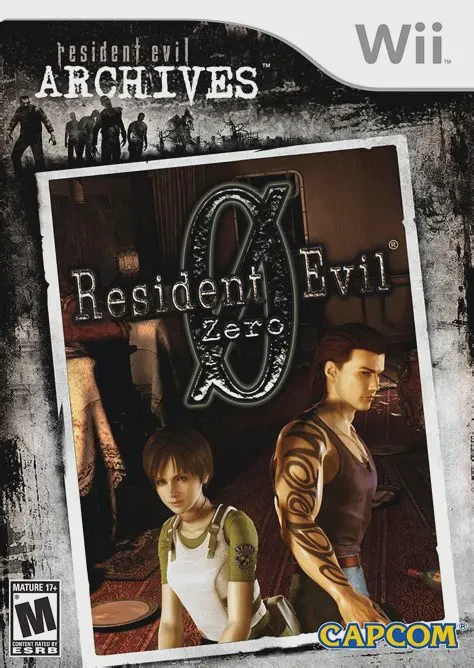
Resident Evil Archives: Resident Evil Zero is a tense, cl...

Dead Space: Extraction serves as an action-packed prequel...