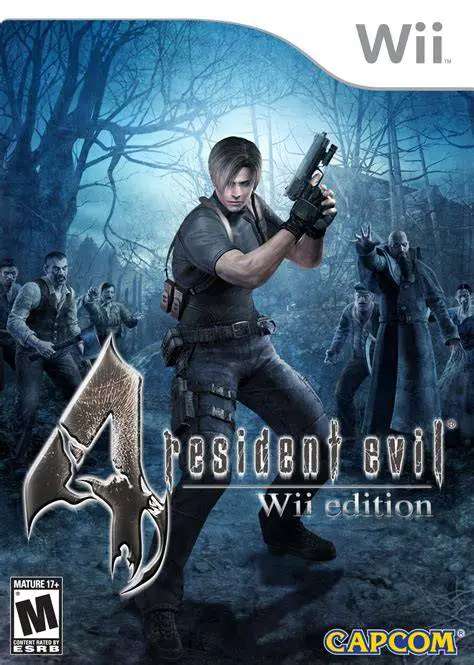
Resident Evil 4: Wii Edition
Resident Evil 4: Wii Edition is a critically acclaimed su...

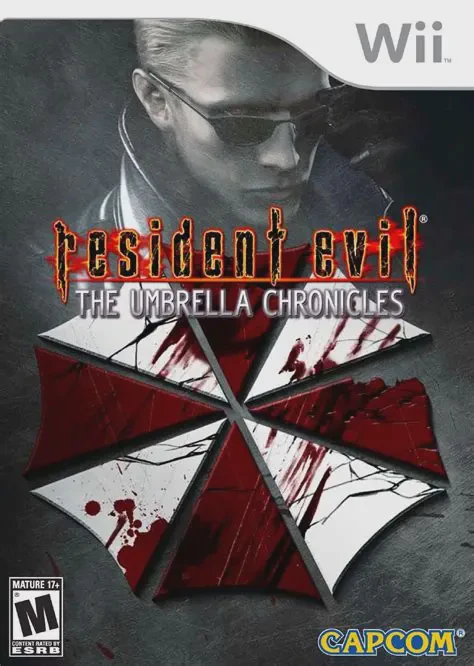
Resident Evil: The Umbrella Chronicles shifts the series' traditional survival horror gameplay into an arcade-style, on-rails light-gun shooter. Players step into the shoes of iconic protagonists—including Chris Redfield, Jill Valentine, Rebecca Chambers, Billy Coen, and Albert Wesker—as camera paths automatically guide them through bio-hazard-infested locations.
Gameplay focuses on fast-paced target acquisition, weapon management, and reflex-driven Quick Time Events (QTEs). Players use the Wii Remote pointer to target zombified enemies, aim for instant-kill headshots, shoot incoming projectiles, and destroy environmental objects to uncover hidden ammunition and story files. With full support for drop-in two-player local co-op and compatibility with peripheral attachments like the Wii Zapper, The Umbrella Chronicles offers a thrilling ride through series lore.
Specification | Details |
Title | Resident Evil: The Umbrella Chronicles |
Platform | Nintendo Wii |
Developer | Cavia / Capcom |
Publisher | Capcom |
Release Date | November 13, 2007 (North America) / November 15, 2007 (Japan) / November 30, 2007 (Europe) |
Genre | Rail Shooter / Light Gun / Survival Horror |
Mode | Single-player, 2-Player Local Co-op |
Media Format | Wii Optical Disc |
Video Output | 480p, 16:9 Widescreen Support |
First-Person Rail Shooter Gameplay: Experience classic Resident Evil storylines through automatic camera routing with full manual aiming control via the Wii Remote pointer.
Exclusive Umbrella Downfall Chapter: Play through "Umbrella's End," an original chapter set in 2003 depicting Chris Redfield and Jill Valentine's assault on Umbrella's final stronghold in Russia.
Albert Wesker Story Scenarios: Unlock side chapters from the perspective of Albert Wesker, detailing his secret movements and escape routes during major viral outbreaks.
Drop-In 2-Player Local Co-op: Team up with a friend to tackle hordes of B.O.W.s simultaneously, sharing cover fire and managing weapon resources together.
Weapon Upgrade & Lore System: Collect star points based on level completion ranks to upgrade handgun power, reload speeds, and capacity while unlocking expansive archive files.
Yes, Resident Evil: The Umbrella Chronicles runs exceptionally well on the Dolphin emulator. Point-and-shoot targeting maps cleanly to a PC mouse, infrared sensor bar setup, or standard gamepad analog stick.
No, the Wii Zapper is an optional plastic shell accessory. The game is fully playable using just the standard Wii Remote and Nunchuk setup.
No, The Umbrella Chronicles focuses on Resident Evil 0, Resident Evil, and Resident Evil 3: Nemesis. The events of Resident Evil 2 and Code: Veronica were later covered in the 2009 sequel, Resident Evil: The Darkside Chronicles.
To land an instant-kill critical hit on standard zombies, aim precisely at the small glowing sweet spot near the center of the forehead right before pulling the trigger.
Click the links below to go to the cloud drive download page
⚠️ Download Tips:
Resident Evil 4: Wii Edition is a critically acclaimed su...
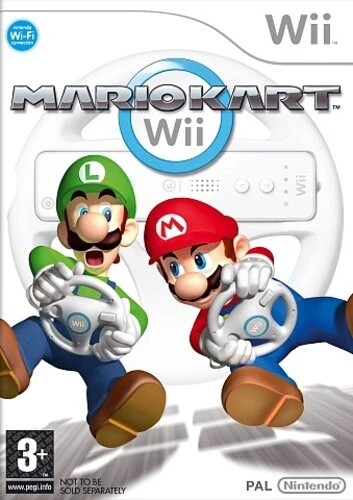
Mario Kart Wii is a wildly popular racing game released f...
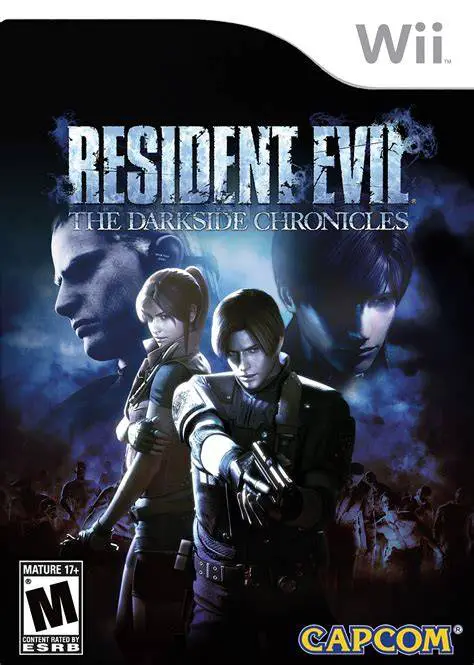
Resident Evil: The Darkside Chronicles is an atmospheric ...
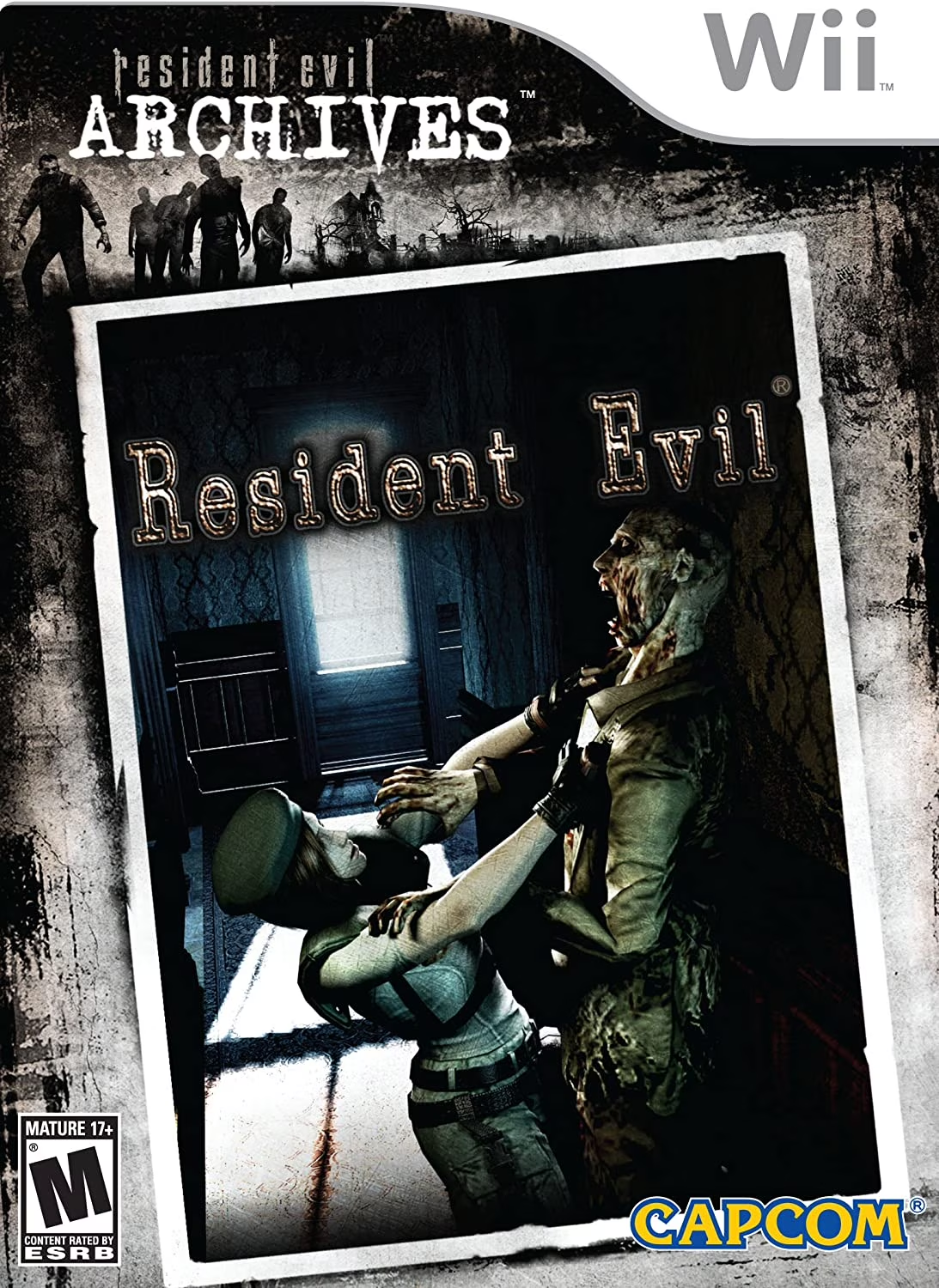
Resident Evil Archives: Resident Evil is a celebrated sur...
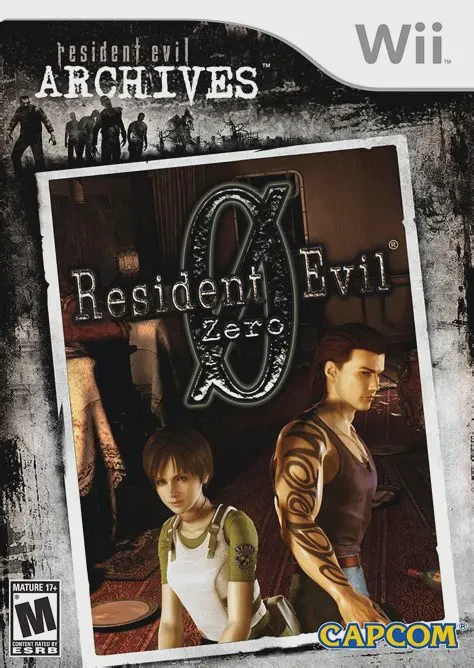
Resident Evil Archives: Resident Evil Zero is a tense, cl...