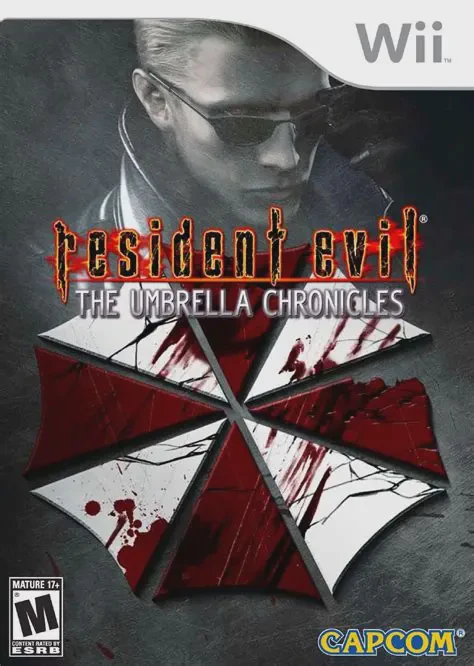
Resident Evil: The Umbrel...
Resident Evil: The Umbrella Chronicles is an intense ligh...

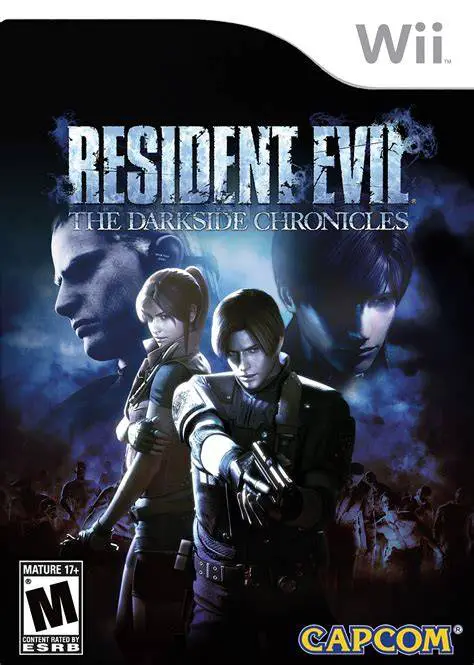
Resident Evil: The Darkside Chronicles elevates the on-rails light-gun formula with dramatic camera angles, advanced lighting effects, and an immersive "shaky-cam" perspective designed to mimic a handheld horror film camera. Players control fan-favorite characters—including Leon S. Kennedy, Claire Redfield, Steve Burnside, and Jack Krauser—as they navigate biohazard outbreaks across Raccoon City, the Antarctic Research Facility, Rockfort Island, and the South American jungle.
Gameplay relies on fast reflexes, precise point-and-shoot mechanics, and environmental interaction. Players utilize the Wii Remote pointer to blast through hordes of zombies and bio-organic weapons (B.O.W.s), land critical headshots, perform Quick Time Events (QTEs), and collect hidden gold pesetas and story files by shooting background scenery. The game features full drop-in two-player local co-op, an dynamic difficulty adjustment system that balances spawn rates based on player skill, and a weapon upgrade tree.
Specification | Details |
Title | Resident Evil: The Darkside Chronicles |
Platform | Nintendo Wii |
Developer | Cavia / Capcom |
Publisher | Capcom |
Release Date | November 17, 2009 (North America) / November 27, 2009 (Europe) / January 14, 2010 (Japan) |
Genre | Rail Shooter / Light Gun / Survival Horror |
Mode | Single-player, 2-Player Local Co-op |
Media Format | Wii Optical Disc |
Video Output | 480p, 16:9 Widescreen Support |
Expanded Story Campaigns: Experience dramatic retellings of "Memories of a Lost City" (RE2) and "Game of Oblivion" (Code: Veronica), alongside the exclusive "Operation Javier" prequel scenario.
"Operation Javier" Prequel Arc: Uncover the canonical backstory explaining the relationship between Leon S. Kennedy and Jack Krauser prior to the events of Resident Evil 4.
Dynamic Camera & Visual FX: Utilizes realistic handheld camera motion, high-quality character models, and advanced visual physics to heighten cinematic tension.
Drop-In 2-Player Local Co-op: Team up with a second player at any point during the campaign to divide fire zones, cover flanks, and battle multi-stage bosses.
Sub-Weapon & Customization Menu: Instantly switch between shotguns, submachine guns, magnum pistols, and bowguns using the Wii Remote D-pad while upgrading weapon stats in the front-end menu.
Yes, Resident Evil: The Darkside Chronicles runs very well on the Dolphin emulator. Pointer aiming for targeting enemies and picking up items maps cleanly to a PC mouse, infrared sensor bar, or controller analog stick.
The Darkside Chronicles introduces a "shaky-cam" style to heighten realism and cinematic immersion. While it makes aiming slightly more challenging during fast movement, it creates a more dynamic visual experience.
No, The Darkside Chronicles does not require Wii MotionPlus. It relies on standard infrared pointer tracking and accelerometer sensing built into standard Wii Remotes.
The game primarily covers Resident Evil 2 and Resident Evil Code: Veronica, complemented by the original "Operation Javier" story set in 2002.
Click the links below to go to the cloud drive download page
⚠️ Download Tips:
Resident Evil: The Umbrella Chronicles is an intense ligh...
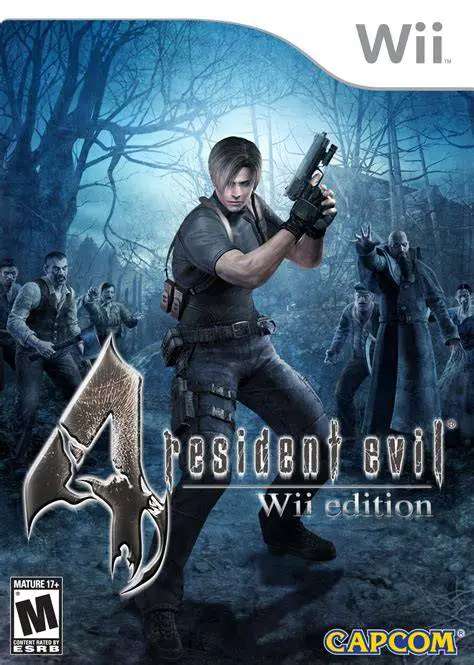
Resident Evil 4: Wii Edition is a critically acclaimed su...
Mario Kart Wii is a wildly popular racing game released f...
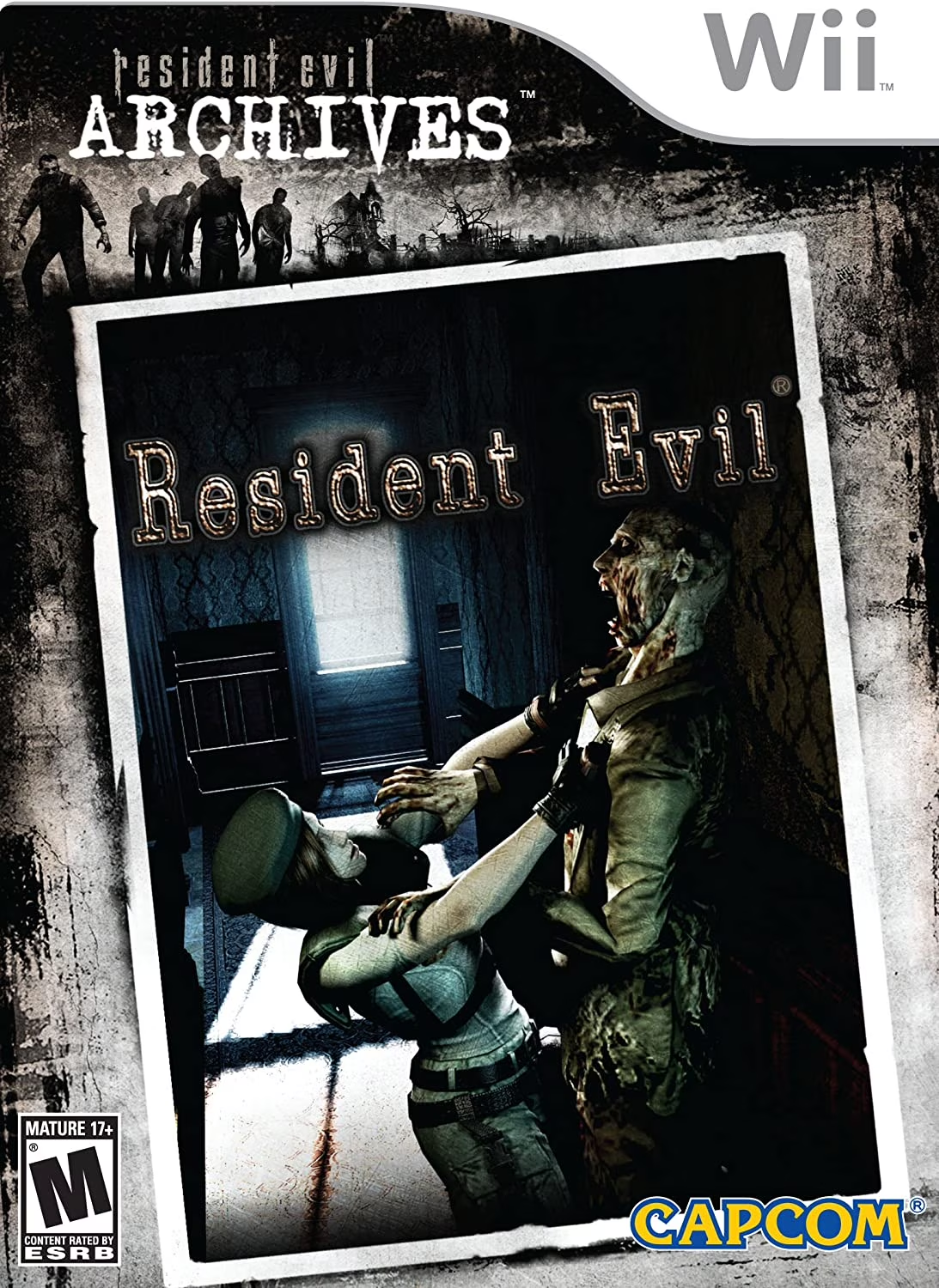
Resident Evil Archives: Resident Evil is a celebrated sur...
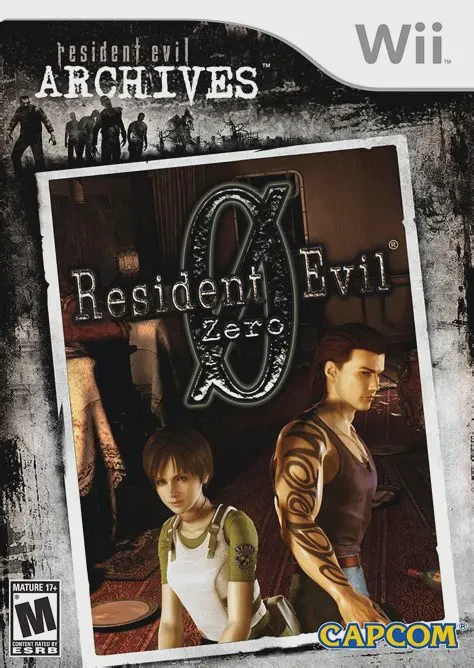
Resident Evil Archives: Resident Evil Zero is a tense, cl...